FARO
®
Laser Scanner Focus
3D
X 130 Manual
January 2014
38
Chapter 5: Getting Started
Setting the Date and Time
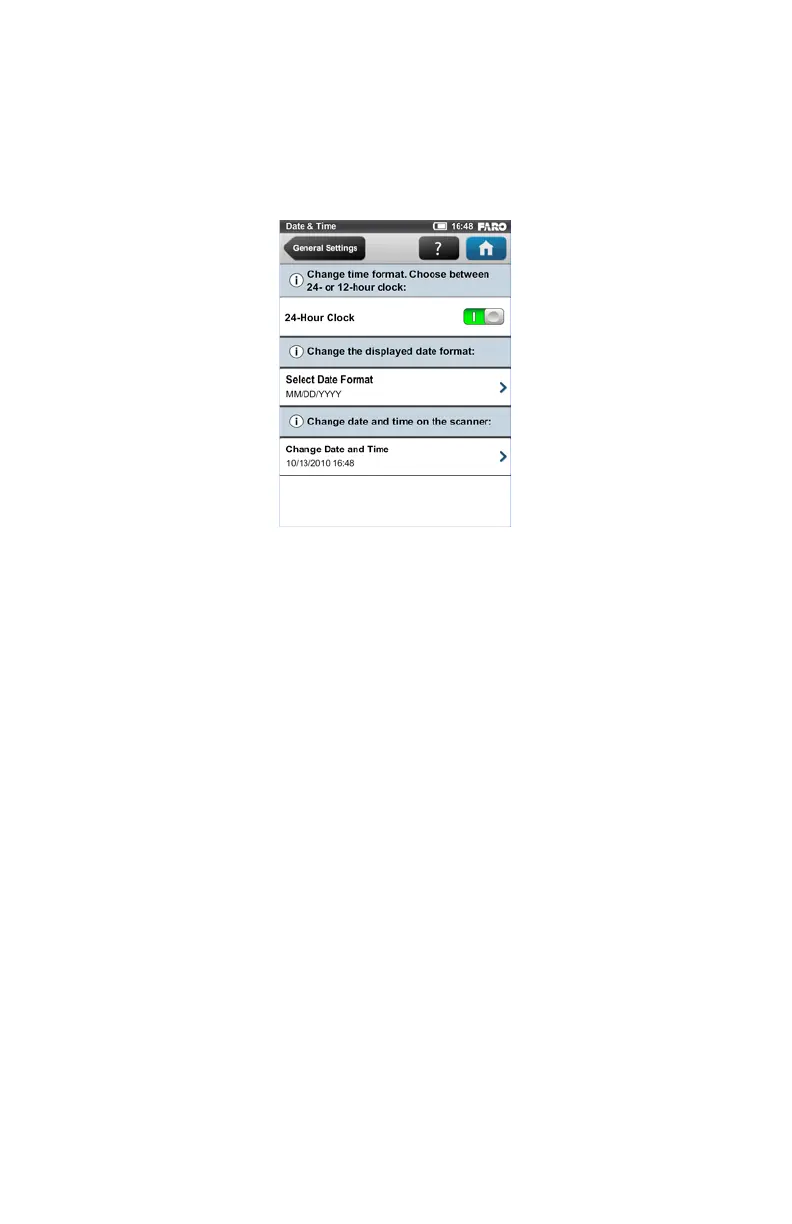
To change the date and time settings, go to Home > Manage > General Settings
> Date & Time.
Time Format - Click to set the time format. The controller software will show
the time either using the 24-hour or the 12-hour clock. Switching the button to
ON will select the 24-hour clock. Switching the button to OFF will select the 12-
hour clock.
Selected date format - Click to choose the date format. The currently selected
date format is displayed on the button itself.
Change date and time - Click to set the internal clock of the Focus
3D
X 130.
Figure 5-10 Date and Time Settings



 To Next Page