FARO
®
Laser Scanner Focus
3D
X 130 Manual
January 2014
33
Chapter 5: Getting Started
Powering the Focus
3D
X 130
The Focus
3D
X 130 can be operated with the battery and the external power
supply unit.
Supplying Power with the Battery
Adhere to the battery safety measures (“PowerBlock Battery Safety Measures”
on page 11) and mount a charged battery into the Focus
3D
X 130:
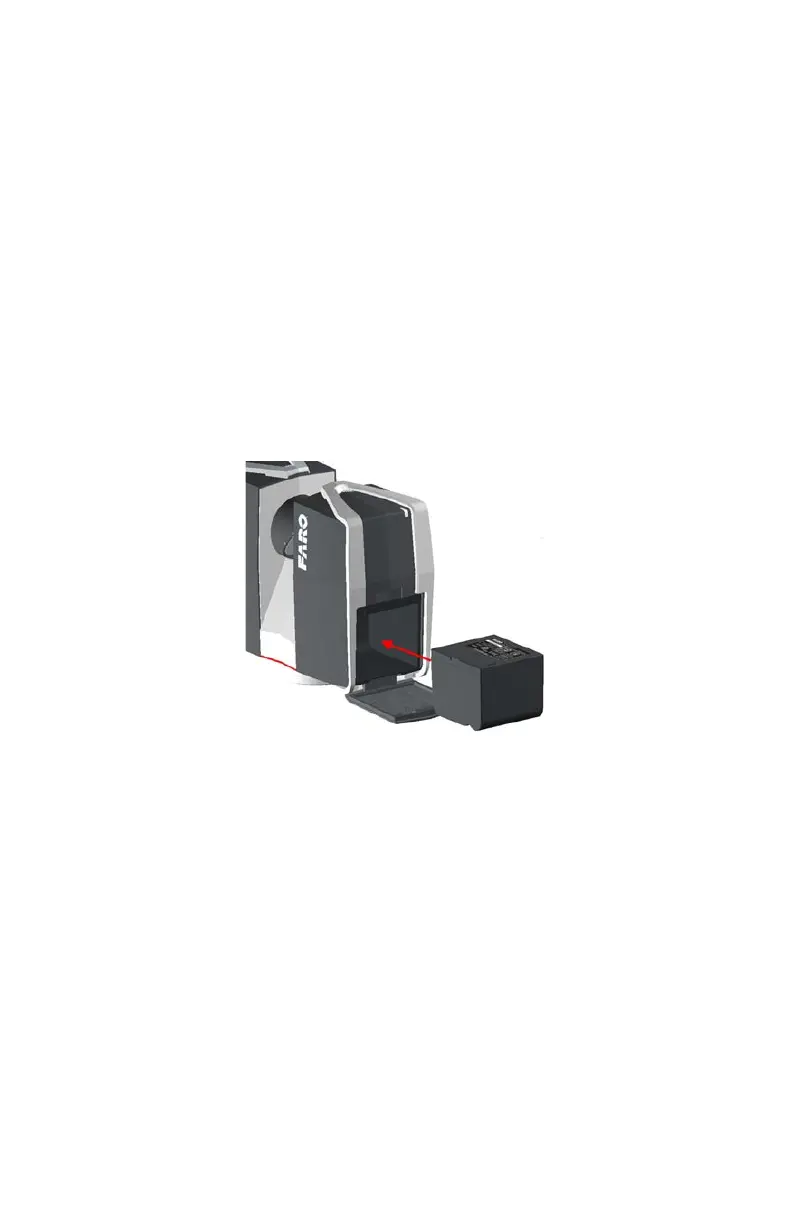
1 Open the scanner's battery compartment cover.
2 Turn the battery so that its type label is directed upwards, point the battery
contacts to the scanner, push the battery straight in, and slide it downward into
the battery compartment until the fastener clicks into position.
3 Close the battery cover.
Figure 5-5 Focus
3D
X 130 with Battery



 To Next Page