FARO
®
Laser Scanner Focus
3D
X 130 Manual
January 2014
74
Chapter 6: The Focus
3D
X 130 Controller Software
Creating a Scan Profile
As already mentioned, the Focus
3D
X 130 comes with factory predefined scan
profiles (see “Factory Predefined Scan Profiles Overview” on page 75 for an
overview of the available factory predefined scan profiles). These scan profiles
are read-only and cannot be changed or deleted. But you can add and manage
your own custom scan profiles of course.
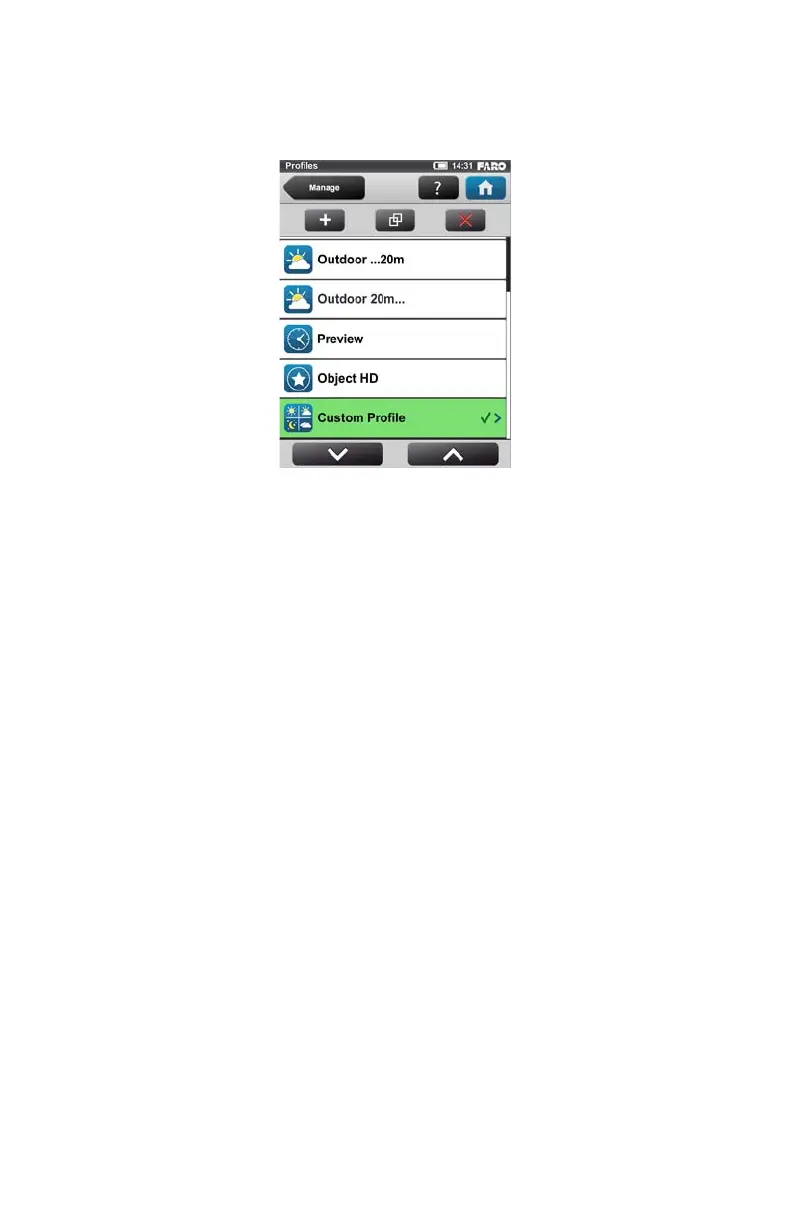
To add a new profile, click the add button. You can also add new profiles by
duplicating existing profiles. To do this, select the profile that you want to
duplicate and click the duplicate button. A new screen appears to enter the
profile name and to adjust its scan parameters.
Figure 6-12 Scan Profiles List



 To Next Page