4-20
[S7] Detection
Selectable Options
Selectable option Function description
Off (default value) Counter mode is not used.
On Enables Counter mode.
Set count is set to 10 as default.
It can be set to a value in the range of 1 to 16383.
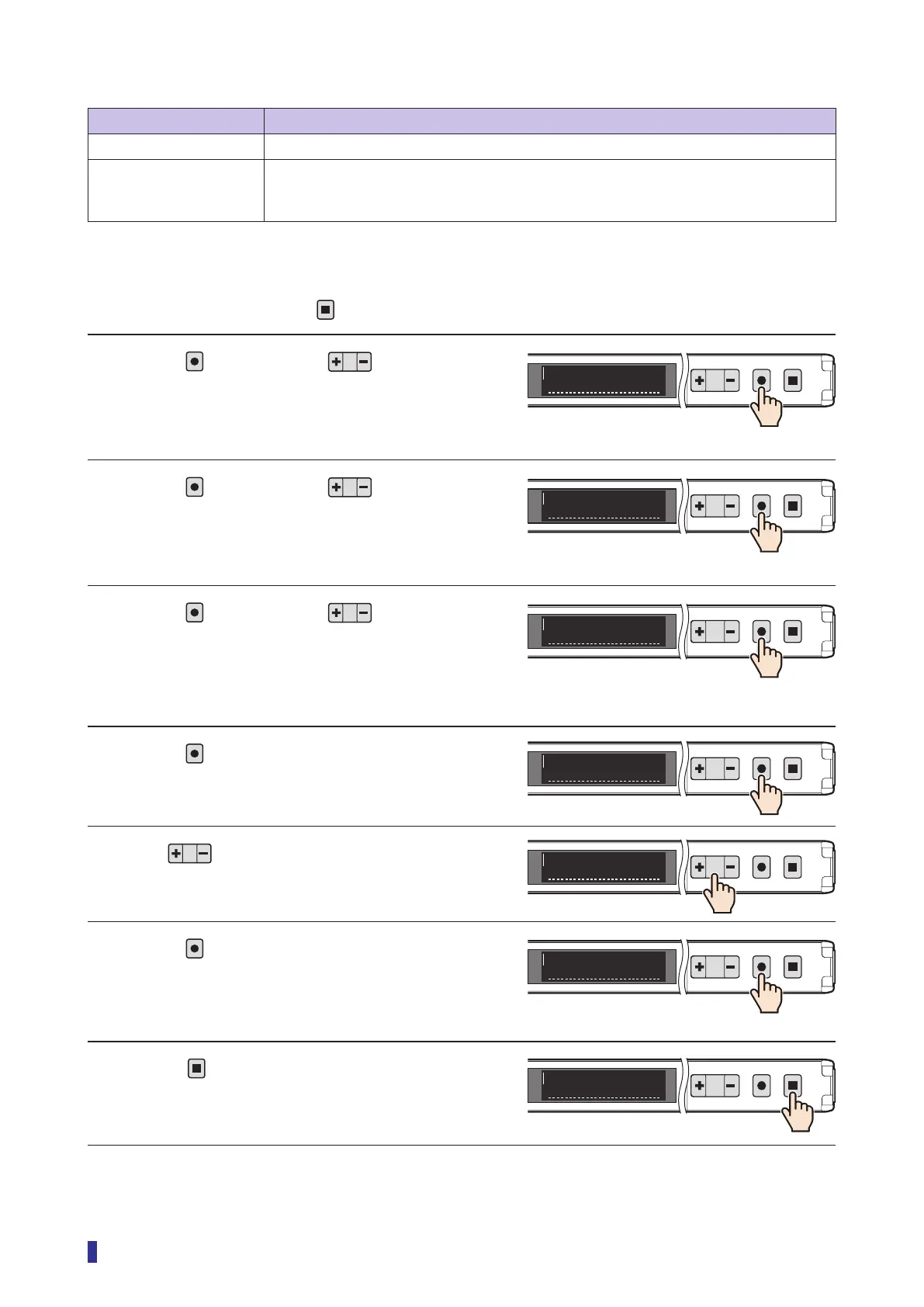
Operation Procedures
* To cancel the setting, press the
key.
1 Press
, and then use to select the
menu.
Select “S7 Detection” on the main menu.
2 Press
, and then use to select the
menu.
Select “D6 Counter” on the sub menu.
3 Press
, and then use to select
“On”.
4 Press
.
The Set count is displayed. (Default value: 10)
5 Use to set the Set count.
* It can be set to a value in the range of 1 to 16383.
6 Press
.
The setting is confirmed, and the OLED display
returns to the sub menu.
7 Press
.
The OLED display returns to the main menu.
Continued on next page
1
2
MENU
OK
TEACH
ESC
Detection
S7
1
2
MENU
OK
TEACH
ESC
Counter
D6
<Options>
Off, On
1
2
MENU
OK
TEACH
ESC
On
D6
1
2
MENU
OK
TEACH
ESC
10
D6
1
2
MENU
OK
TEACH
ESC
24
D6
1
2
MENU
OK
TEACH
ESC
Counter
D6
1
2
MENU
OK
TEACH
ESC
Detection
S7



 To Next Page