3-4
Setup on First Startup
3-2 Setup on First Startup
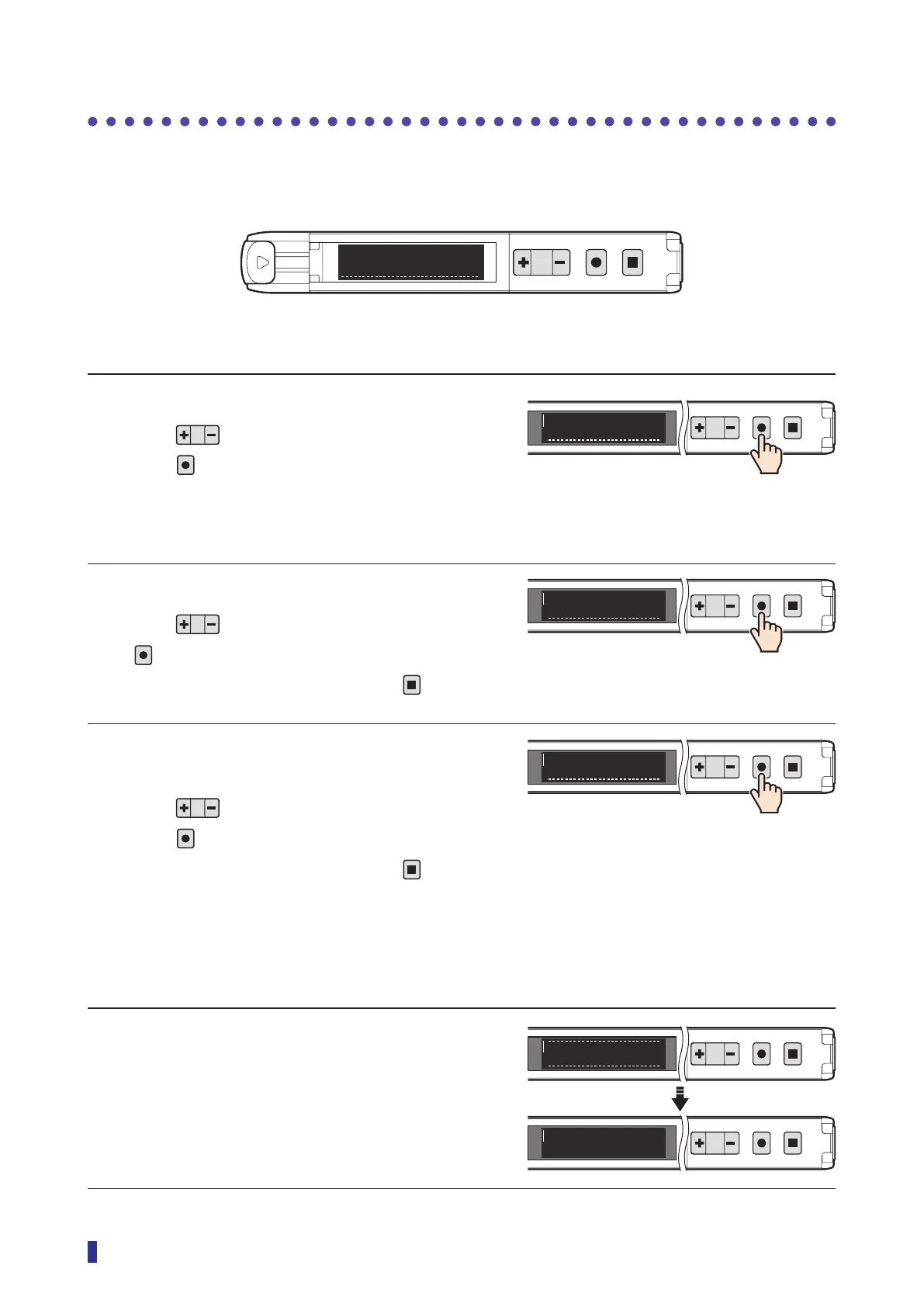
The first time you turn the product on or reset it, the following initial settings menu appears. Configure the
settings in the order they appear.
S
R
1
2
MENU
OK
TEACH
ESC
English
1/3
1 Select the language.
Press to select the language, and then
press
.
2 Select the output polarity.
Press to select the polarity, and then press
.
(To return to the previous menu, press
.)
3 Select the display mode of the received
light amount.
Press to select the display mode, and then
press
.
(To return to the previous menu, press
.)
4 This completes the initial settings.
The RUN screen will automatically appear.
<Options>
English, 日本語, Espanol, 简体中文,
한국어
1
2
MENU
OK
TEACH
ESC
English
1/3
<Options>
NPN, PNP, Push-pull
1
2
MENU
OK
TEACH
ESC
NPN
2/3
1
2
MENU
OK
TEACH
ESC
Std. display
3/3
<Options>
Std. display, Hold display
The hold display is a function that maintains
and displays the peak and bottom values of
the detected received light amount. → Refer
to “4-5-2 [S6] - [P2] Hold display” (page
4-11).
1
2
MENU
OK
TEACH
ESC
To run mode
1
2
MENU
OK
TEACH
ESC
200
100



 To Next Page