4-13
1
2
3
4
Settings Menu
[S6] Display
4-5-7 [S6] - [P7] Zeroing
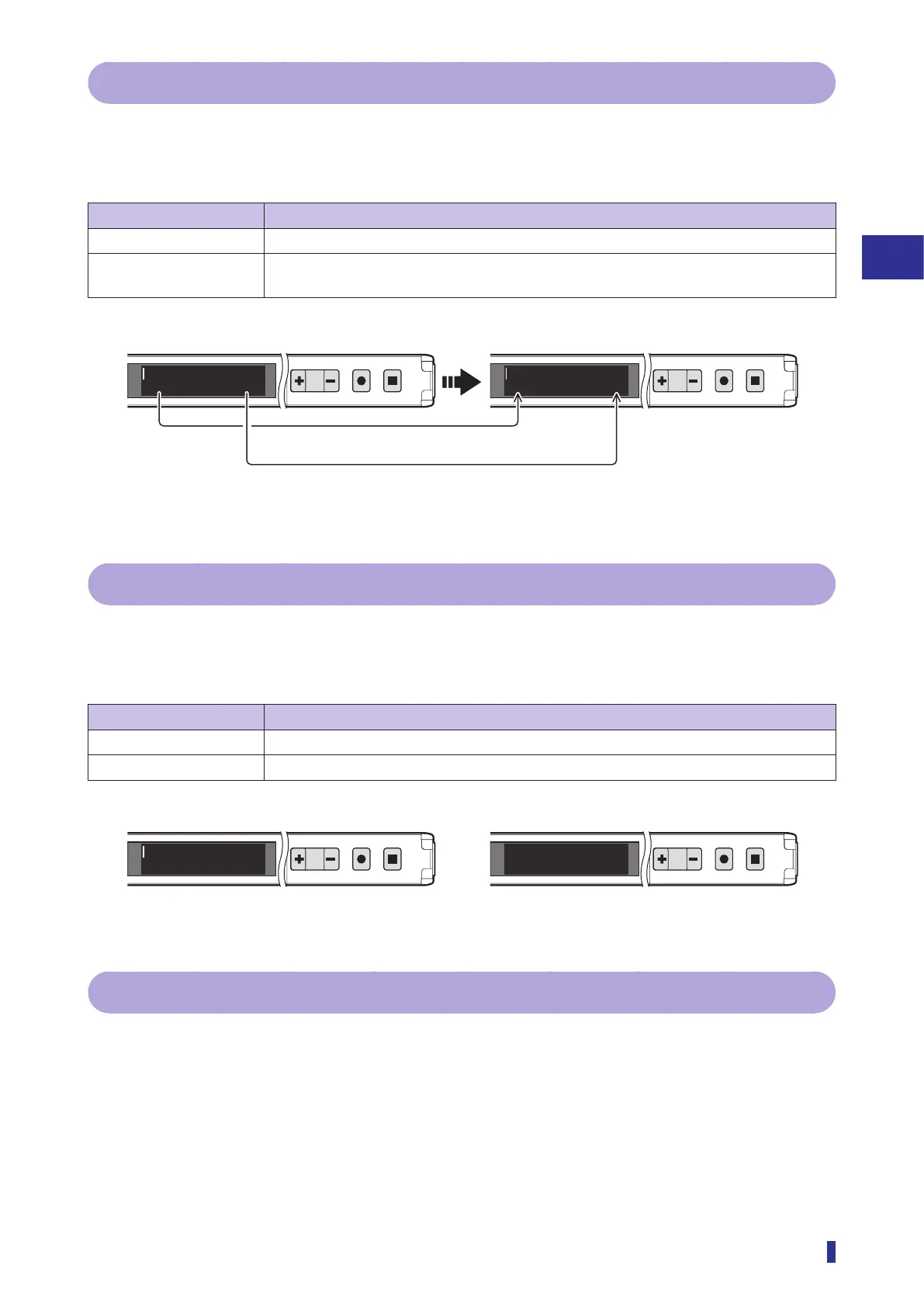
Executing the Zeroing function sets the current received light amount as zero.
Use this function when, for example, you want to set the reference received light amount as zero or you want
to set no object present as zero but the actual received light amount is not zero.
Selectable option Function description
Not used (default value) The Zeroing function will not be used.
Execute Executes the Zeroing function (displays the received light amount at the time of execution
as zero).
1
2
MENU
OK
TEACH
ESC
1
2
MENU
OK
TEACH
ESC
90100 010
4-5-8 [S6] - [P8] Eco mode
You can set to turn off the OLED display to reduce power consumption.
When there are no key operations for 2 minutes, this product switches to Eco mode and turns off the OLED
display. The display turns on again when any key is operated.
Selectable option Function description
Off (default value) Eco mode will not be used.
On Switches to Eco mode.
1
2
MENU
OK
TEACH
ESC
1
2
MENU
OK
TEACH
ESC
85100
4-5-9 [S6] - [P9] Stretch mode
The received light amount can be displayed with the value multiplied by 10 or 50.
This function only increases the displayed values, it does not amplify the actual received light amount.
For details on the Stretch mode function and how to set it, refer to “3-7-4 [P9] Stretch Mode” (page
3-45).
The received light amount is set as zero.
The threshold is set to the difference between
the threshold and the received light amount.
Executing the Zeroing function
On
Eco mode Off



 To Next Page