4-12
[S6] Display
4-5-5 [S6] - [P5] Invert display
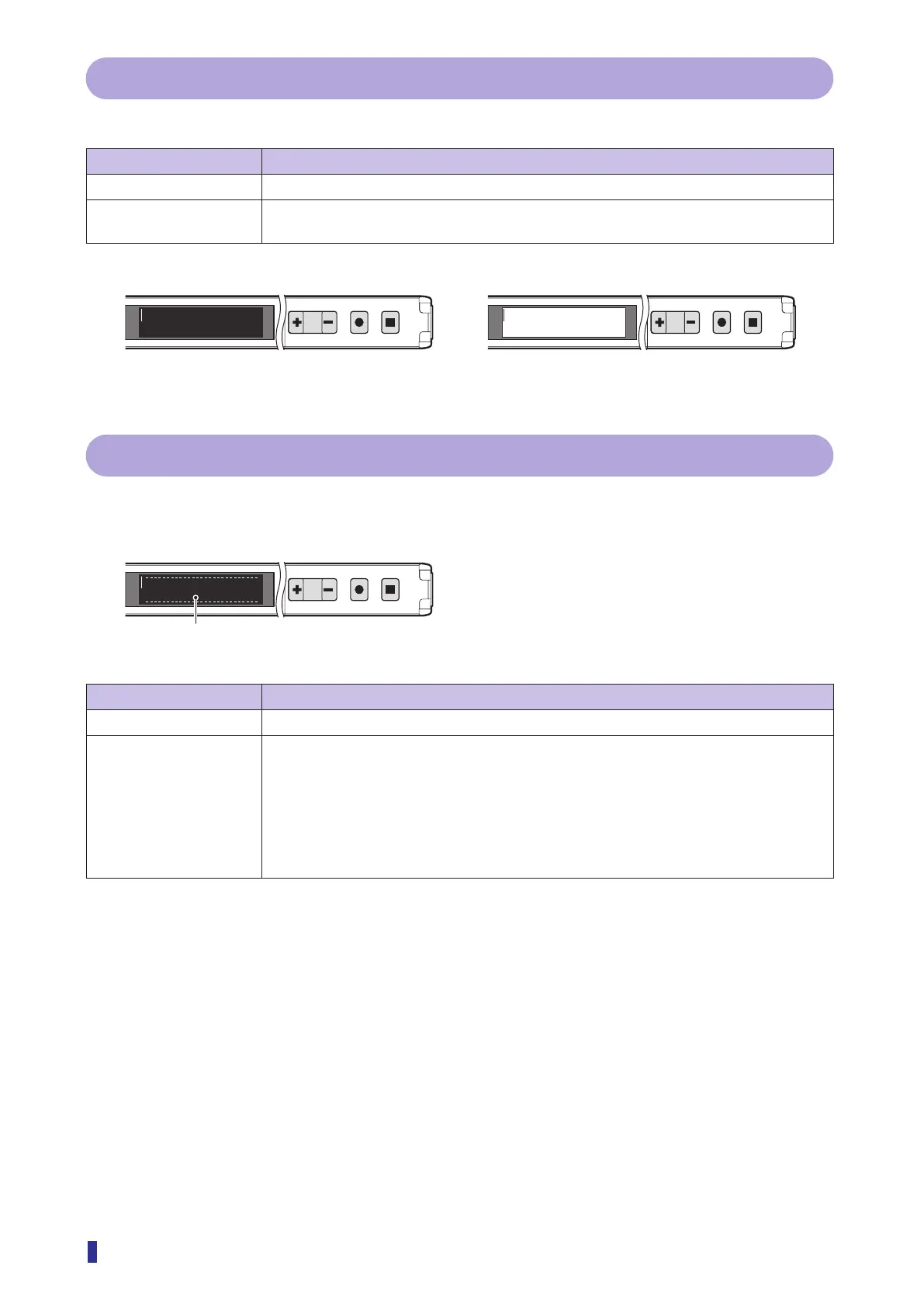
You can invert the colors of the text and background on the OLED display.
Selectable option Function description
Off (default value) This is the standard display with white characters on a black background.
On Inverts the colors of the text and background. The text becomes black and the background
white.
1
2
MENU
OK
TEACH
ESC
1
2
MENU
OK
TEACH
ESC
85100 85100
4-5-6 [S6] - [P6] Alarm display
Shows the internal diagnosis information of this product as alarms on the OLED display.
Example) Display of a short-circuit on an output line
1
2
MENU
OK
TEACH
ESC
Output error
Selectable option Function description
Off (default value) Alarms will not be displayed.
On The following alarms will be displayed.
Received light
*1
:
The received light amount diagnosis value drops to 50% or less.
High temp.
*1
:
The internal temperature exceeds the specified temperature.
Low temp.
*1
:
The internal temperature drops below the specified temperature.
Operat. hours
*1
:
The operating time exceeds 40000 hours.
Output error:
A short-circuit occurs on an output line.
*1: With IO-Link device models, the warning limits can be set via IO-Link. For information on the index
corresponding to this diagnosis function of IO-Link communication, refer to the index list.
On
Off
Alarm message



 To Next Page