4-28
[S8] I/O
4-7-7 [S8] - [O7] Load preset
Loads settings (Preset 1 to Preset 5) saved with [O6] Preset setting.
CAUTION
Note that executing the Load preset function overwrites the present settings, which cannot be recovered.
MEMO
When this product is shipped from the factory, the factory defaults are registered to the settings in Preset 1 to Preset 5.
Before using this function, use [S8] - [O6] Preset setting to register settings.
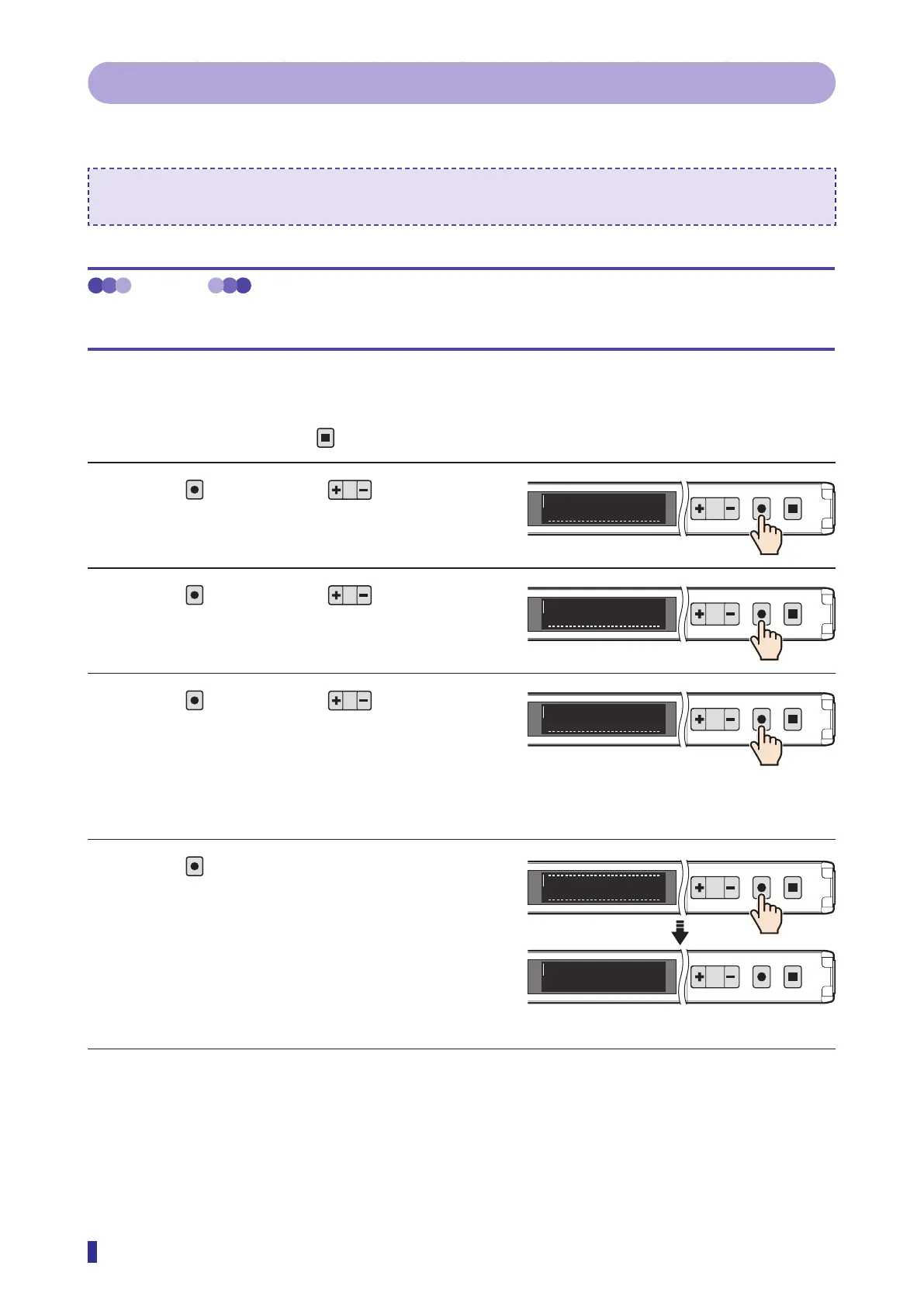
Operation Procedures
* To cancel the setting, press the
key.
1 Press
, and then use to select the
menu.
Select “I/O” on the main menu.
2 Press
, and then use to select the
menu.
Select “Load preset” on the sub menu.
3 Press
, and then use to select the
preset number to load.
You can select “Preset 1” to “Preset 5”.
4 Press
.
This completes the settings.
The OLED display returns to the RUN screen.
* If the Load preset function is executed without first
registering settings to Preset 1 to Preset 5, the
factory default settings will be loaded. Also, the
OLED display will be switched to English.
1
2
MENU
OK
TEACH
ESC
I/OS8
1
2
MENU
OK
TEACH
ESC
Load preset
O7
<Options>
Preset 1, Preset 2, Preset 3, Preset 4,
Preset 5
1
2
MENU
OK
TEACH
ESC
Preset 1
O7
RUN screen
1
2
MENU
OK
TEACH
ESC
Completed
1
2
MENU
OK
TEACH
ESC
900
1000



 To Next Page