3-19
1
2
3
Basic Usage
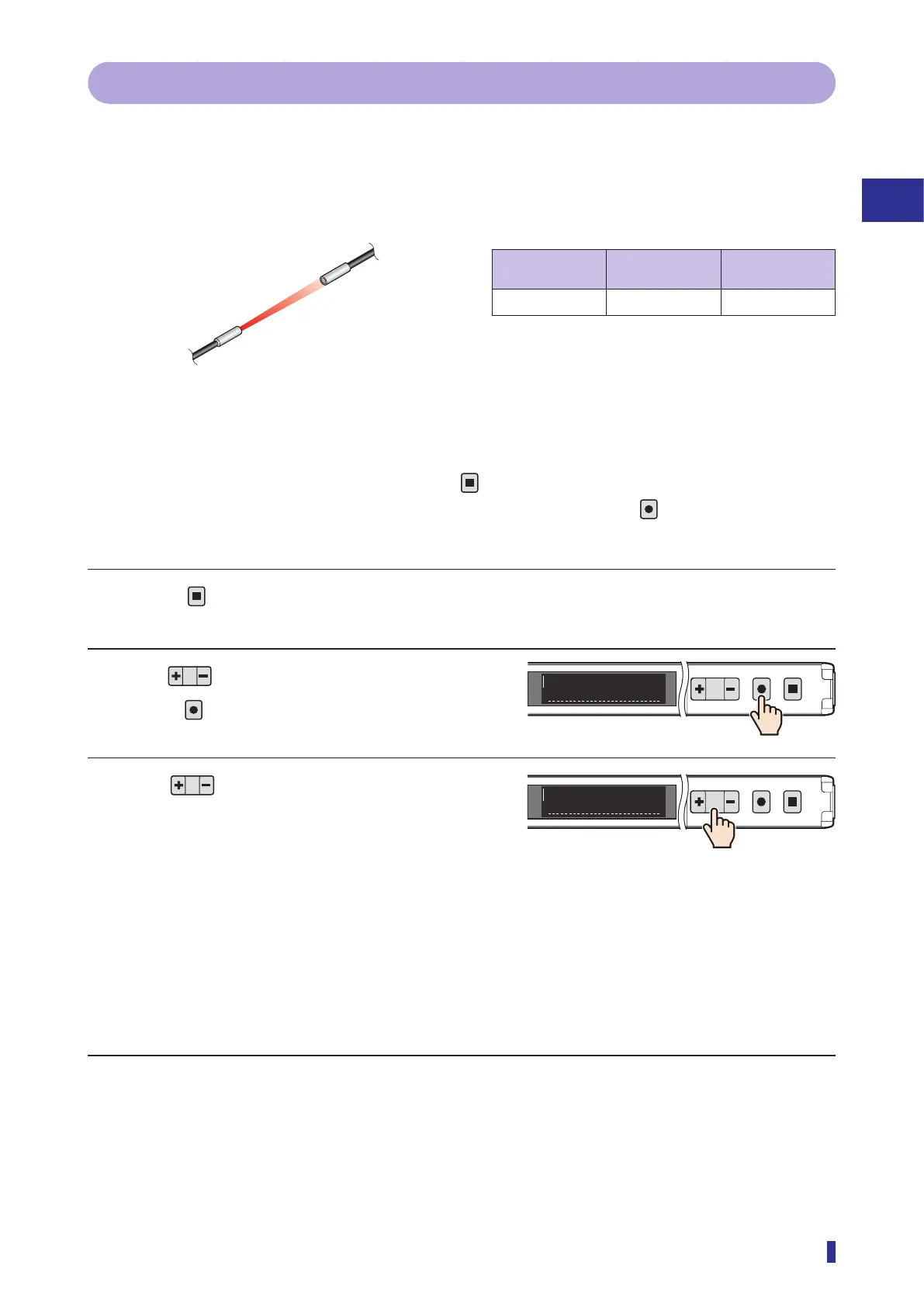
Setting the Threshold (Teach Function)
3-4-6 Through
The threshold is set to the lowest value required for detection on the basis of the received light amount when
no object is present.
This teach function is suitable for detection of targets such as small or transparent objects such as glass and
film when using a through-beam/retro-reflective fiber unit.
Setup for Through teach
Through-beam/
retro-reflective
Diffuse reflective Object
✓ ×
Not required
Operation Procedure
* To cancel the setting of the teach function, press the
key.
* To select the channel to teach (output 1 or output 2) in advance, hold down the
key for 1 second or
more.
1 Press
for less than 1 second.
The teach mode selection screen appears.
2 Use to display “Through”, and then
press
.
3 Use to adjust the detection margin
to set the thresholds.
As a percentage (0 to 99%), the threshold is set at
a lower amount than the received light amount
without an object present.
A smaller value will lead to detection when the
received light amount decreases even slightly. A
larger value reduces the influence of vibrations,
fluctuations, etc.
* With the default value (10%) the threshold is set
to an amount lower by 10% than the received light
amount when no object is present.
Continued on next page
Execute the teach function once with no object present.
[Through-beam]
1
2
MENU
OK
TEACH
ESC
Through
E4
1
2
MENU
OK
TEACH
ESC
10%
E4



 To Next Page