4-11
1
2
3
4
Settings Menu
[S6] Display
4-5-2 [S6] - [P2] Hold display
Continuously displays the highest value (peak level) and lowest value (bottom level) among all the times the
received light amount exceeds the threshold and drops below the threshold.
For details on the Hold display function and how to set it, refer to “3-7-3 [P2] Hold Display” (page 3-40).
4-5-3 [S6] - [P3] Brightness
You can set the screen brightness to one of nine levels.
You can extend the service life of the OLED display by setting Brightness to the lowest acceptable value.
Selectable Options
Selectable option Function description
Brightness (default value:
100%)
10 to 100% (in increments of 10%)
MEMO
When Brightness is set to 40 to 100%, it is lowered to 20% to extend the service lifetime of OLED display, if no key of
this product is operated for 2 minutes.
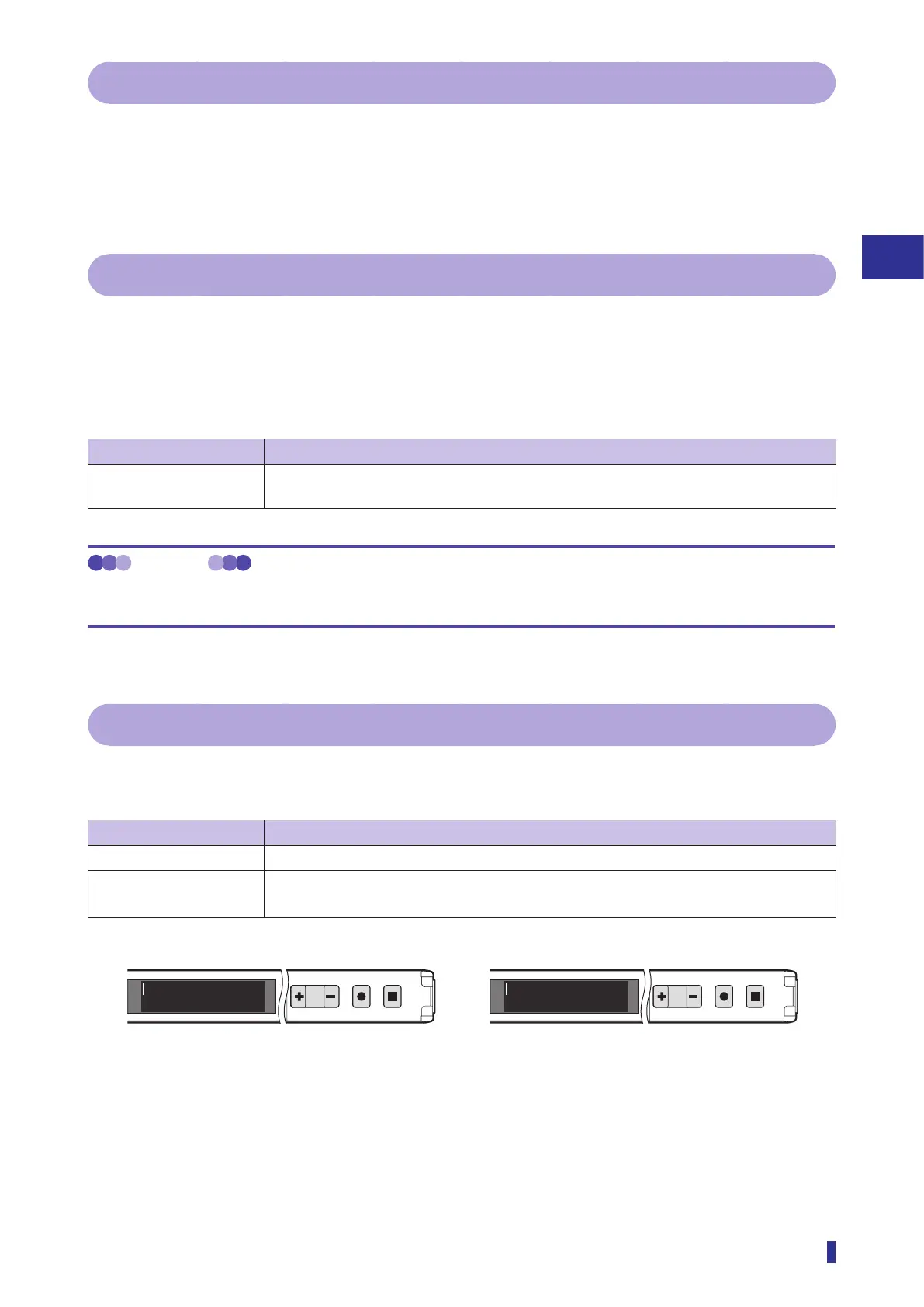
4-5-4 [S6] - [P4] Rotate display
You can flip the vertical orientation of the OLED display.
Set this mode to match the installation direction of the fiber amplifier.
Selectable option Function description
Off (default value) This is the standard display orientation.
On Flips the vertical orientation of the OLED display.
Select this option when installing the fiber amplifier with its top and bottom reversed.
1
2
MENU
OK
TEACH
ESC
1
2
MENU
OK
TEACH
ESC
85100
85100
On
Off



 To Next Page