3-31
1
2
3
Basic Usage
Shortcut Function
3-6-3 Lock Function
This function locks the operations of this product to prevent incorrect operations.
You can select to lock only key operations or key and external input operations.
Operation Procedure
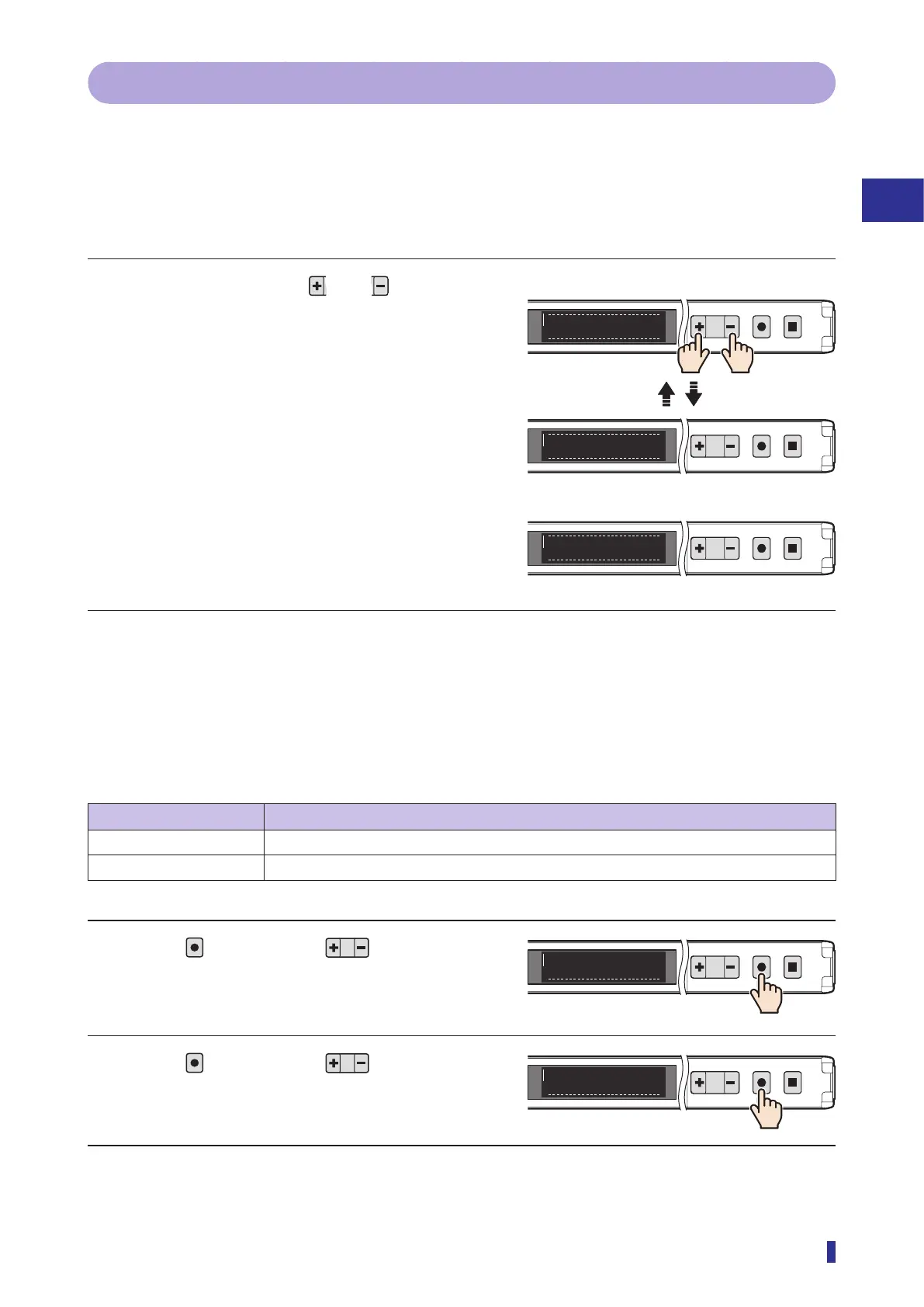
Simultaneously hold down and for 1
second or more.
Operations are locked.
Operations switch between locked and unlocked each
time these keys are pressed.
Lock Mode Setting
You can change the lock modes.
z [S8] - [O5] Lock modes
Selectable option Function description
Lock all (default value) Locks operations performed via the product’s keys and external input.
Lock keys Locks product key operations. Operations can still be performed via the external input.
1 Press
, and then use to select the
menu.
Display “I/O” on the main menu.
2 Press
, and then use to select the
menu.
Display “Lock mode” on the sub menu.
Continued on next page
1
2
MENU
OK
TEACH
ESC
1
2
MENU
OK
TEACH
ESC
1
2
MENU
OK
TEACH
ESC
Lock
Unlock
Key Locked
Locking
Unlocking
Key operation with keys locked
The message “Key Locked” blinks three times.
Press simultaneously
for 1 second or more.
1
2
MENU
OK
TEACH
ESC
I/OS8
1
2
MENU
OK
TEACH
ESC
O5
Lock mode



 To Next Page