3-32
Shortcut Function
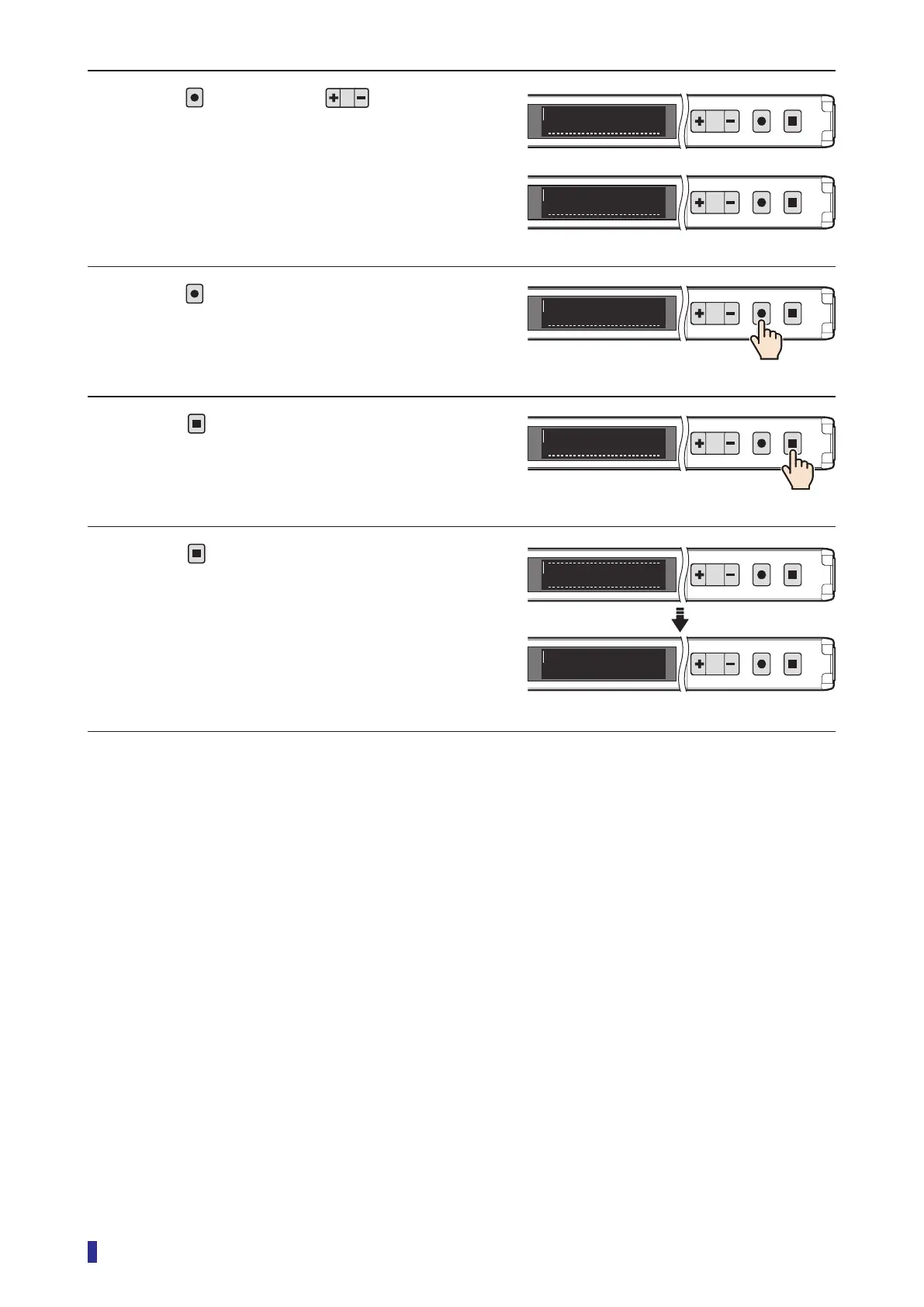
3 Press
, and then use to select the
required mode.
4 Press
.
The setting is saved, and the OLED display returns
to the sub menu.
5 Press
.
The OLED display returns to the main menu.
6 Press
.
This completes the settings.
The OLED display returns to the RUN screen.
1
2
MENU
OK
TEACH
ESC
1
2
MENU
OK
TEACH
ESC
O5
Lock all
O5
Lock keys
1
2
MENU
OK
TEACH
ESC
O5
Lock mode
1
2
MENU
OK
TEACH
ESC
I/OS8
1
2
MENU
OK
TEACH
ESC
To run mode
1
2
MENU
OK
TEACH
ESC
200
220



 To Next Page