3-3
1
2
3
Basic Usage
Display Screens
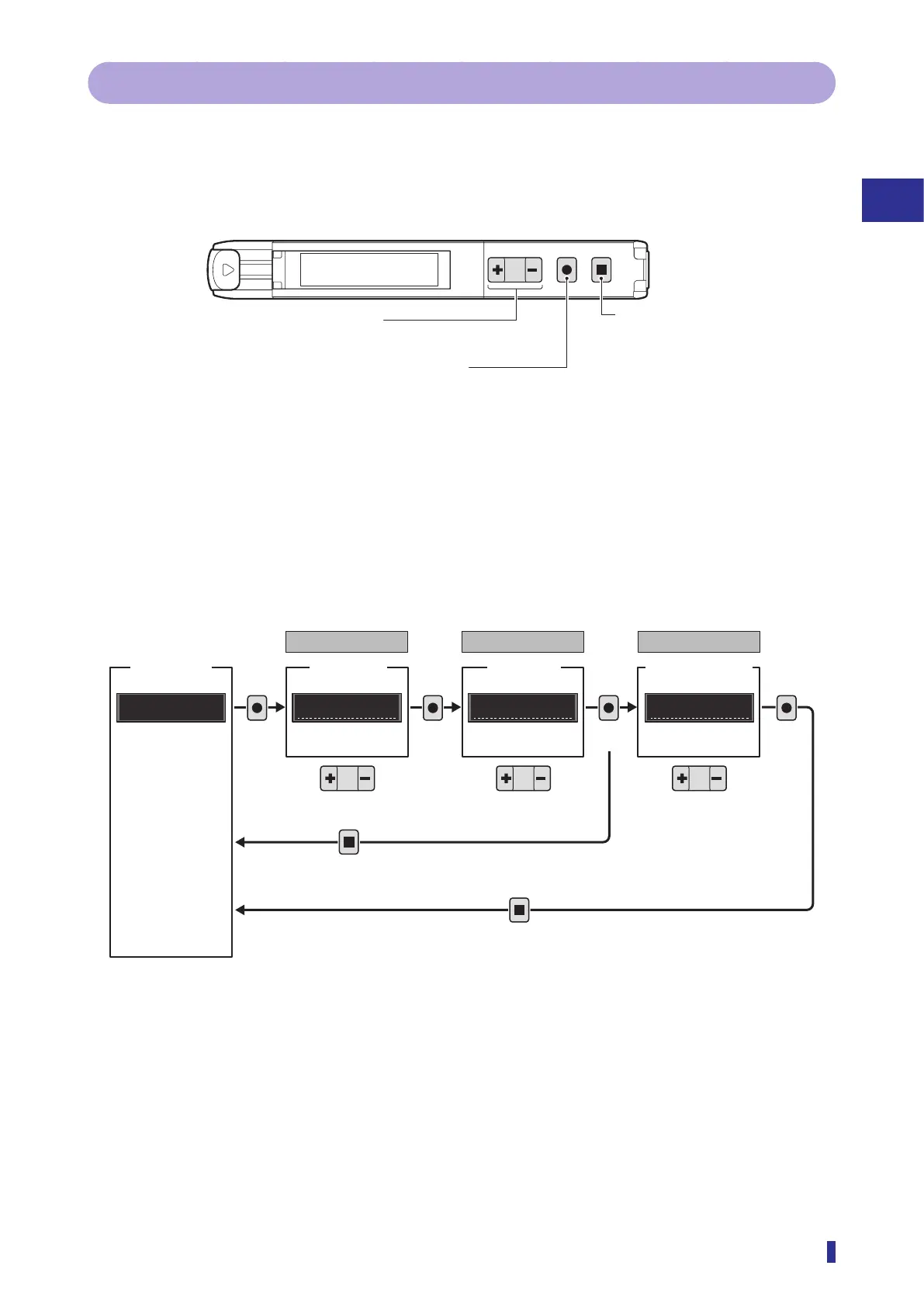
3-1-2 Operations on the Setting Screen
This section explains operations on the setting screen.
Operation Keys
The following keys are used when configuring settings.
S
R
1
2
MENU
OK
TEACH
ESC
Setting Operations
The settings menu is separated into two levels of the main menu and sub menu and is configured on the
third level.
A unique number is assigned to each setting.
z Setting examples
124
100
RUN screen
Display
S6.
Main menu
Setting
parameter
display
Level 1
Display mode
P1
Value
P1
Sub menu
Confirm
Select
Confirm Confirm
Level 2
Setting parameter
Level 3
Select
Press
Select
Hold down for 1 second or more
MENU
OK
MENU
OK
MENU
OK
MENU
OK
TEACH
ESC
TEACH
ESC
Executes teaching escapes,
and returns to the higher menu
level.
Moves to menu and enters a choice.
Change settings.
(+: forward, −: backward)



 To Next Page