3-23
1
2
3
Basic Usage
Setting the Threshold (Teach Function)
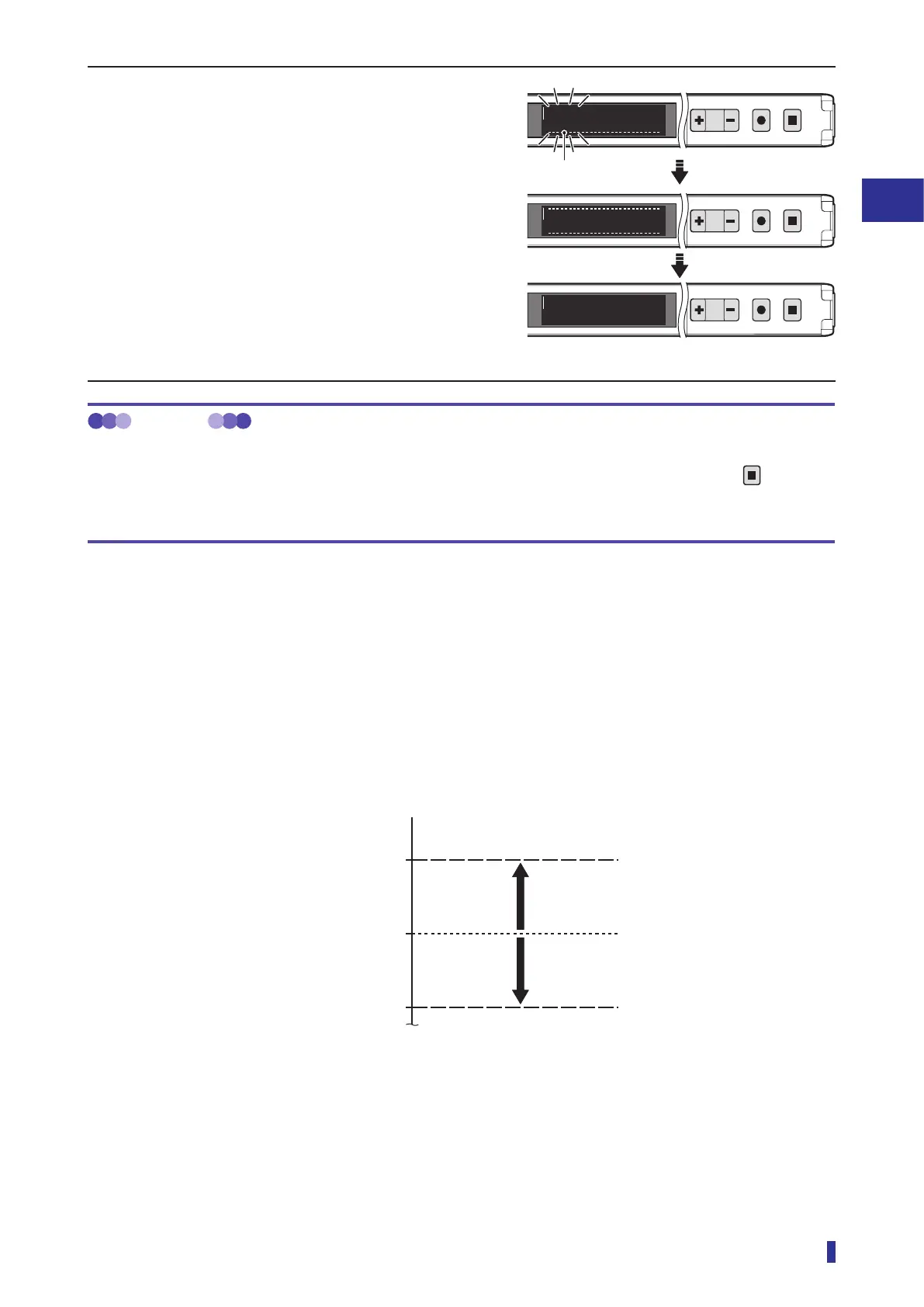
6 The threshold is set and its display blinks.
This completes the execution of the teach function.
The OLED display automatically returns to the
RUN screen.
* If the received light amount does not meet the
conditions required for the teach function, “Teach
error” will be displayed. If this error is displayed,
refer to “5-1 Error Displays” (page 5-2) for
troubleshooting.
MEMO
Operations when executing the teach function again
After executing the teach function, to reset the teaching with the same mode again, simply hold down the
key for
1 second or more. (The operations in steps 1 to 4 of the operation procedure are not necessary.)
In this situation, the teach function is executed with the previously set mode and detection margin.
Mechanism of the Threshold Setting
The values obtained by adding the set percentage to and subtracting the set percentage from the received
light amount during the execution of the teach function are set, respectively, as upper and lower thresholds.
Example) When the received light amount during execution of the teach function is 1000 and the detection
margin is 10%
The upper and lower thresholds are set to the values obtained by, respectively, adding 10% to and
subtracting 10% from the received light amount, so detection occurs when the received light
amount is in the range of 900 to 1100.
900
1100
1000
+10%
-
10%
* Due to the addition of a hysteresis value with detection margin, actual threshold differs slightly from this
example.
RUN screen
1
2
MENU
OK
TEACH
ESC
Refresh
1
2
MENU
OK
TEACH
ESC
1
2
MENU
OK
TEACH
ESC
To run mode
1000
1160
949
1160
949
Upper and lower
thresholds
Received light amount
Threshold (upper limit)
Received light amount when the
teach function is executed
Threshold (lower limit)



 To Next Page