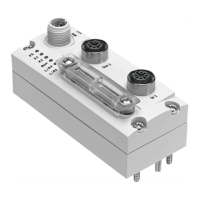
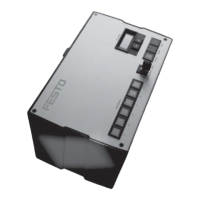
Components
© Festo Didactic Conveyor 101
Mounting and Setting
Connecting the plastic fibre optic cable
1. Open the clamp strap.
2. Insert the fibre optic cable to the stop into the holder (you have to overcome the resistance when
inserting at the O ring)
3. Close clamp strap.
Setting sensitivity in a running process (turning conveyor motor)
1. Adjust the fibre optic cable to the object: => LED green is flashing, LED yellow is undefined.
2. Only the running process is in the optical path; press the button for approx. 3s until both LEDs are
flashing simultaneously.
3. Press button again until there is at least one process cycle executed in the optical path.
a) green LED is flashing for a short time and starts lighting up, => sensitivity settings are saved, sensor
is ready for operation.
b) both LEDs are flashing simultaneously => Sensor cannot detect the object, no sensitivity settings are
saved.
Setting the start function (N.O. / N.C.)
1. Press button for approx. 13 s => LEDs are flashing alternately.
2. Release button: => green LED is flashing.
3. While the green LED is flashing, on every pressing of the button, the start function is inverted. The
current function is indicated by the yellow LED.
4. Don’t press the button for 10 s: => set function is saved, sensor is ready for operation.
Factory setting / maximum sensitivity (default)
1. No object in the sensing range. Press button for approx. 3 s until both LEDs are flashing simultaneously.
2. No object in the sensing range. Press button for approx. 1 s.
=> Sensor is set at maximum sensitivity.
=> Sensor has its factory setting again
Pilot line (ET) / Process of external Teach-in
•3 s at +UB / determine teach point 1
•open
•3 s at +UB / determine teach point 2
•open setting saved, end of external Teach


 To Next Page