Festo — EMCS-ST — 2021-03b
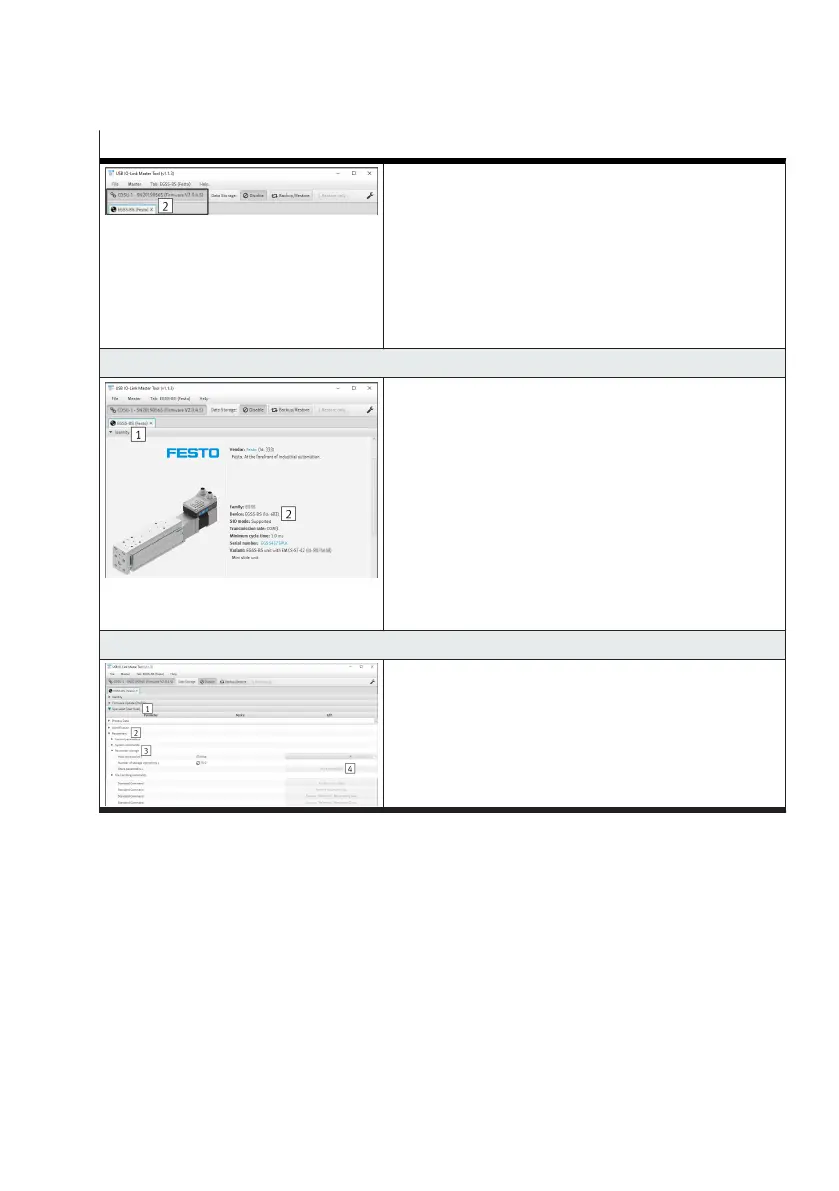
Steps for executing the data storage function
–
Electrically connect the new integrated drive to the IO-
Link master
–
The connection to the IO-Link master is automatically
re-established 2
–
After a successful compatibility check of the device ID
"0x0000.0A ... 0C, DeviceID1 ... ID3", the application
data are automatically transferred to the integrated
drive
7. Check the current status of the application data
–
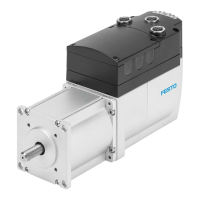
Open the "Identity 1" tab
–
Check the current device ID in the "Device 2" param-
eter. The device ID must correspond to the drive system
in use
–
0x000259 (601): ELGS-TB
–
0x00025A (602): ELGS-BS
–
0x00025B (603): EGSS-BS
–
0x00025C (604): ELGE-TB
–
0x00025D (605): ERMS
– 0x00025E (606): EPCS-BS
–
0x00025F (607): EPCE-TB
8. Save application data
–
Open the "Specialist (user role) 1" tab
–
Open "Parameter 2" and "Save parameter 3" sub-
menus
–
In the "Save parameters" parameter press the "Save
parameter 4" button




 To Next Page