SERVICING THE E-41 WITH FURNITURE 151
REPLACING THE E-41 IN THE FURNITURE
1. Make sure that the left side panel is removed from the E-41.
2. Place the E-41 upright on the furniture stand. Slide the E-41 forward just until its front panel
is aligned with the back edge of the table top.
Use the handle on the stability bracket to lift the rear of the E-41 and slide it forward.
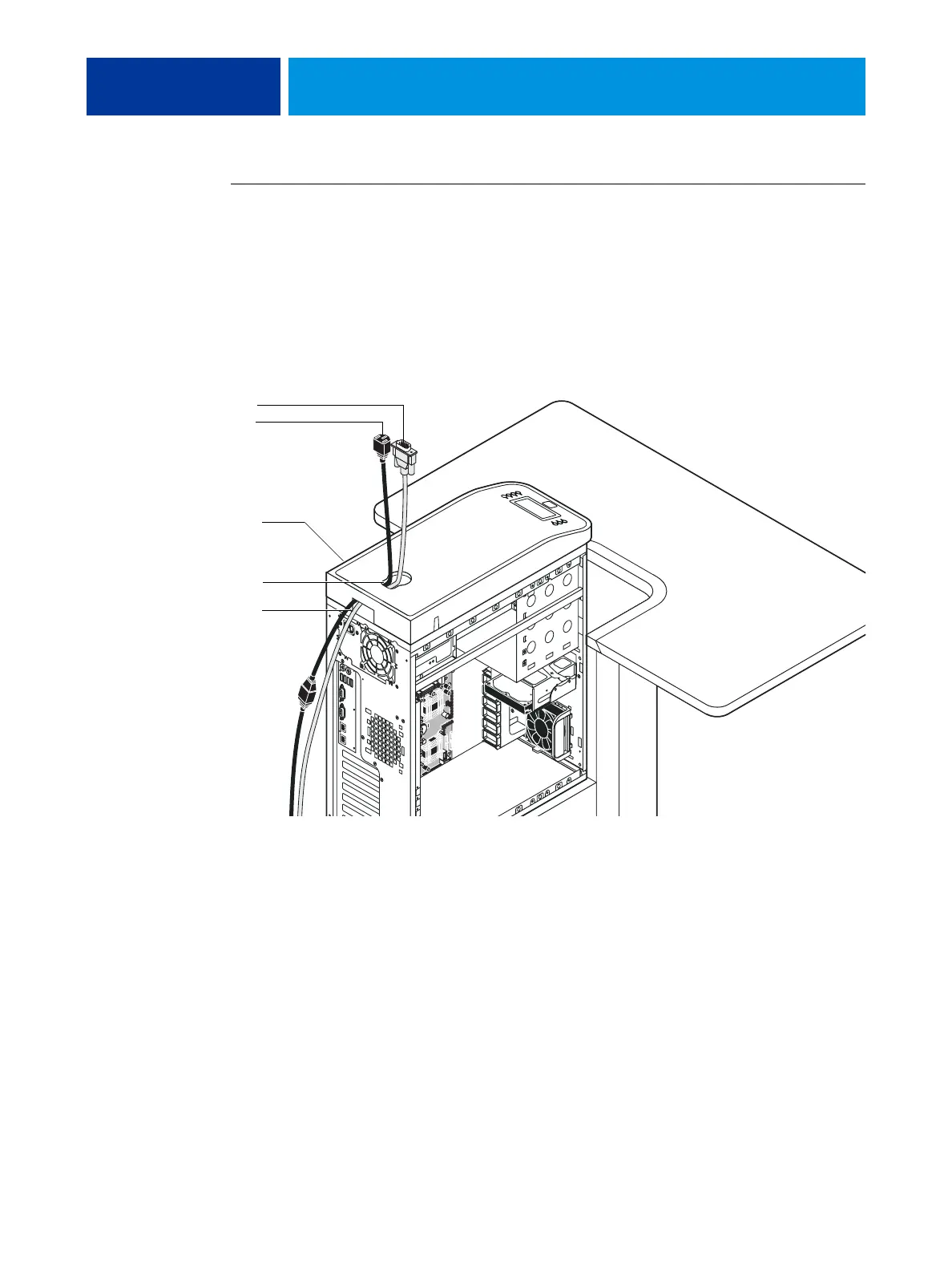
3. Route the monitor cables (power and video) into the cutout in the back of the top panel. Pull
each cable out of the cutout in the top panel.
Video cable
Power cable
Top cutout
Back cutout
Top panel



 To Next Page