Getting started
14 Operators manual
Handheld Multi-Purpose Interface (HHMPI)
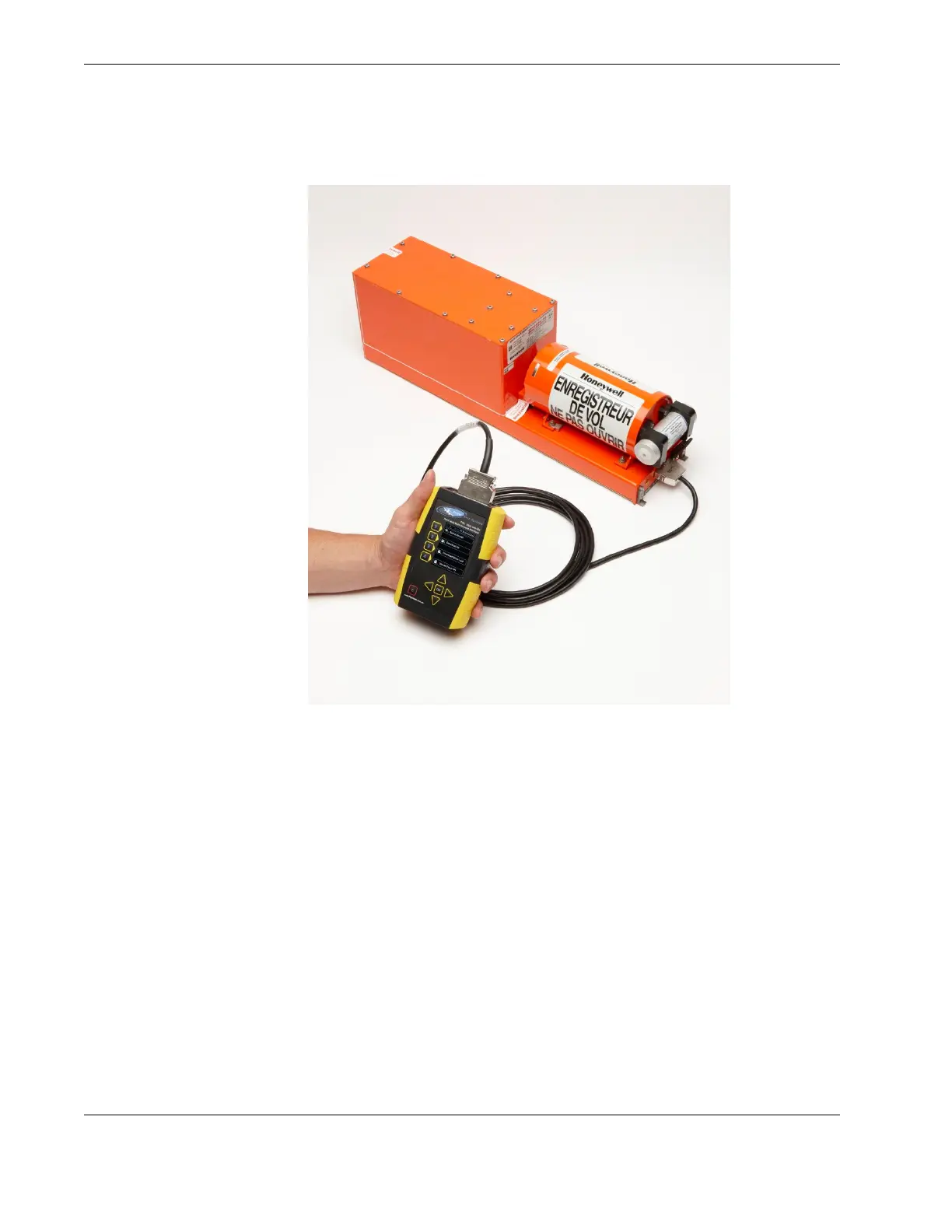
Figure 7.0 Connecting the HHMPI to the FDR or CVR
3.2.2 Powering and charging the HHMPI
The HHMPI can be powered by:
An aircraft powered recorder through an interface cable.
A PC or USB adapter power though a USB cable (P/N: FDS400-107).
The internal battery, on battery equipped HHMPI devices.
The external battery, on Mod 2 HHMPI devices.
To monitor batte r y s tatus:
Press right to open the Main Menu.
Scroll down to Battery Status and press OK.
See Figure 8.0, ”The Battery Status screen”, on page 15.
▼▲
Main Menu > Battery Status



 To Next Page