Getting started
16 Operators manual
Handheld Multi-Purpose Interface (HHMPI)
Flight Data Systems recommends using the HHMPI Cradle for the following reasons:
The cradle provides direct current (DC) charging which extends battery life by avoid-
ing trickle charging.
The transfer of files from the HHMPI to the PC is stable and easy to operate when
docked.
Auto-sync and transfer files from the unit to a nominated FTP server via Ethernet con-
nection.
Configure the unit in the web interface using the Ethernet connection on the cradle.
3.2.4 Turning on the HHMPI and self-test
To turn on a battery powered HHMPI, press cancel or OK for 2–3 seconds until the unit
beeps.
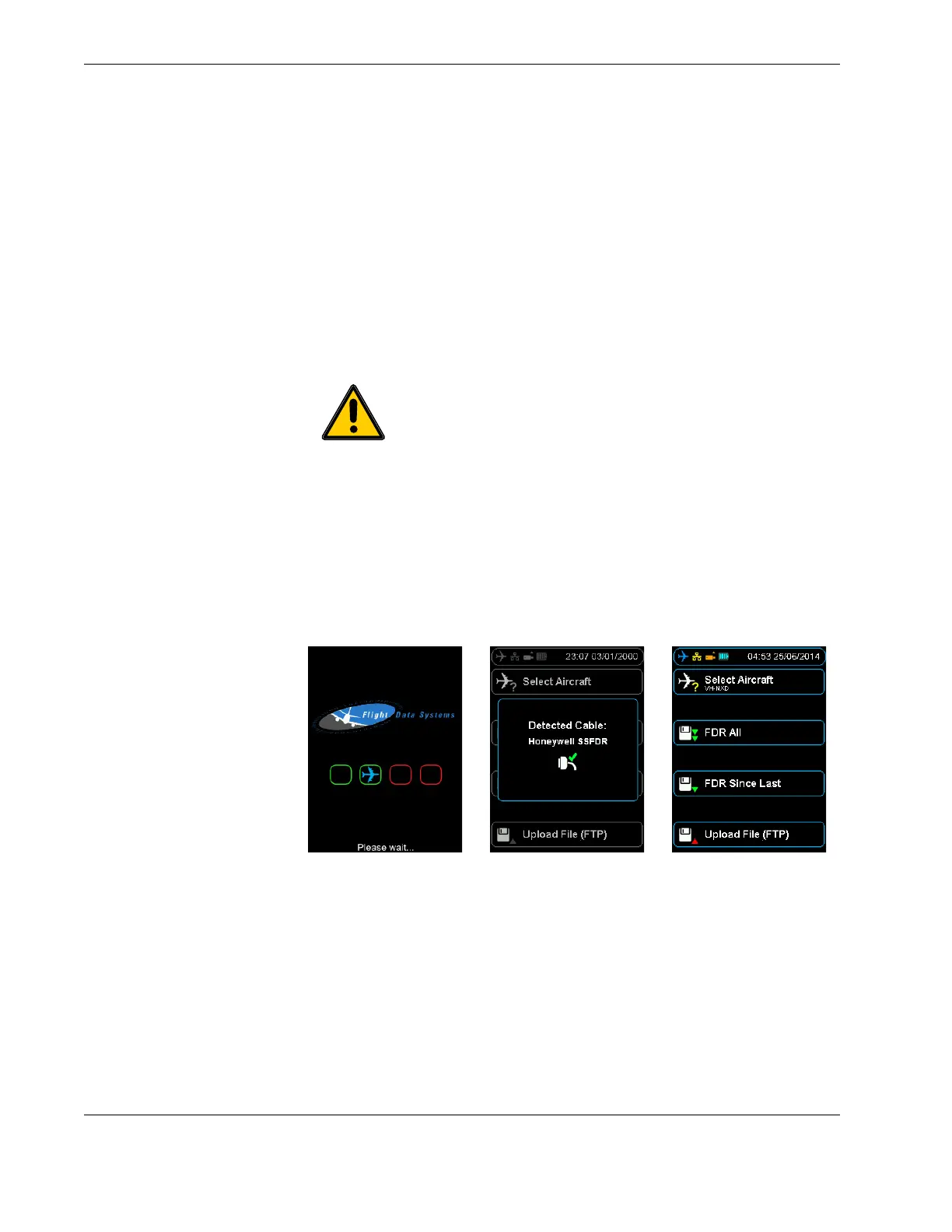
Once turned on, the start-up process begins and the power-on self-test is carried out. If
connected, the interface cable is detected automatically, and correct connection to the
flight data recorder is indicated by a blue aircraft icon found in the status bar of the dis-
play. See Figure 9.0, ”HHMPI power-on sequence”, on page 16.
Figure 9.0 HHMPI power-on sequence
To turn off the HHMPI, press cancel until the Confirm Power Off alert is displayed, and
then press OK to confirm.
3.2.5 Reset operation
If the HHMPI does not respond to normal key operation, a warm reset may be carried out
by pressing the reset button for five seconds. This will reboot the HHMPI and return it to
the shortcut screen. See Figure 3.0, ”HHMPI bottom view”, on page 7 for the location of
the reset button.
Important When powering up the HHMPI ensure that no external
devices are connected.



 To Next Page