FA5000/FA5001 Interface Supplement
Operators manual 57
FDS 400-301
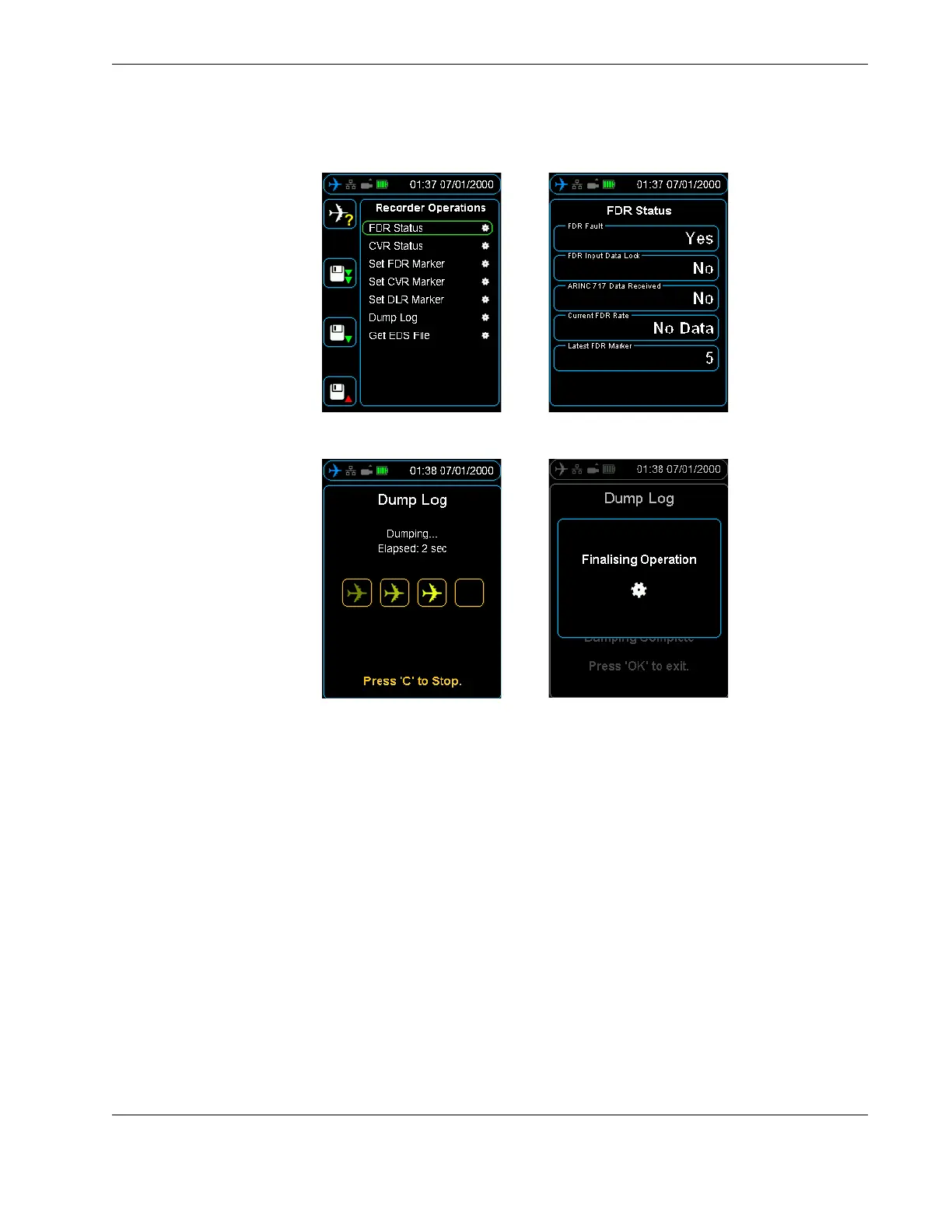
Figure 43.0 FA5000/FA5001 Recorder Operations - FDR Status
Figure 44.0 FA5000/FA5001 Recorder Operations - Dump Log
10.3 FDR
Configuration
The FDR configuration menu details information about the recorder such as part num-
bers and version numbers.
10.4 Audio Operations The FA5000/FA5001 audio can be both monitored in real time, and also play back previ-
ously recorded data. To listen to audio, plug headphones into the audio jack on the bot-
tom of the HHMPI, see Figure 3.0, ”HHMPI bottom view”, on page 7.
Press the up and down buttons to select which channel you want to listen to. Shortcut
button 2 increases the volume and shortcut button 3 decreases the volume. In playback
mode, the left and right buttons rewind or fast forward the current playback position.
See Figure 45.0, ”CVR Live Audio volume control”, on page 58.



 To Next Page