SRVIVR™ Interface Supplement
Operators manual 53
FDS 400-301
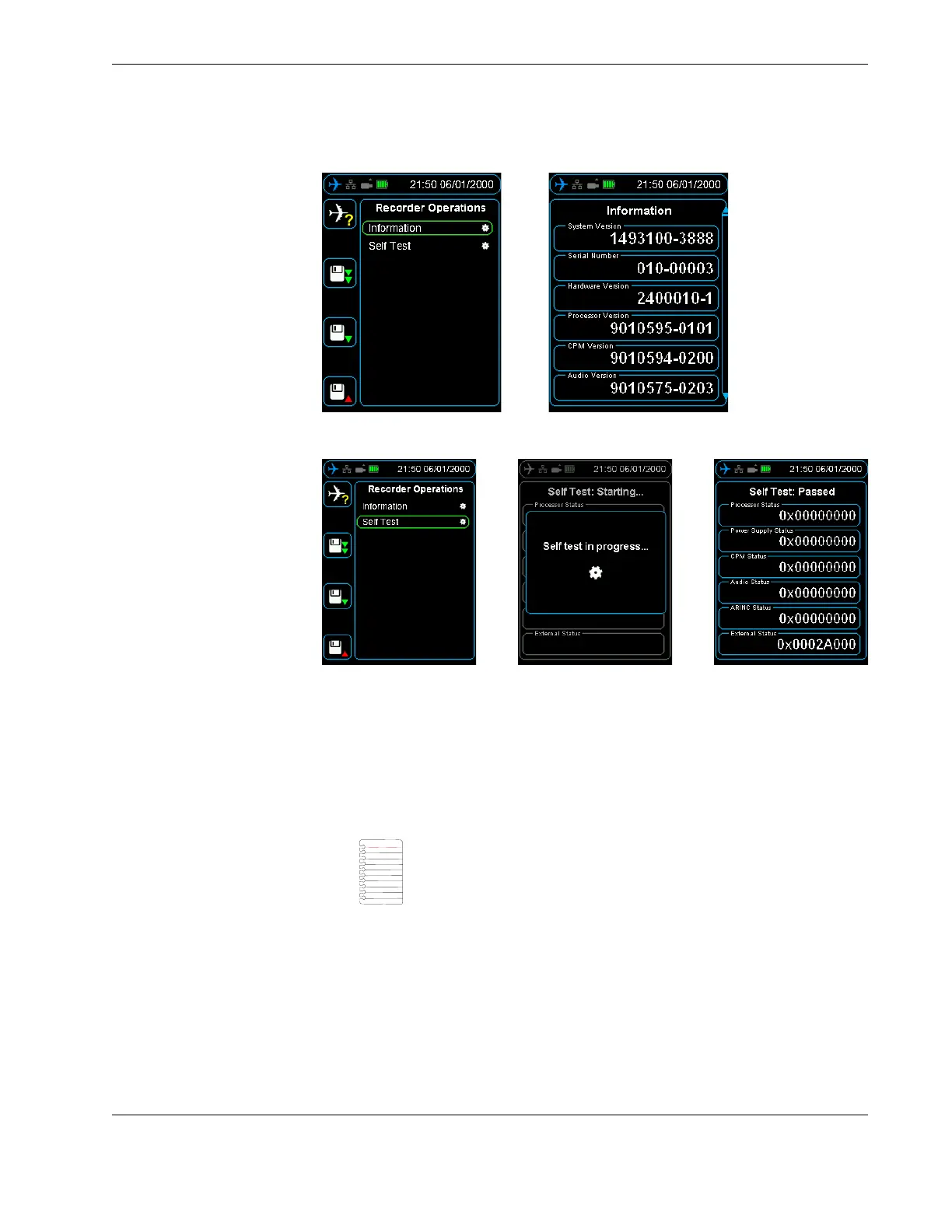
Figure 40.0 SRVIVR™ Recorder Operations - Information
Figure 41.0 SRVIVR™ Recorder Operations - Self Test
9.3 Audio Operations The SRVIVR™™ audio can be monitored in real time. To listen to audio, plug headphones
into the audio jack on the bottom of the HHMPI, see Figure 3.0, ”HHMPI bottom view”,
on page 7.
Press the up and down buttons to select which channel you want to listen to. Shortcut
button 2 increases the volume and shortcut button 3 decreases the volume. See
Figure 45.0, ”CVR Live Audio volume control”, on page 58.
9.4 Live Data View Three streams of real time data can be monitored from the SRVIVR™:
Live ARINC-717, see Section 4.4, ”Viewing live flight data” on page 26.
Monitoring of Captain’s Clock on the ARINC-429 GMT BUS, both labels 125 and 150.
Monitoring of Rotor Frequency in Hz.
Note The CVFDR must be configured appropriately for playback,
that is, not currently recording. Refer to the component maintenance
manual for instructions.



 To Next Page