Operation
28 Operators manual
Handheld Multi-Purpose Interface (HHMPI)
4.4.1 Live Data View Options
Multiple ARINC 717 words can be displayed simultaneously, these words are selected
using the shortcut buttons 1 to 4.
4.4.2 Adjusting ARINC 717 settings
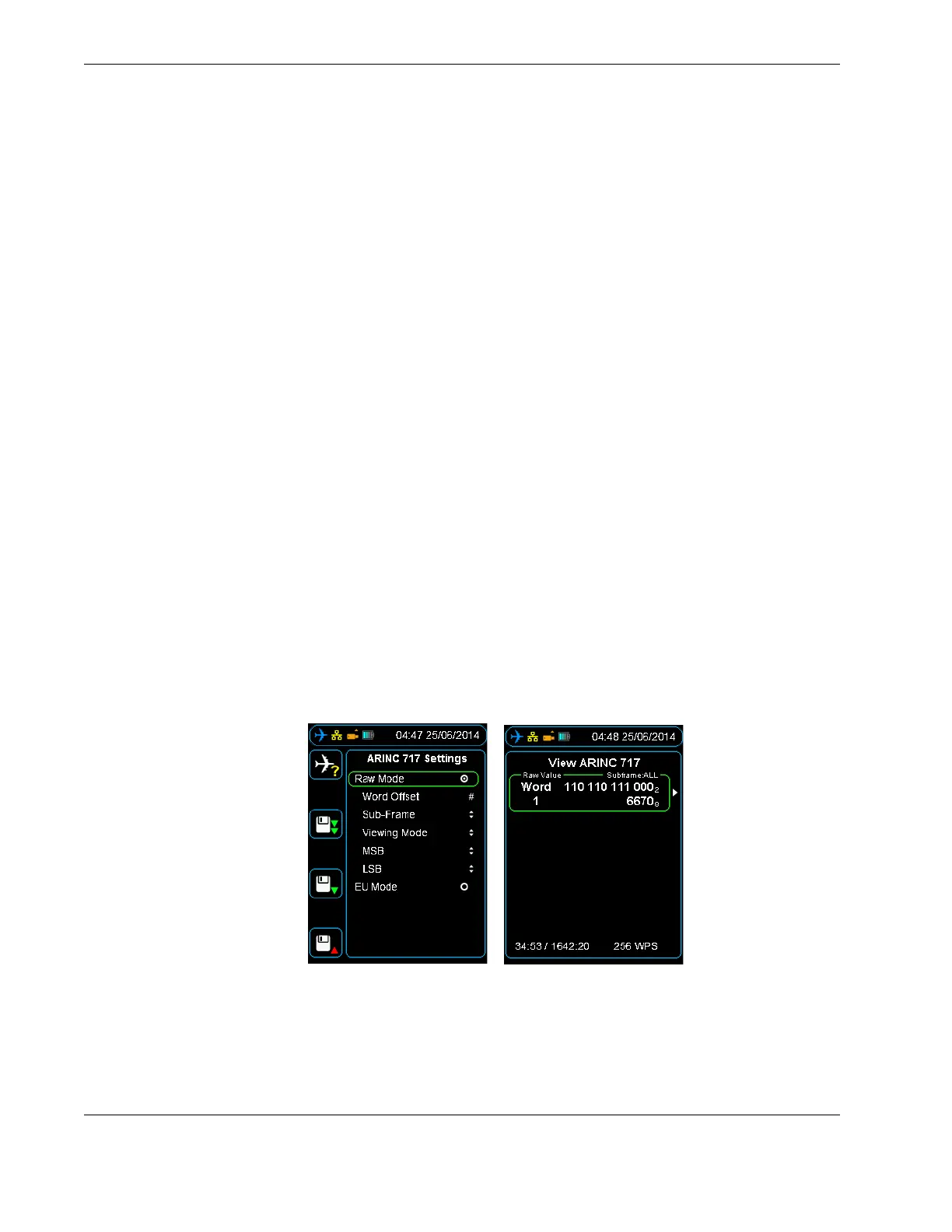
To access the ARINC 717 settings, press right on a selected parameter / word cell. The
following options will be displayed:
Word Offset, selects the current word from 1 to 2048. To change the Word Offset
number, use the up, down, left and right buttons, and then press OK to confirm your
selection.
Sub-frame, selects the sub-frame to view from 1 to 4, or ALL. ALL is the default value
for this setting. To change the sub-frame, use the up and down buttons, and then
press right to confirm your selection.
Viewing Mode, provides the option to view live data in the following formats: Binary-
Octal, Binary-Decimal and Binary-Hexadecimal. To change the viewing mode, use the
up and down buttons, and then press right to confirm your selection.
MSB (Most Significant Bit), hides all binary bits in the word before the MSB. To
change the MSB, use the up and down buttons, and then press right to confirm your
selection.
LSB (Least Significant Bit), hides all binary bits in the word after the LSB. To change
the LSB, use the up and down buttons, and then press right to confirm your selec-
tion.
4.4.3 Changing the display format
Figure 17.0 ARINC 717 settings
Simultaneous words can be displayed if required by using shortcut buttons 1 to 4. See
Figure 18.0, ”Multiple live data view”, on page 29.
Parameters for each displayed Live Data Word-Offset can be modified. See Section 4.4.3,
”Changing the display format” on page 28.
▼▲
Main Menu > Live Data View > View Live FDR Data > View ARINC 717
Data



 To Next Page