Configuring an FTP connection
34 Operators manual
Handheld Multi-Purpose Interface (HHMPI)
To view HHMPI IP address:
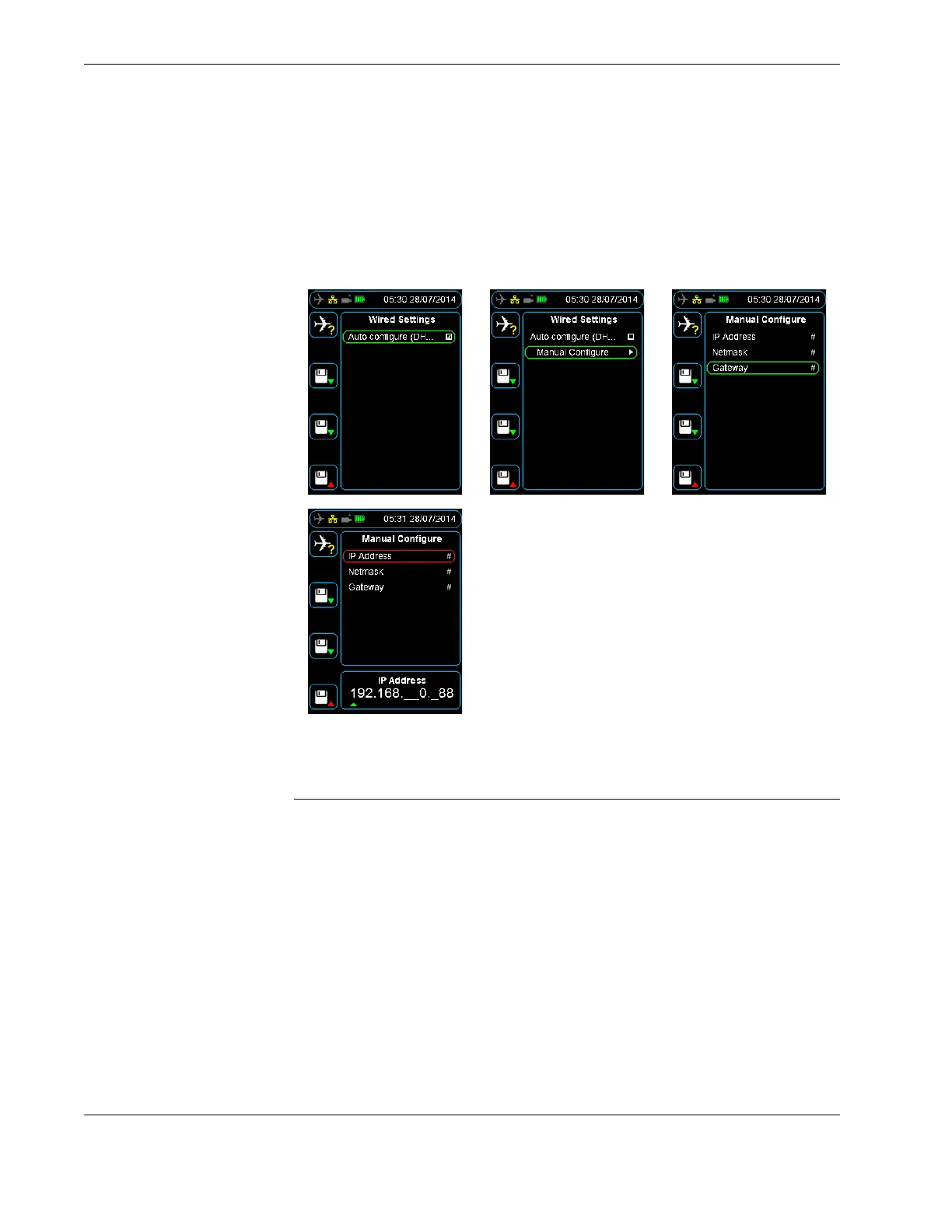
Figure 24.0 DHCP or manual IP configuration
5.0 Configuring an FTP connection
Before you can upload files from the HHMPI to a server, you need to configure the FTP
server settings. You can do this from the HHMPI or through the web interface. Using the
web interface is the easiest way to configure the FTP server settings.
5.1 Adding a new FTP
server from the HHMPI
To add a new FTP server from the HHMPI, from the Main menu:
1. Press down until you reach the Device Configuration command, and then press
right. Then press down until you reach the Network Settings command, and then
press right. Then press down until you reach the FTP Servers command, and then
press right. See Figure 25.0, ”Setting up the FTP client”, on page 35.
▼▲
Main Menu > Network Operations > View Wired Address > Adaptor:
eth0
▼▲
Main Menu > Device Configuration > Network Settings > FTP Servers >
Add FTP Server



 To Next Page