Configuring an FTP connection
38 Operators manual
Handheld Multi-Purpose Interface (HHMPI)
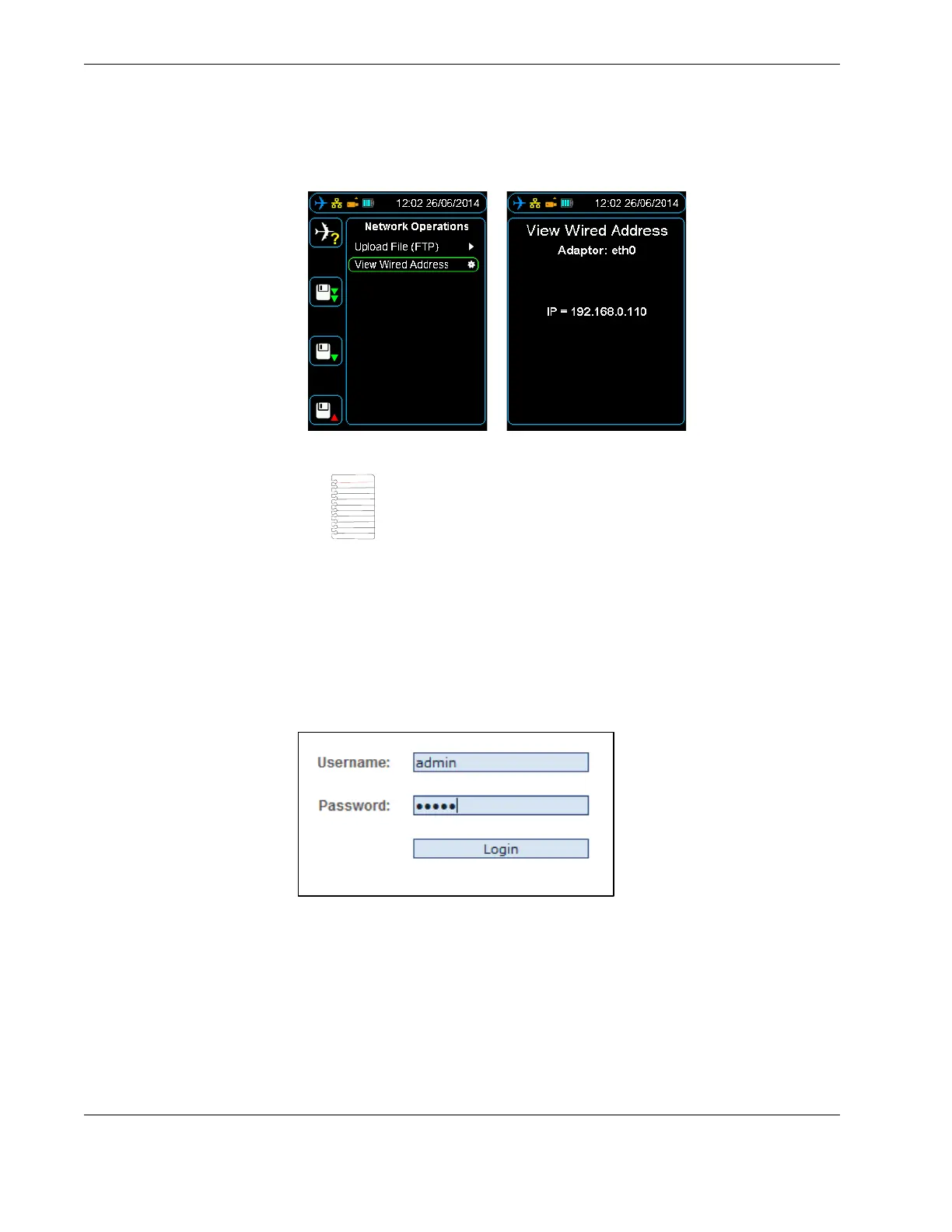
Figure 28.0 Viewing the wired IP address
1. Open a web-browser such as Mozilla Firefox or Google Chrome and type the wired IP
address into the browser’s address bar.
2. Login to the HHMPI web interface using the default username and password:
Username: admin
Password: admin
See Figure 29.0, ”Web interface login”, on page 38.
Figure 29.0 Web interface login
Note If no link is detected an IP address has not been assigned to the
HHMPI, this may be because of you network security settings. See
your IT department or contact Flight Data Systems for more informa-
tion if this occurs.



 To Next Page