Configuring an FTP connection
Operators manual 35
FDS 400-301
2. Ensure you have access to the FTP server and the FTP server settings, including the IP
address, username, password, and the encryption type. This FTP server information is
usually available from your IT department.
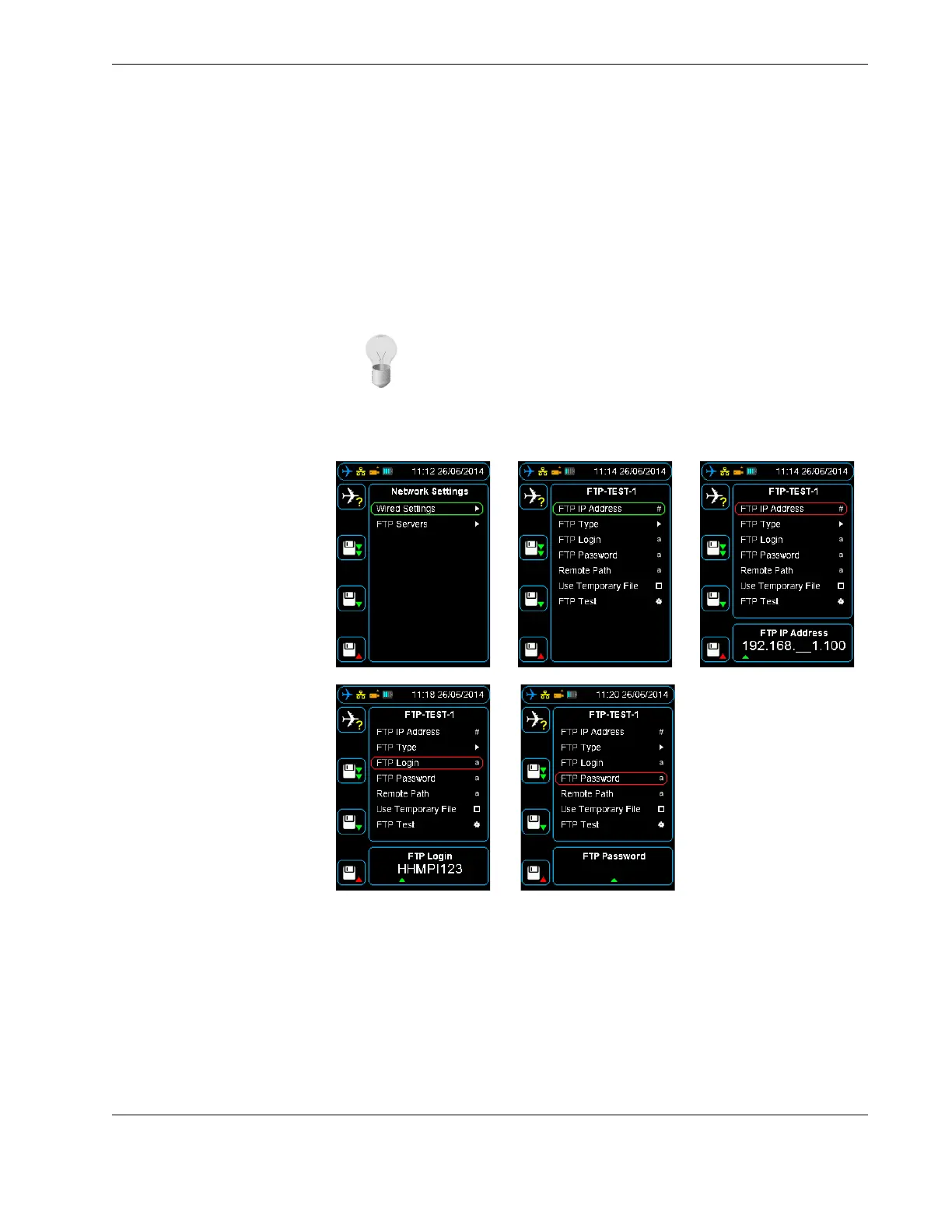
3. From the FTP Servers menu, press down until you reach the Add FTP Server com-
mand, and then press right. To add a FTP server name, press up to enter the name
from the alphabet grid with the arrow buttons, pressing OK between each letter.
When complete, press cancel to exit the alphabet grid, and then press OK to confirm
your selected FTP server name.
Figure 25.0 Setting up the FTP client
5.2 Configuring an
existing FTP server
from the HHMPI
To configure an existing FTP server, from the FTP Servers menu, press down until you
reach the FTP server name you want to configure, and then press right. Then do one of
the following:
1. To save an IP Address, press right on the FTP IP Address command. To enter the IP
Address, press up or down on each number, and then press OK to confirm your
selection.
Tip The FTP server name is not used in connection to the FTP server,
you can give the FTP server any name.



 To Next Page