Getting started
Operators manual 15
FDS 400-301
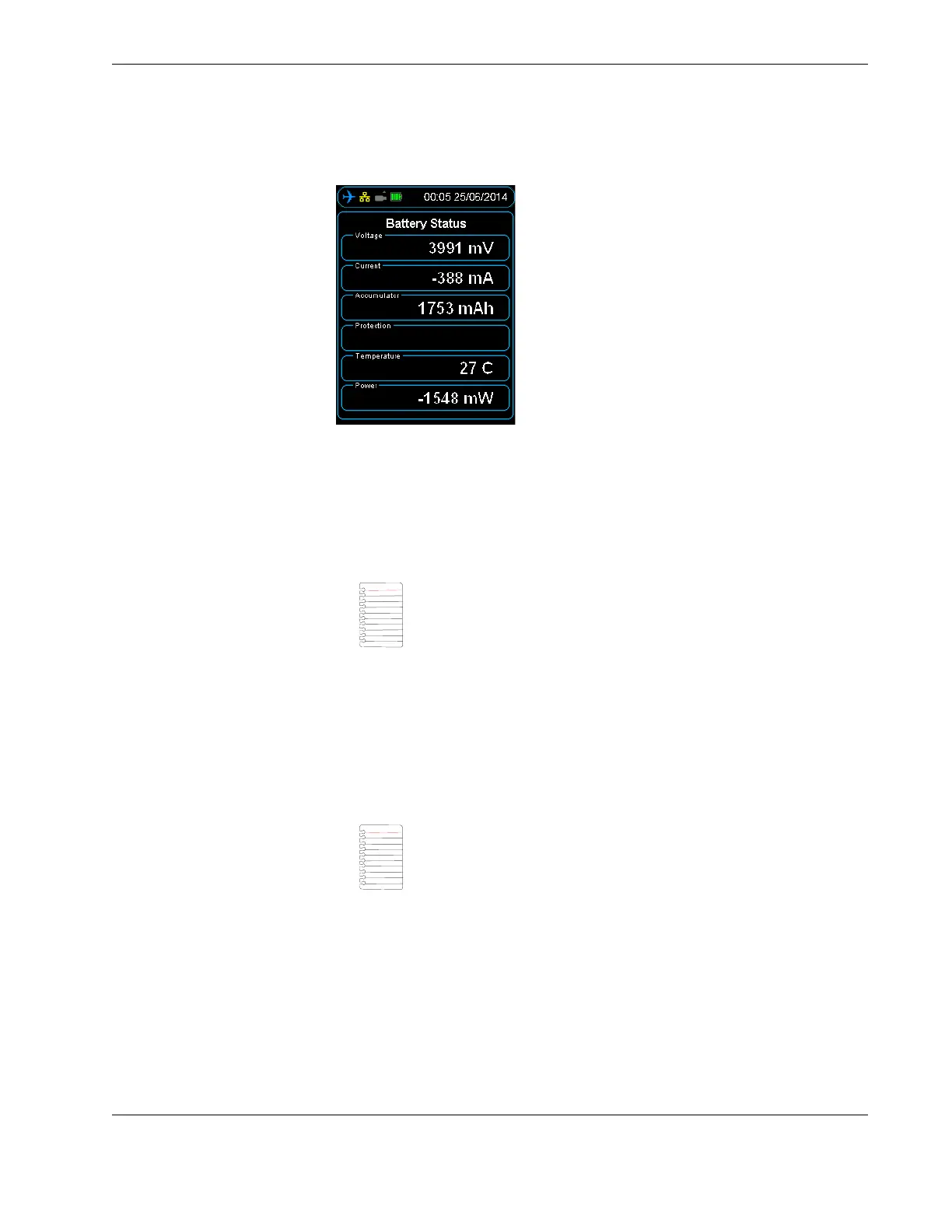
Figure 8.0 The Battery Status screen
Battery powered HHMPI devices can be charged with:
An aircraft powered recorder through an interface cable.
A PC or USB adapter power though a USB cable (P/N: FDS400-107).
A global power adapter kit (P/N: FDS400-322).
Charge battery powered HHMPI devices for 12 hours before first use. Charging is indi-
cated by a blue battery icon found in the status bar of the display. Full charge is indicated
by a green four bar battery icon. When charging is required, this battery icon turns red.
You can use the HHMPI when it is charging, however this increases the charging time.
3.2.3 Charging the HHMPI with the docking cradle
HHMPI devices with Mod 7 can also be charged by a power adapter through the HHMPI
docking cradle (P/N: FDS400-373).
To charge the HHMPI with the docking cradle:
1. Connect the power adapter to the docking cradle, the green light will illuminate.
2. Insert the HHMPI into the docking cradle, the HHMPI will beep and go through the
start-up process, and then begin charging.
See Section 3.2.2, ”Powering and charging the HHMPI” on page 14 for charging indi-
cators.
Note External battery powered HHMPI devices can only be charged
with the external battery pack charge cable (P/N: FDS400-335).
Note Only applicable to HHMPI devices with Mod 7.



 To Next Page