FA2100, FA2200 and FA2300 Interface Supplement
48 Operators manual
Handheld Multi-Purpose Interface (HHMPI)
8.0 FA2100, FA2200 and FA2300 Interface Supplement
This supplement details the additional functions supported by the L-3 Aviation Recorders
FA2100 CVFDR. For specific details on these recorders, refer to the appropriate L-3
FA2100 CVFDR OEM documentation.
8.1 Download
Operations
The FA2100 supports the following download options:
FDR All - Retrieves all flight data from the recorder.
FDR Since Last - Retrieves only new flight data recorded since the last download oper-
ation was performed.
FDR Time - Retrieves the last specified duration of flight data.
FDR Mark - Retrieves all flight data newer than a specified memory mark.
CVR All - Retrieves all cockpit voice recordings from the recorder. If CVR de-multiplex-
ing is enabled on the HHMPI, recordings can also be decompressed so they can be
played on a PC or other device.
CVR Time - Retrieves the last specified duration of cockpit voice recordings.
See Section 4.3, ”Downloading flight data” on page 23.
8.2 Recorder
Operations
The FA2100 supports the following recorder operations:
Monitoring of FDR Status.
Monitoring of CVR Status.
Setting of FDR and CVR memory markers.
“Unsupported Cable Detected” Ensure that the aircraft interface cable is correctly inserted.
Ensure that the HHMPI is configured for the recorder, see Sys-
tem Information in Section 5.4.1, ”Changing the HHMPI config-
uration via the web interface” on page 39.
Check the aircraft interface cable for damage.
Check the aircraft interface cable for any debris that could be
causing connection issues.
“Mount Error” Ensure that the external memory device is not corrupt or dam-
aged in anyway.
Ensure that the external memory device is correctly inserted in
the HHMPI.
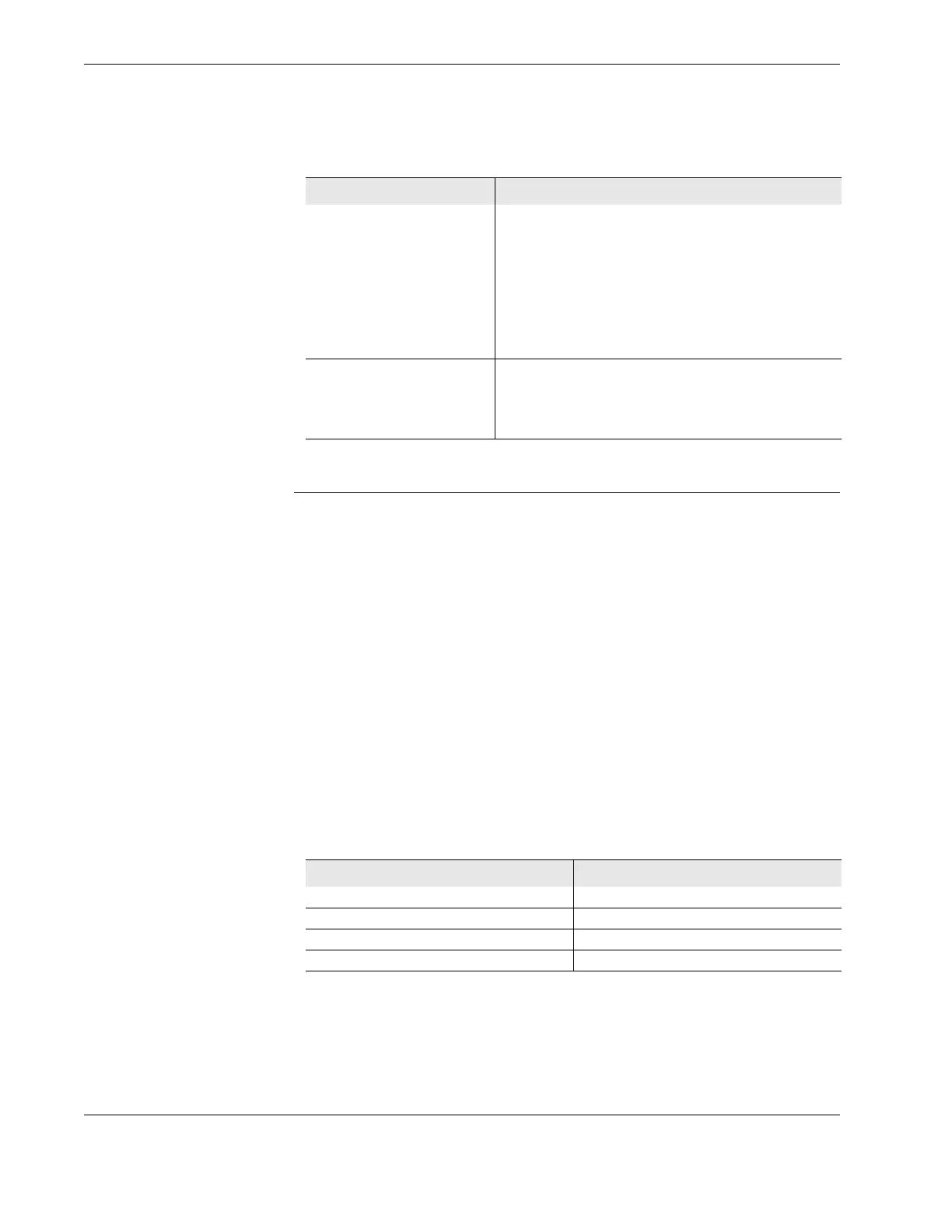
Table 7.0 Troubleshooting common issues with the HHMPI
Issue Solution
Table 8.0 File extensions of files downloaded from the FA2100
Data Type Extension
FDR fdr
CVR cvr
Fault Log log
Debug Trace log



 To Next Page