EasyManua.ls Logo

Flintec FT-111 D - 11 Appendix 1: Data Structure Profibus, Profinet, Ethernet;Ip, Ethercat, CC-Link, Powerlink, CC-Link IE

Default Icon
146 pages
Print Icon
To Next Page IconTo Next Page
To Previous Page IconTo Previous Page
Loading...
FT-111(D) Panel Weighing Indicator, Technical Manual, Rev.1.0.0, May 2019 Page 123 of 146
11 APPENDIX 1: DATA STRUCTURE PROFIBUS, PROFINET,
ETHERNET/IP, ETHERCAT, CC-LINK, POWERLINK, CC-LINK IE
FT-111 Output to PLC Input
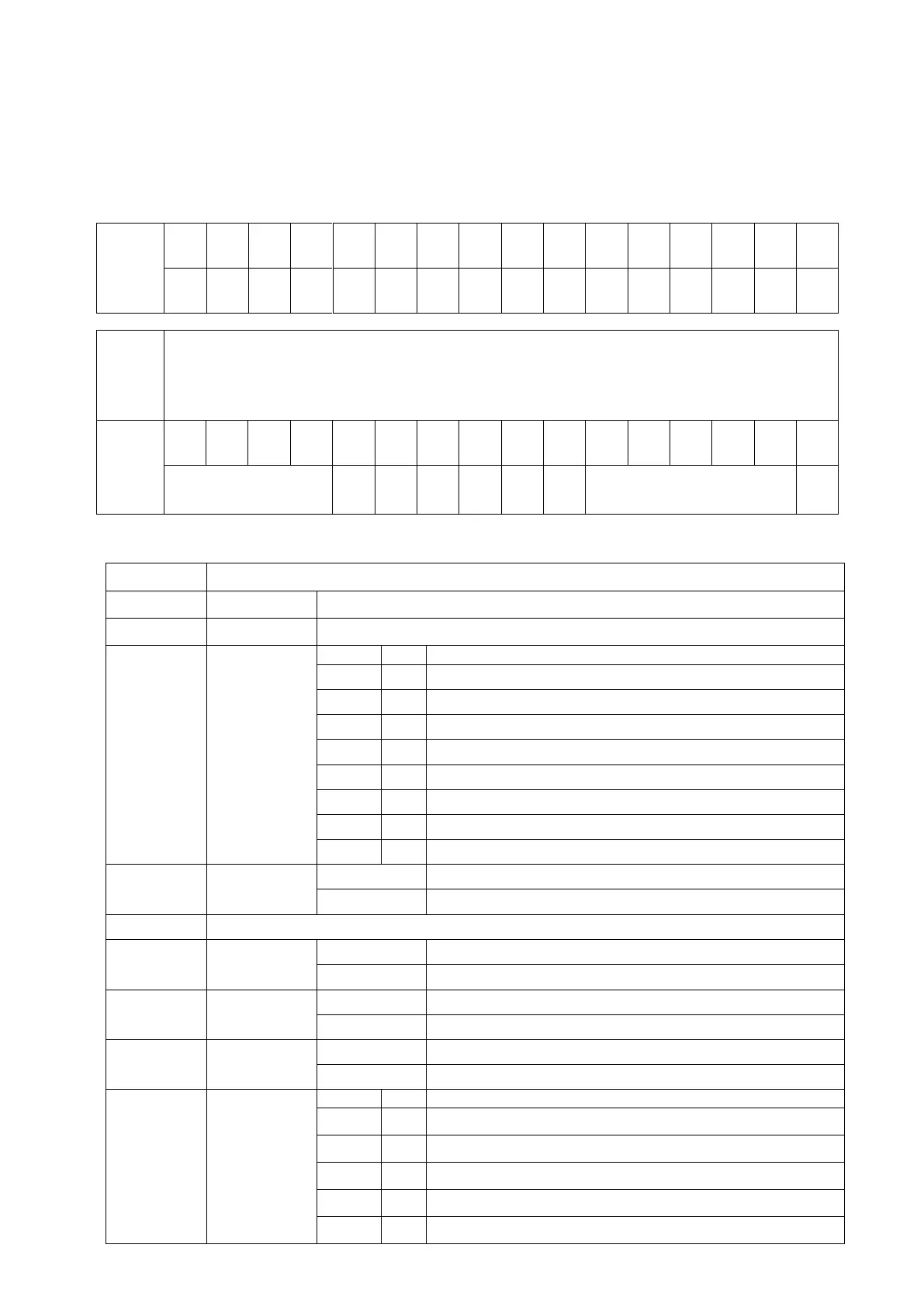
Bitwise of a Dword:
Dword
(Only
read)
B31
B30
B29
B28
B27
B26
B25
B24
B23
B22
B21
B20
B19
B18
B17
B16
B15
B14
B13
B12
B11
B10
B9
B8
B7
B6
B5
B4
B3
B2
B1
B0
1st
Dword
(INPUT)
(RWr0,
RWr1)
By default, Actual weight value is represented.
To represent other weight or calibration status, refer to next Dword.
2nd
Dword
(INPUT)
(RWr2,
RWr3)
Out
5
Out
4
Out
3
Out
2
Out
1
In
4
In
3
In
2
In
1
Error codes of FT-111
Unit
Centr
e of
zero
Gross
Net
SD
Read command response
Cmd
Flg
FT-111 Output to PLC Input 2
nd
Dword
Bit Number
2
nd
Dword Description
B31… B24
Digital Outputs
Output bit status (Active = 1)
B23… B16
Digital Inputs
Input bit status (Active = 1)
B15… B12
Error Codes
of FT-111
Bin
Dec
Descriptions
0000
0
No error found
0001
1
ADC out
0010
2
ADC over
0011
3
ADC under
0100
4
System Error
0101
5
In programming mode
0110
6
Low/High Voltage Error
0111
7
Tilt Switch is active
B11
Unit
0
First unit
1
Second unit
B9-B10
Not used
B8
Centre of zero
0
Weight is out of zero range
1
Weight is in zero range
B7
Indication
0
Gross
1
Net
B6
Stability
Detection
0
Stable
1
Unstable
B5 … B1
Read Command
Response
Bin
Dec
Descriptions
00000
0
Actual weight (if the indication is in Net)
00001
1
Gross weight
00010
2
Tare weight
00011
3
ALL Status (Refer to Table 11-1 )
00100
4
Calibration Status (Refer to Table 11-2)

Table of Contents

Related product manuals