FT-111(D) Panel Weighing Indicator, Technical Manual, Rev.1.0.0, May 2019 Page 32 of 146
Installation of SD Card
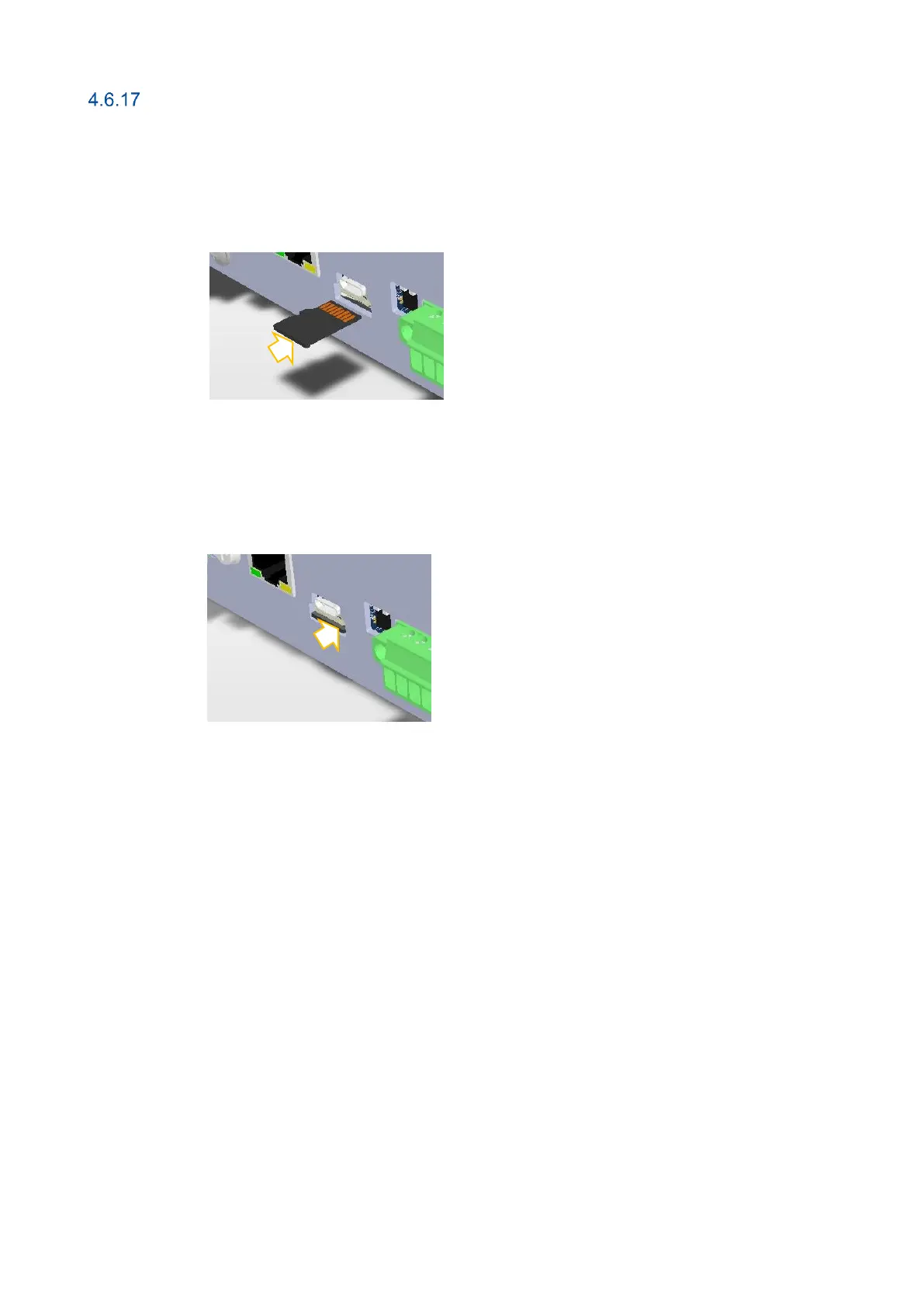
Some features of the FT-111 requires SD card which its slot is located on the rear of the instrument like Modbus RTU / TCP.
These SD cards should be ordered for your usage.
Inserting the SD card
1. Deenergize the instrument and wait 30 seconds.
2. Insert the SD card into the slot until it locks into place.
3. Energize the instrument. FT-111 read the SD card at power on to initiate its function.
Removing the SD card
1. Deenergize the instrument.
2. Gently press on the SD card to release the lock, then carefully pull the card out.
3. Insert the new SD card as described above, if need be.
4. Energize the instrument 30 seconds later power off.



 To Next Page