FT-111(D) Panel Weighing Indicator, Technical Manual, Rev.1.0.0, May 2019 Page 142 of 146
14 TROUBLE SHOOTING
FT-111 weighing indicator had been designed as a very reliable and virtually error free instrument. However, if there is an
error occurs, do not attempt to repair the equipment before understanding what caused the error. Note the problems you
have with your instrument and the error messages shown on the display. Then try to solve the problem according to the
error table given below.
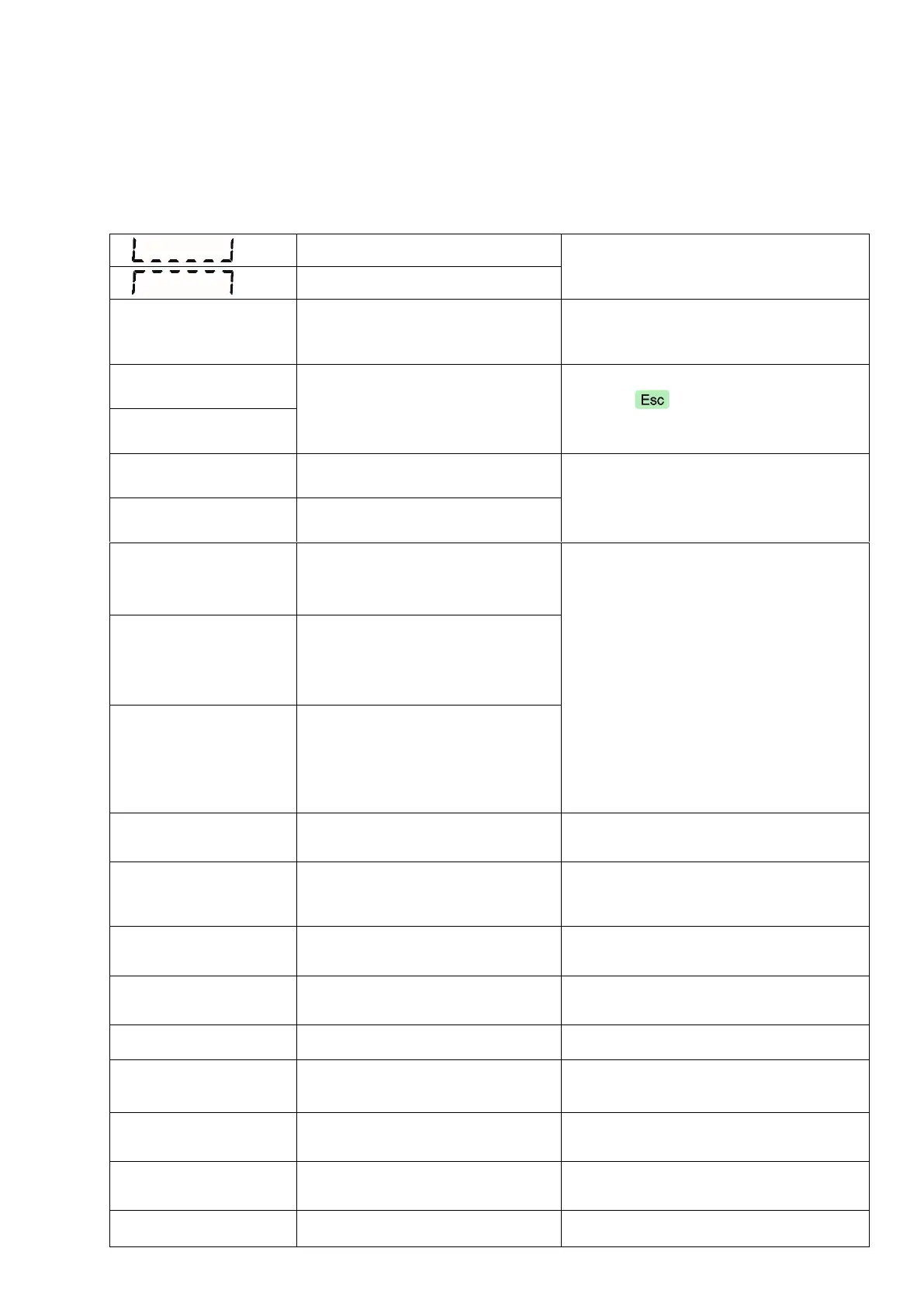
- Check the load
- Load cell or instrument could be
broken.
Load exceeds the operation range
- Check the load
- Check the calibration
- Load cell or instrument could be
broken.
Weight is out of power on zero
range.
- Press key to start indication
Without zeroing and call service.
Power source voltage is less than
9 VDC.
- Check the power supply voltage.
Voltage is more than 30 VDC.
ADC initialization error.
ADC could not initialize at power
on. ADC or its interface circuitry
has a malfunction.
- Power off the instrument reenergizes
it after 30 seconds.
- Check external load cell connection.
- Check load cell connector in the
instrument.
- Change main board or second scale
board.
ADC conversion error.
ADC could not convert the load
cell signal. ADC or its load cell
connection circuitry may have a
malfunction.
ADC data is out of the range.
ADC could not convert the load
cell signal in range. ADC or its
load cell connection circuitry may
have a malfunction or load cell
excitation voltage is too low.
Communication error between
display board and main board.
- Power off the instrument reenergizes
it after 30 seconds.
- If not, change main board.
NVM version error. Factory default
will be loaded.
- If you changed the E
2
ROM ( U13 ) press
Enter key. The factory defaults will be
loaded.
- If not, change main board.
Checksum error of calibration
coefficients.
- Check the scale performance.
- Recalibrate the scale.
- Change mainboard.
Check sum error of parameters.
- Check the scale performance.
- Recalibrate the scale.
- Change mainboard.
Checksum error of the data.
- Press enter key and re-enter the
headers.
- Change E
2
ROM ( U13 ).
- Press enter key and re-enter the
footers.
- Change E
2
ROM ( U13 ).
- Press enter key and re-enter the
fieldbus setup.
- Change E
2
ROM ( U13 ).
Setpoint (limit values) checksum
error.
- Press enter key and re-enter the
setpoint (limit ) values.



 To Next Page