FT-111(D) Panel Weighing Indicator, Technical Manual, Rev.1.0.0, May 2019 Page 41 of 146
6 PROGRAMMING AND CALIBRATION
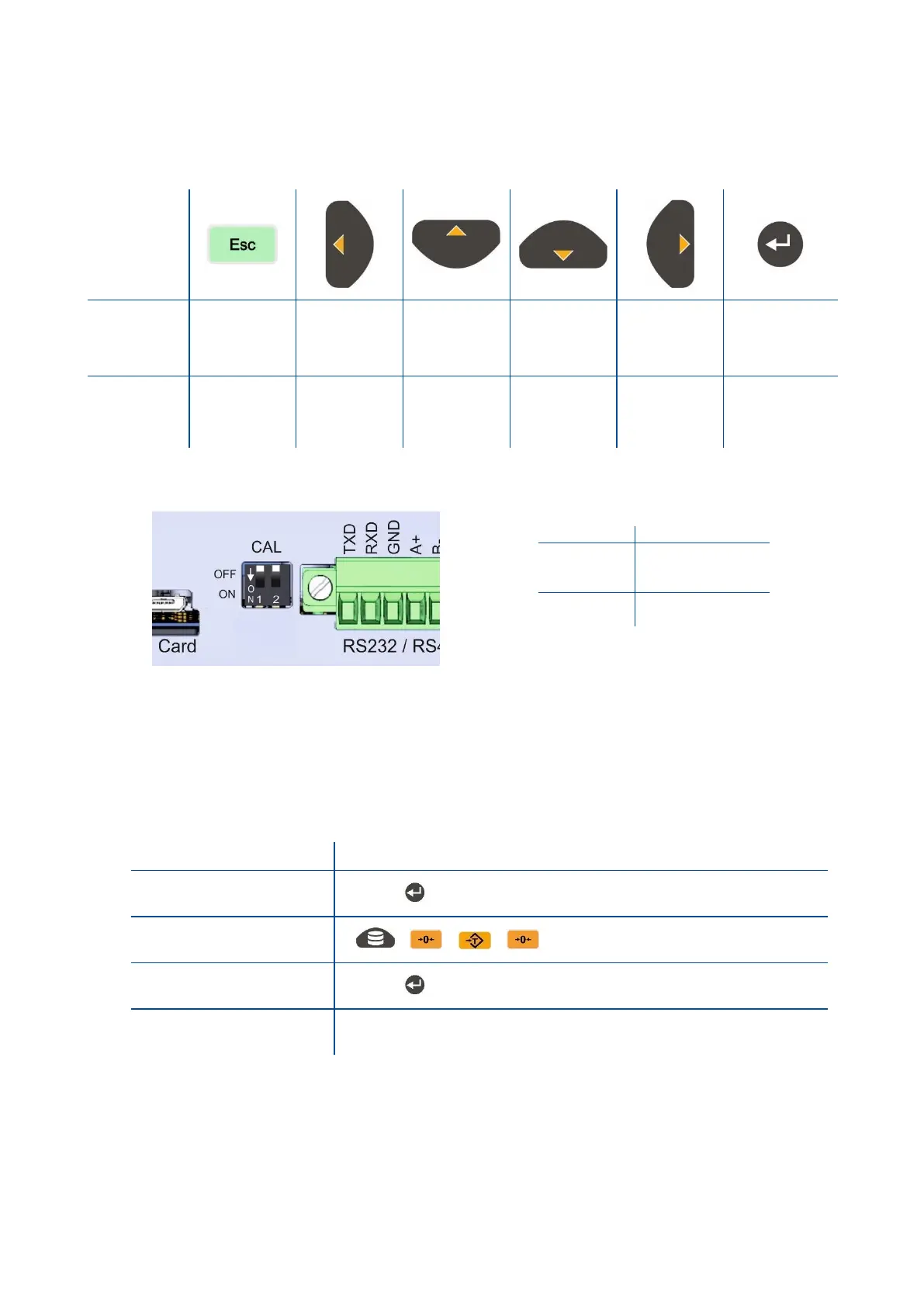
You will find the programming and calibration procedure of FT-111 weighing indicator in this section. The arrow on
navigation keys indicates the function of the keys in programming menu. The basic meanings of these keys are;
A set-up DIP switch is located near the load cell connector at the FT-111 rear side as shown in the figure below and its
position should be “ON” ( downward ) to change the metrological related parameters including calibration.
Figure 6.1- The location of calibration DIP switch.
6.1 Entering to the Programming and Calibration
Enter the programming menu as described below. Legally related parameters can be changed if the calibration
dip switch is at ON position. These parameters are marked with M symbol in the parameter table in this section.
If you will change any legally relate parameter or will perform calibration, set the calibration switch to the ON
position before entering to the programming.



 To Next Page