EasyManua.ls Logo

Flintec FT-111 D - Continuous Data Formats

Default Icon
146 pages
Print Icon
To Next Page IconTo Next Page
To Previous Page IconTo Previous Page
Loading...
FT-111(D) Panel Weighing Indicator, Technical Manual, Rev.1.0.0, May 2019 Page 86 of 146
Continuous Data Formats
RELATED PARAMETERS: Parameters 111, 121, 131, 141 and 151.
Continuous data output can be programmed to some common formats besides Flintec continuous formats. To select one of
the described formats below press the key sequentially. Press key to go to the next parameter.
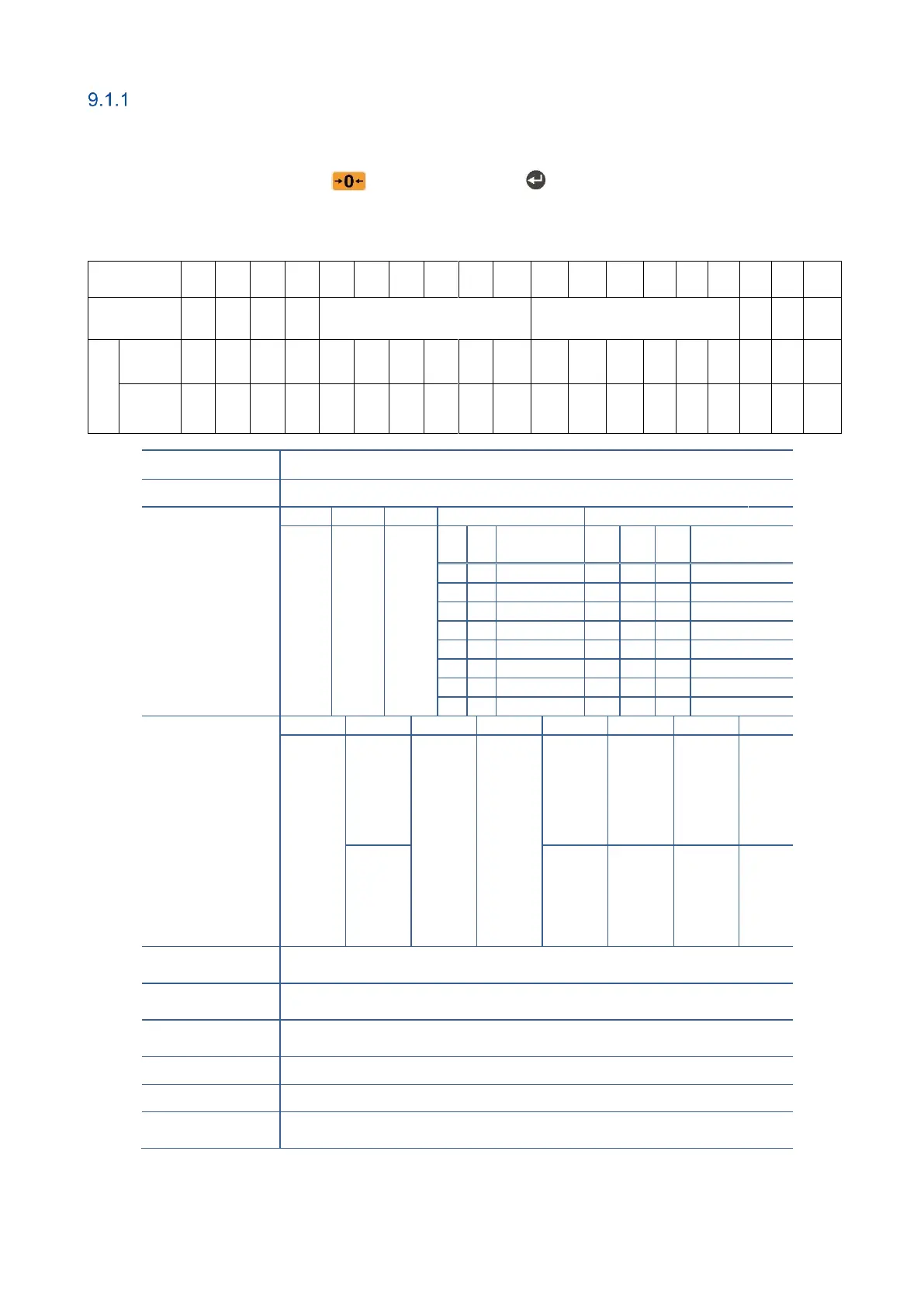
Flintec
®
Character
number
1
2
3
4
5
6
7
8
9
10
11
12
13
14
15
16
17
18
19
Description
STX
STA
STB
STC
Indicated weight
Tare weight
CR
LF
CHK
Example
-1
ASCII
}
1
0
0
7
5
0
2
5
0
Hex
02
7D
31
30
20
20
30
37
35
30
20
20
20
32
35
30
0D
0A
06
Function
Description
STX
Start of transmission character.
STA
STATUS A)
Bit 7
Bit 6
Bit 5
Bits 4 and 3
Bits 2,1 and 0
Always 0
Always 1
Always 1
4
3
Increment
2
1
0
Decimal
point
0
1
x 1
0
0
0
XXXX00
1
0
x 2
0
0
1
XXXXX0
1
1
x 5
0
1
0
XXXXXX
0
1
1
XXXXX.X
1
0
0
XXXX.XX
1
0
1
XXX.XXX
1
1
0
XX.XXXX
1
1
1
X.XXXXX
STB
(STATUS B)
Bit 7
Bit 6
Bit 5
Bit 4
Bit 3
Bit 2
Bit 1
Bit 0
Always 0
1 = Zeroed
with power
on zerp
Always 1
Always 1
1 = Unstable
1 = Error
(1)
0 = Weight
negative
1= Net
0 = Not
power on
zeroed
0 = Stable
0 = No
Error
0 = Weight
positive
0 = Gross
STC
(STATUS C)
Always 0 as ASCII (30 hex).
Indicated Weight
These seven characters are a string containing the current weight not
including the decimal point.
Tare Weight
These seven characters are a string containing the tare weight not
including the decimal point.
CR
Carrige Return.
LF
Line Feed.
CHK
Checksum byte. Checksum calculation is;
CHK (Checksum) = 0 ( STX + STATUS A + ..... + LF )
(1) Error Messages: UNDER, OVER, A.OUT, L-VOLT and TILT are represented in Indicated data fields as left aligned.

Table of Contents

Related product manuals