Victor Xu Page 59 12 Jan. 2011
Copyright 2011 © Shenzhen Runtianzhi Image Technology, Co., Ltd.
http://www.floradigital.com
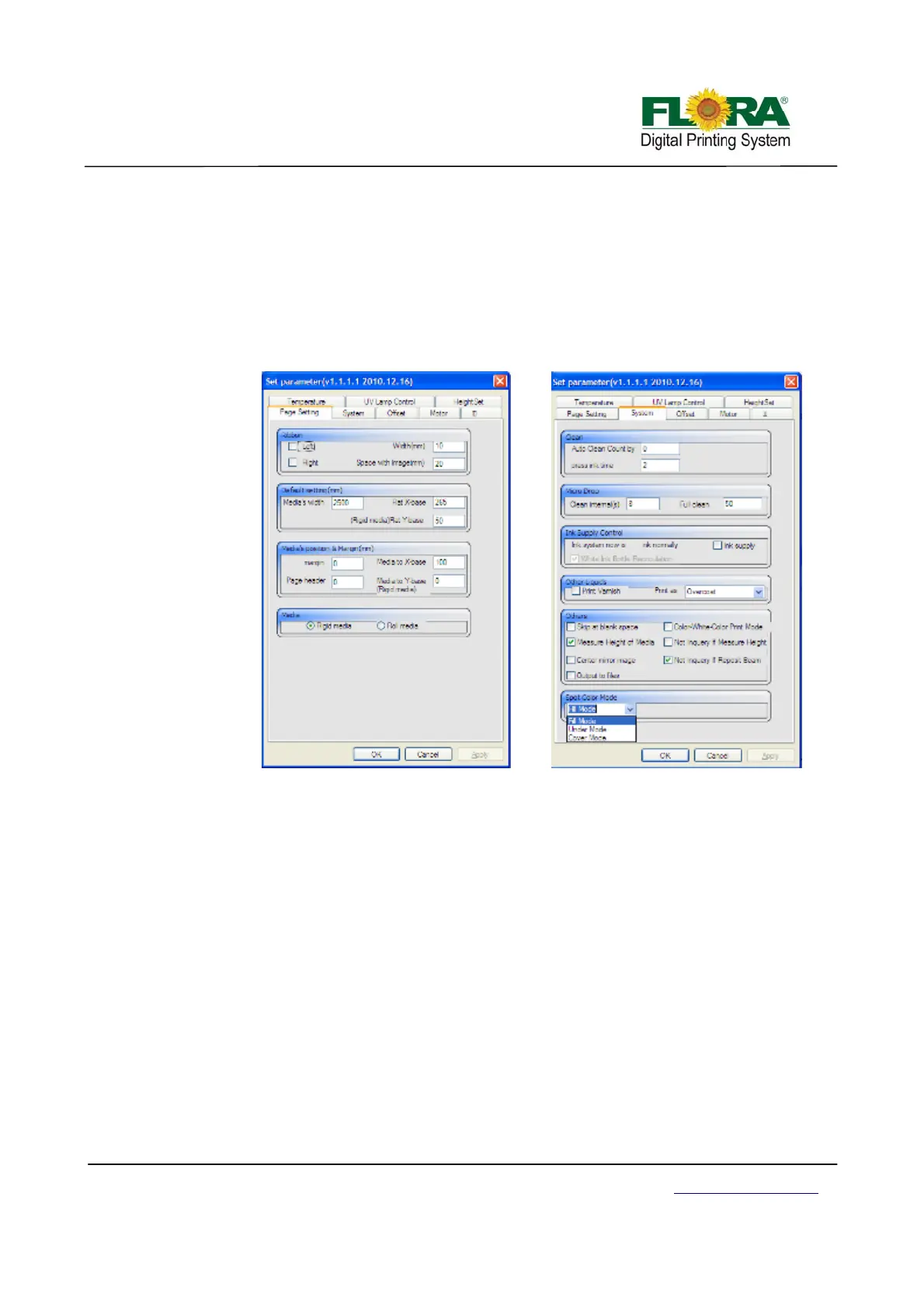
-Flat X-base: define the mechanical position start to print on X-axis
-Flat Y-base: define the mechanical position start to print on Y-axis
Media’s position & Margin:
-margin: keep the margin on the media
-Media to X-base: set the counter-position to print
-Page header: keep header space on the media
Media:
-Rigid media: if the media is rigid media, choose this radio button
-Roll media: if the media is roll media, choose this radio button
6.4.6.2 System Tab
Clean:
-Auto Clean Count by: the clean times can be set in this text box
-Press ink time: priming time can be set in this text box
Micro Drop:
-Clean internal(s): this used to set the micro drop cycle
-Full clean: this used to set the drop size of the micro drop
Ink Supply Control:
-ink supply check box: if tick this box, the pump will supply ink until the sub-tank is
full, or the pump will stop working within 15 seconds
Other liquids:
-Print Varnish check box: Varnish can only be printed when this check box
was ticked.
-Print as drop down list: choose color mode from here
Others:
-Skip at blank space check box: Tick this box, the printer will skip over the
blank space then start to print.
-Color-White-Color Print Mode check box: Tick this box, the printer will print at 3
layers mode.



 To Next Page