Victor Xu Page 61 12 Jan. 2011
Copyright 2011 © Shenzhen Runtianzhi Image Technology, Co., Ltd.
http://www.floradigital.com
6.4.6.3 Offset Tab
The tab supplies text box for soft ware alignment. Please refer to for more details.
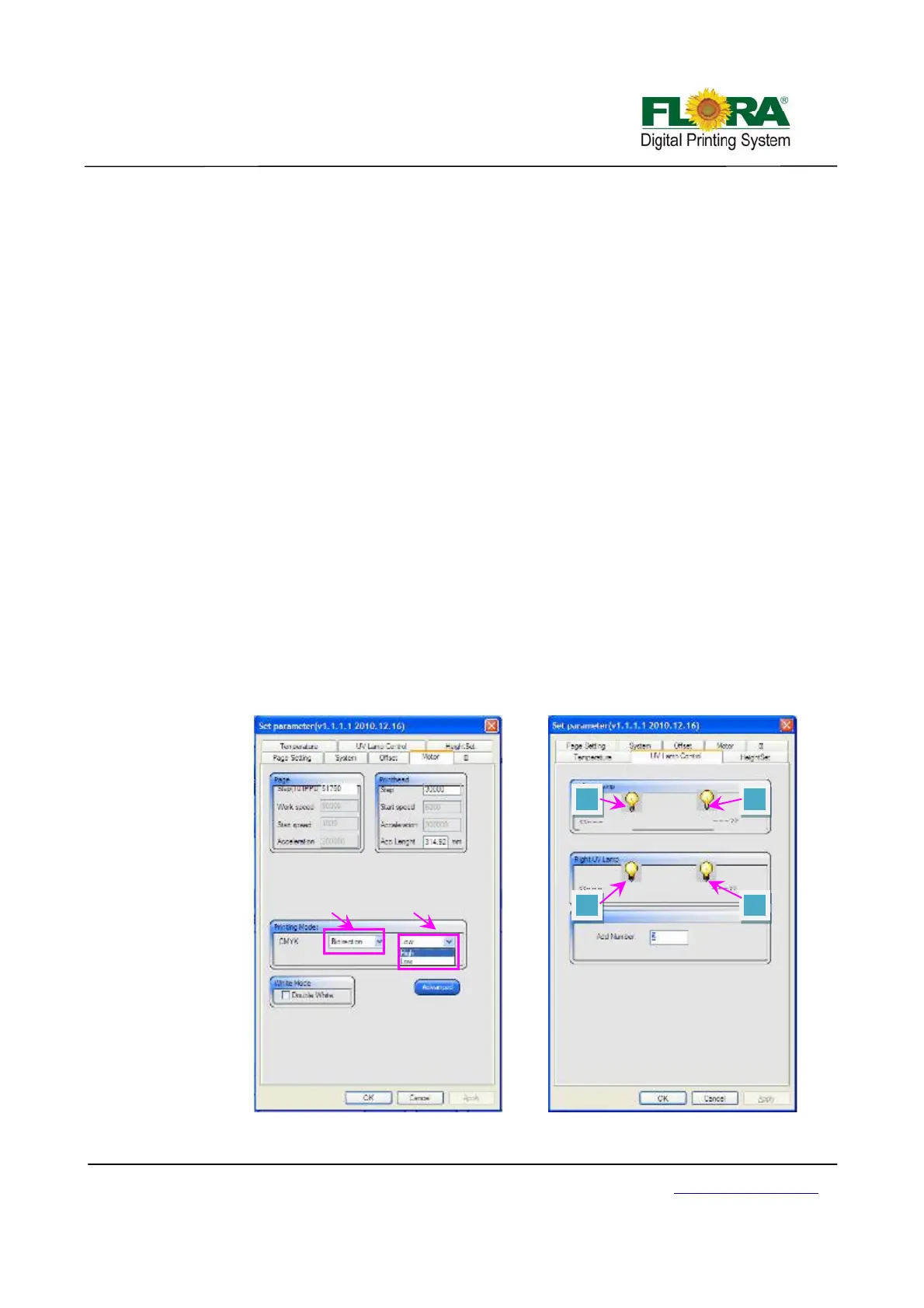
6.4.6.4 Motor Tab
Page:
-Step (111PPD): this text box used to change page feeding step
Print head:
-Step: this text box used to set the carriage moving step when clicking right moving
icon on test print tool bar.
Printing Mode:
-CMYK: choose mode from drop-down list, including speed and direction
Advanced:
-Printing Speed: choose the same speed with the motor window. Low speed will scan
more dots, so on X-axis direction, it will print high resolution.
-Resolution: The DPI or dots per inch of an image. Measured by how many dots or
pixels are in one inch of a design. It is a measurement of the fineness or detail. The
higher the resolution is, the finer the detail in an image.
-Extract: extract dots from original design and print more passes with the same ink
limited. This will control the print head to jet ink dots on the media more averagely,
which will be helpful to improve the pass banding and other banding coming with
clogged nozzles.
-Repeat: repeat printing double, triple, quadruple times. More repeat times makes
darker image output. Please refer to PhotoPrint Flora Edition Software.
White Mode:
-Double White check box: The mode can only be used under uni-direction mode. It
will print white ink when the carriage comes from left to right.
6.4.6.5 UV lamp Tab
1
2
4 3
Direction S
eed



 To Next Page