830
Users Manual
118
Pressing the navigation keys long enough or
+
-
changes the bolt correction
value mode. The following options are available:
● Bolt correction (+): means all shimming corrections are positive (add shims)
● Bolt correction (-): means all shimming corrections are negative (remove
shims)
● Bolt correction (+): means all shimming corrections are minimized (optimized).
Therefore half of the corrections will be negative and half of them positive.
This option results in zero axial movement of the shaft.
Machine alignment
Alignment is carried out by correcting angularity and offset at the ange.
Correcting angularity
1. Loosen the ange bolts and lift the upper machine.
Caution
The machine bolts must be undamaged and removable.
2. Angularity corrections are made by shimming. The “Bolt corrections” screen
shows the shimming values at the respective bolt locations. Insert (or remove)
shims with the correct thickness under the selected bolt.
3. Retighten the bolts and then re-measure to verify ange shimming results and
determine the exact alignment condition.
Correcting offset
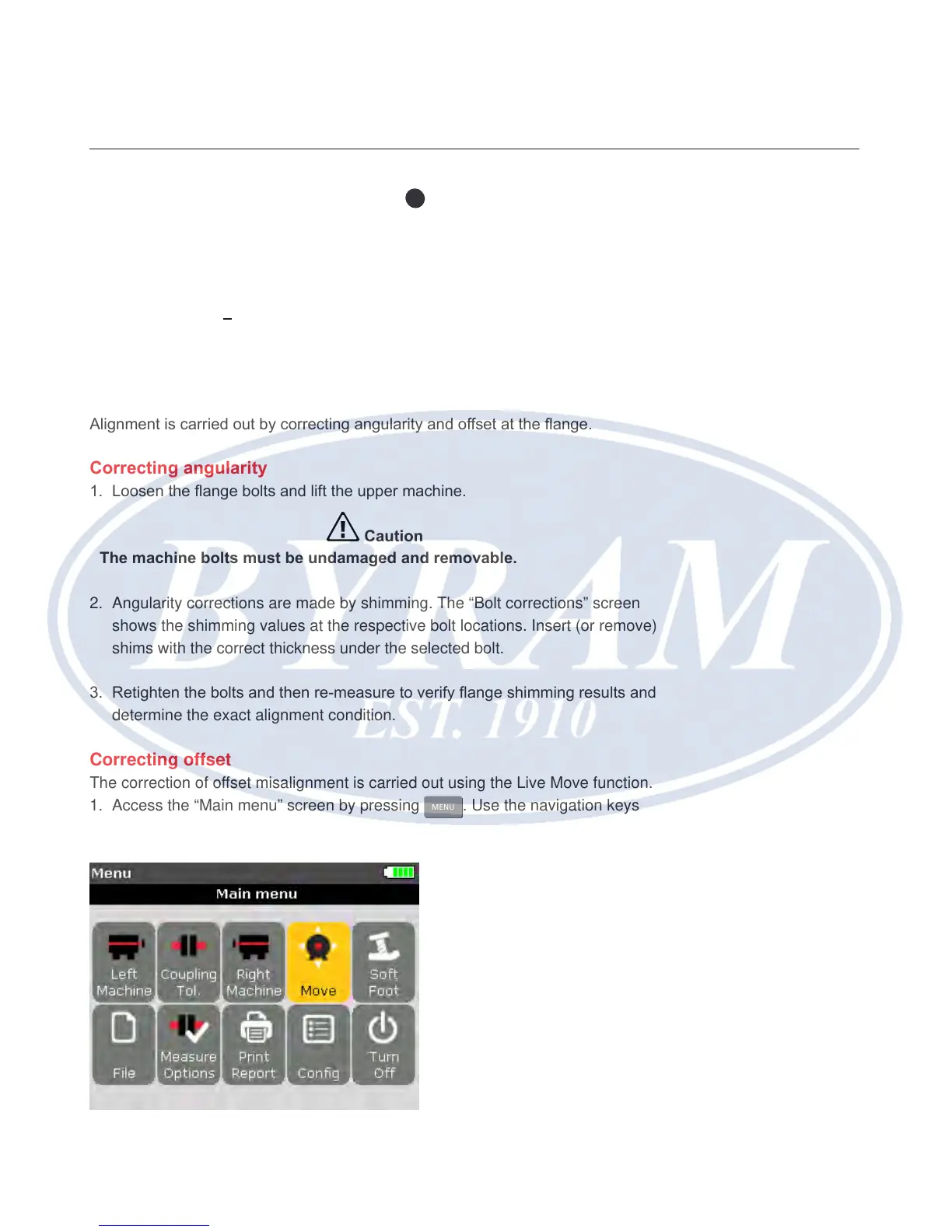
The correction of offset misalignment is carried out using the Live Move function.
1. Access the “Main menu” screen by pressing
MENU
. Use the navigation keys
and highlight the ‘Move’ icon.



 To Next Page