29
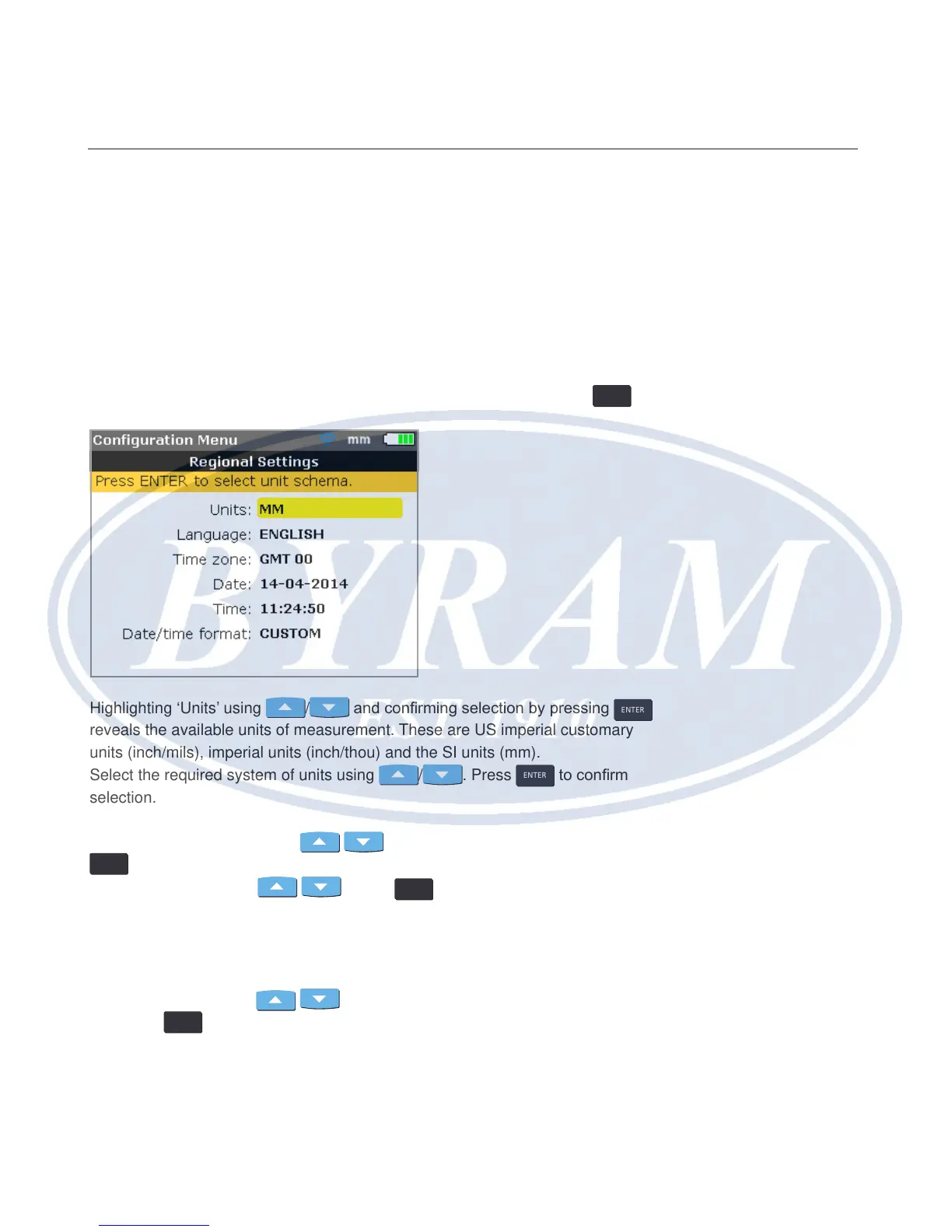
Regional settings
This option is used to set the units of measurement, the preferred country
language, current date and time.
Note
The country language determines the format in which the date can be dis-
played.
The screen is opened from the conguration menu. Use the navigation keys to
highlight the “Regional settings” icon then conrm selection by pressing
ENTER
.
Highlighting ‘Units’ using
/ and conrming selection by pressing
ENTER
reveals the available units of measurement. These are US imperial customary
units (inch/mils), imperial units (inch/thou) and the SI units (mm).
Select the required system of units using
/ . Press
ENTER
to conrm
selection.
Highlighting ‘Language’ using
/ and conrming selection by pressing
ENTER
displays a list of the available country languages. Select the preferred
country language using
/ . Press
ENTER
to conrm selection.
Note
Before the country language is set, a hint appears requesting whether the
units, date and time format should also be changed to match the default
language values. Use
/ to select action required and conrm by
pressing
ENTER
.
Configuration and data management
Regional settings



 To Next Page