830
Users Manual
30
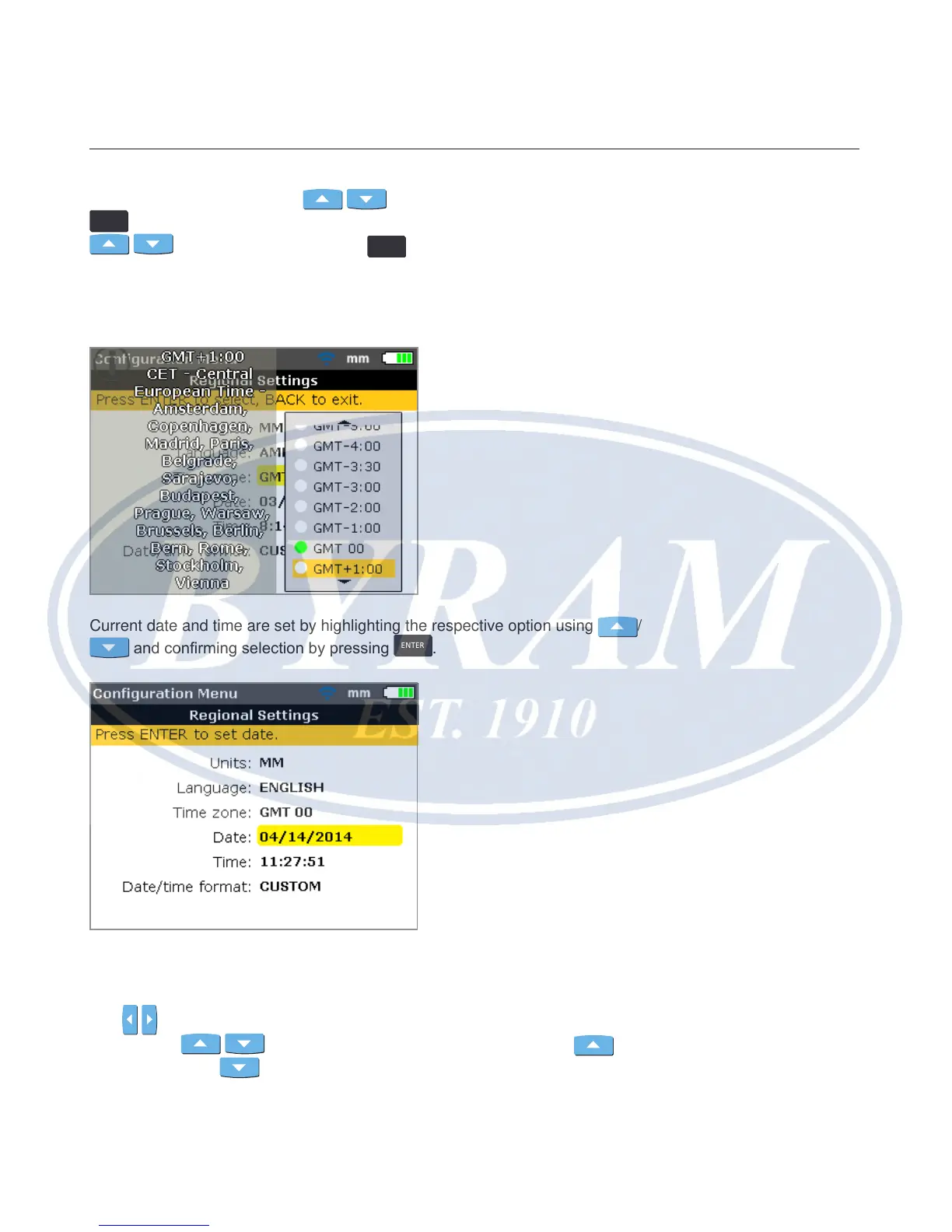
Highlighting ‘Time zone’ using / and conrming selection by pressing
ENTER
displays the different time zones. The required zone is selected using
/ and conrmed by pressing
ENTER
.
When a time zone is initially highlighted, a hint appears displaying major world
cities within the selected time zone. Note that changing the time zone automati-
cally alters the time set.
Current date and time are set by highlighting the respective option using
/
and conrming selection by pressing
ENTER
.
Note
The date format displayed here is set via the option ‘Date/Time format’.
Use
/ to navigate through the date (day, month or year – dependent on
format). Use
/ to set the highlighted date component. Use to
advance date and
to reverse date.



 To Next Page