31
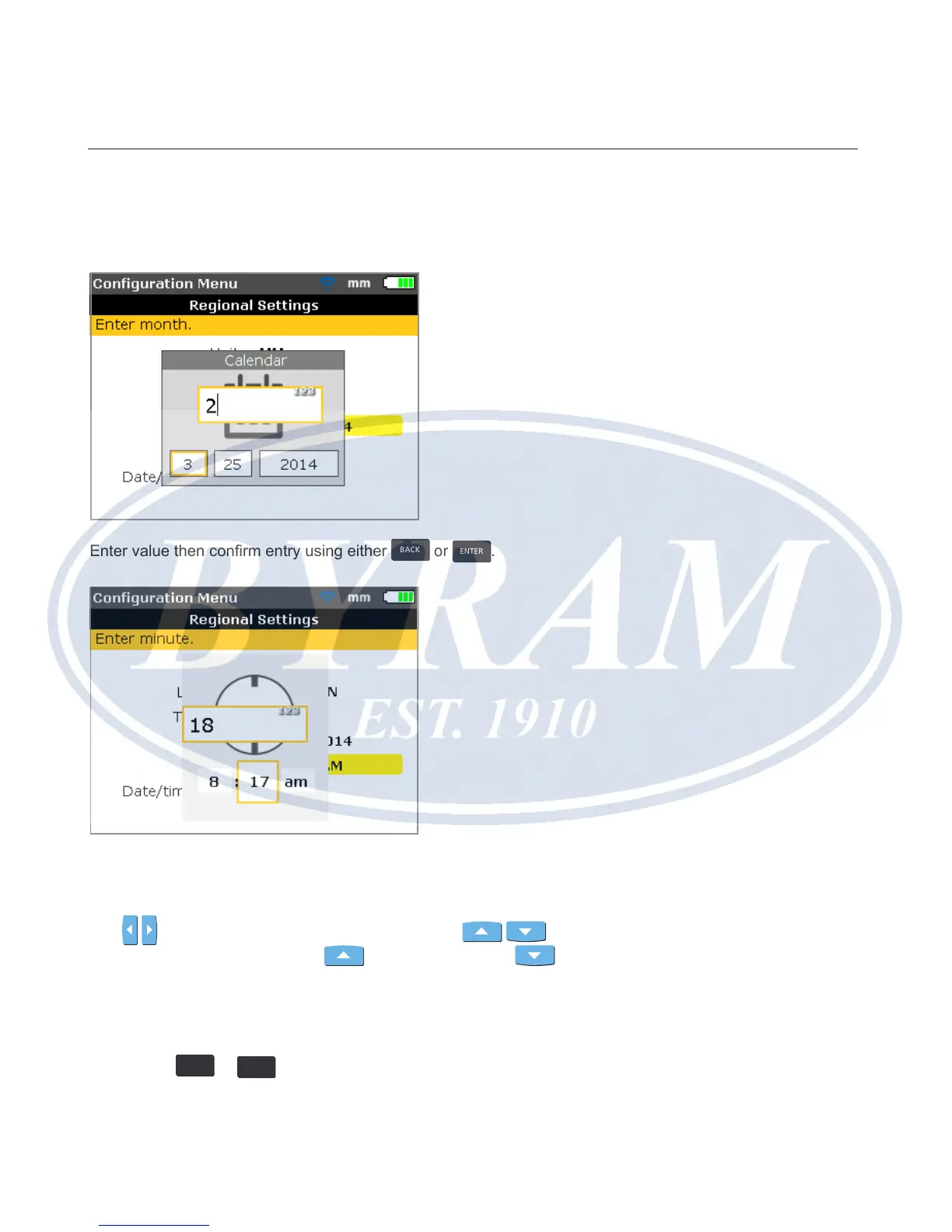
Alternatively, use the data entry keys to set the date. With the required date
component highlighted, enter the new date component using the data entry keys.
On pressing the rst key, the editing box appears.
Enter value then conrm entry using either
BACK
or
ENTER
.
Note
The time format displayed here is set via the option ‘Date/Time format’.
Use
/ to toggle between hours and minutes. Use / to set the
highlighted time component. Use
to advance time and to reverse
time.
Alternatively, use the data entry keys to set the time. With the required time
component highlighted, enter the new time component using the data entry keys.
On pressing the rst key, the editing box appears. Enter value then conrm entry
using either
BACK
or
ENTER
.
Configuration and data management
Regional settings



 To Next Page