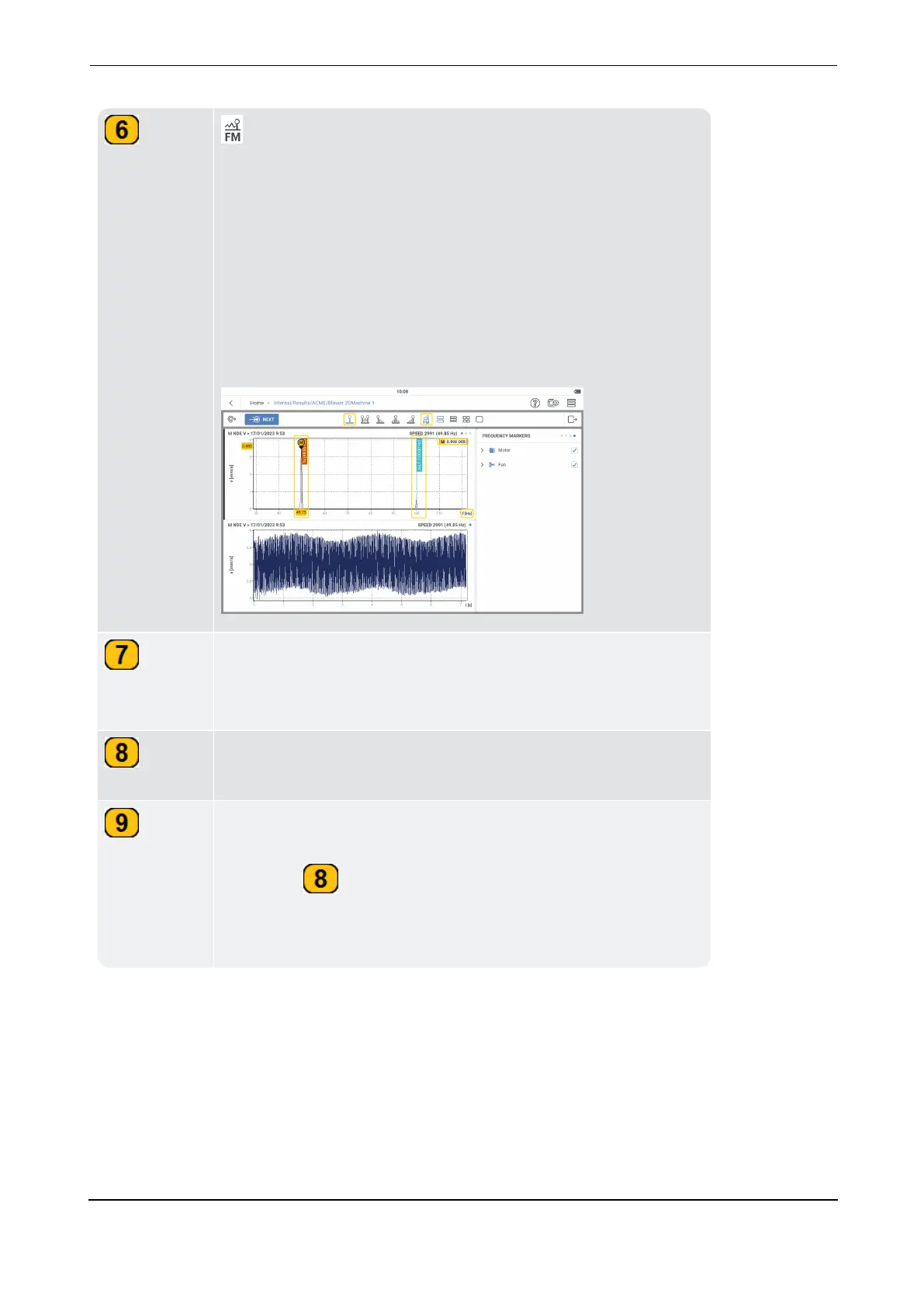
– The frequency marker is used to identify the char-
acteristic asset and component frequencies in a spectrum. Fre-
quency markers are related to the used speed. The main
cursor shows the frequency at which the asset operates. An
additional cursor shows the spectrum at twice line frequency
(2 x LF).
Frequency markers are defined for each hierarchy in the asset.
This is done in the kinematic model. Check the necessary hier-
archy check box to show the wanted frequency marker.
The bold line next to graph shows the currently selected
graph. The cursor functions are active on only the selected
graph.
The cursor information box shows necessary cursor inform-
ation.
The cursor frame shows both the main and delta cursor inform-
ation. This information is available also in the cursor inform-
ation box ( ). The cursor frame shows also information for
the currently selected cursor; this could be harmonics, side-
band or subsynchronous.



 To Next Page