Shows live values. The shown vibration and dis-
placement parameters are set when ( ) is
tapped (see in the table).
Tap the progress bar to cycle through a summary of
the machine train which includes:
– the machine train (1); – number of measure
locations still to be measure on the train; – estim-
ated time to complete to measure the machine train.
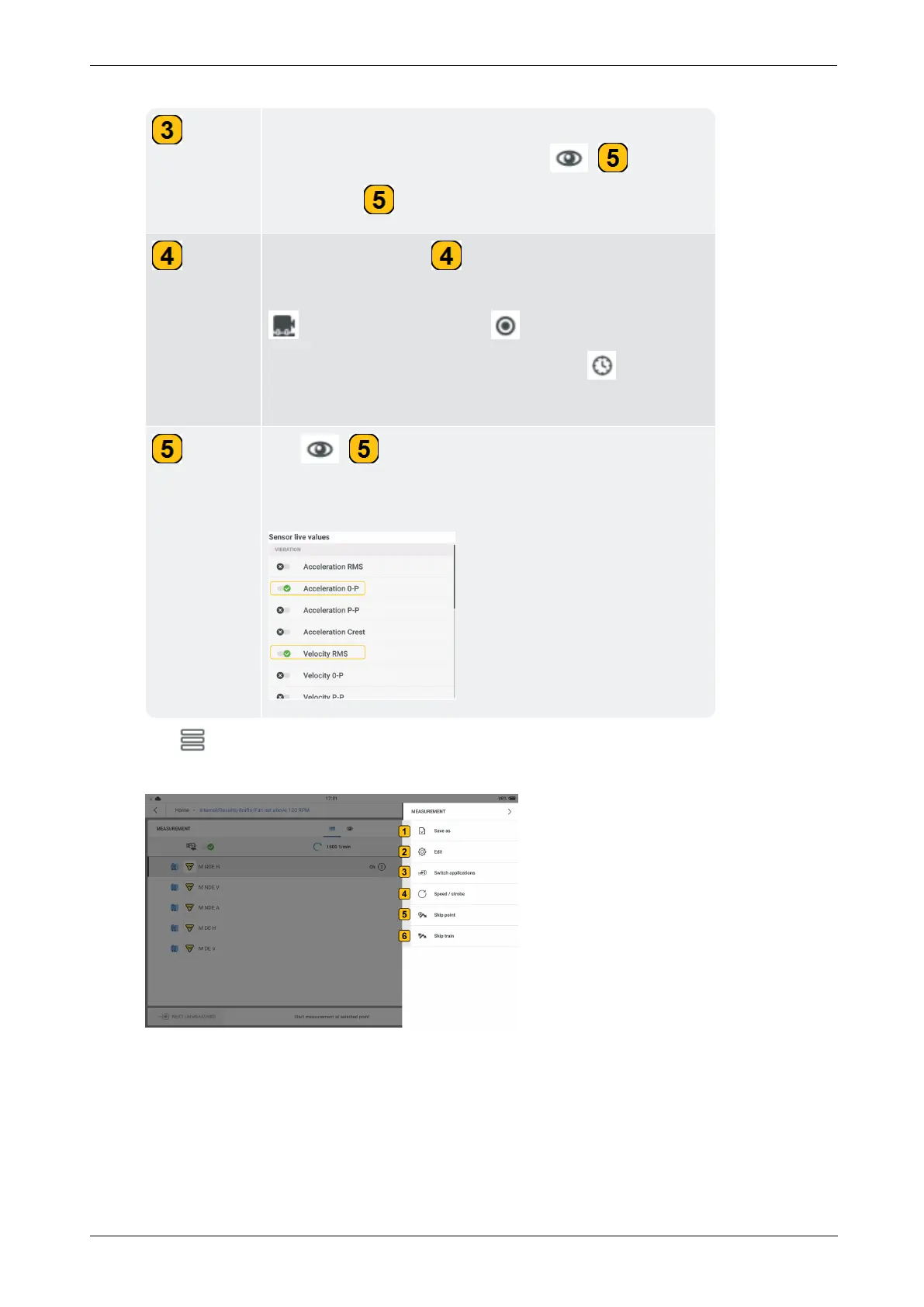
Tap ( ) to show the vibration parameters that
can be selected to be shown live on the display. A max-
imum of two parameters can be shown on the screen.
.



 To Next Page