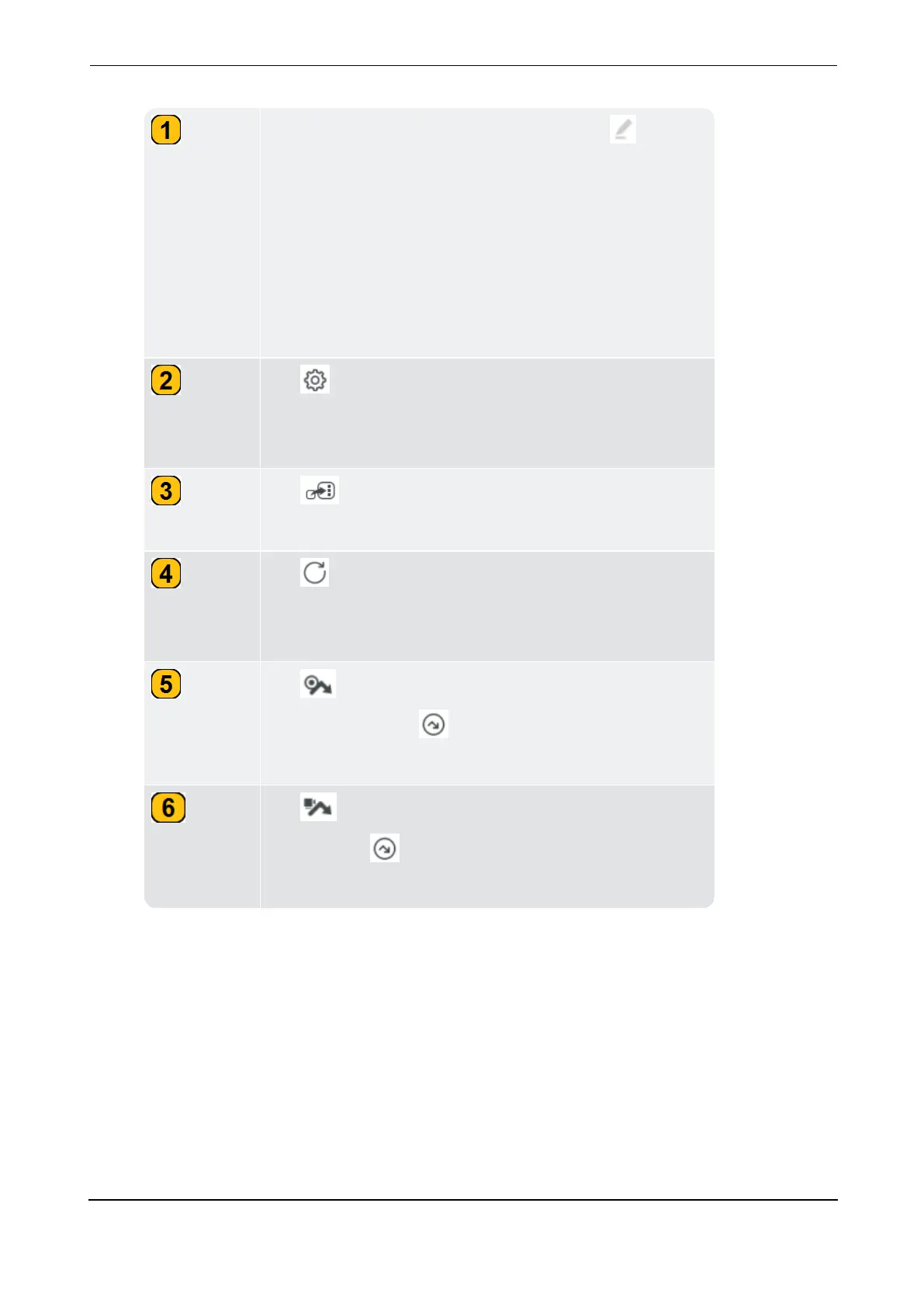
Used to save asset result for future use. Tap then use
the alphanumeric keyboard and edit the name of the
asset. Tap APPLY CHANGES> SAVE to save the asset
in the selected path. Assets saved on the device are loc-
ated in the file manager.
Note: If a machine template is opened and cannot be
saved (due to power interruption), a draft of the file is
automatically saved in drafts folder in the file manager.
Tap to open the
Configuration
screen where meas-
ure locations can be edited, measure tasks assigned,
alarm thresholds and band values set .
Tap to switch applications from vibration analysis
to field balancing and vice versa.
Tap to enter RPM manually or confirm the given RPM
using a stroboscope or measure machine speed with
keyphasor .
Tap to skip all measure tasks for the selected loc-
ation. This symbol ( ) is shown on the skipped meas-
ure location.
Tap to skip all measure tasks for the machine train.
This symbol ( ) is shown on all measure locations on
the machine.



 To Next Page