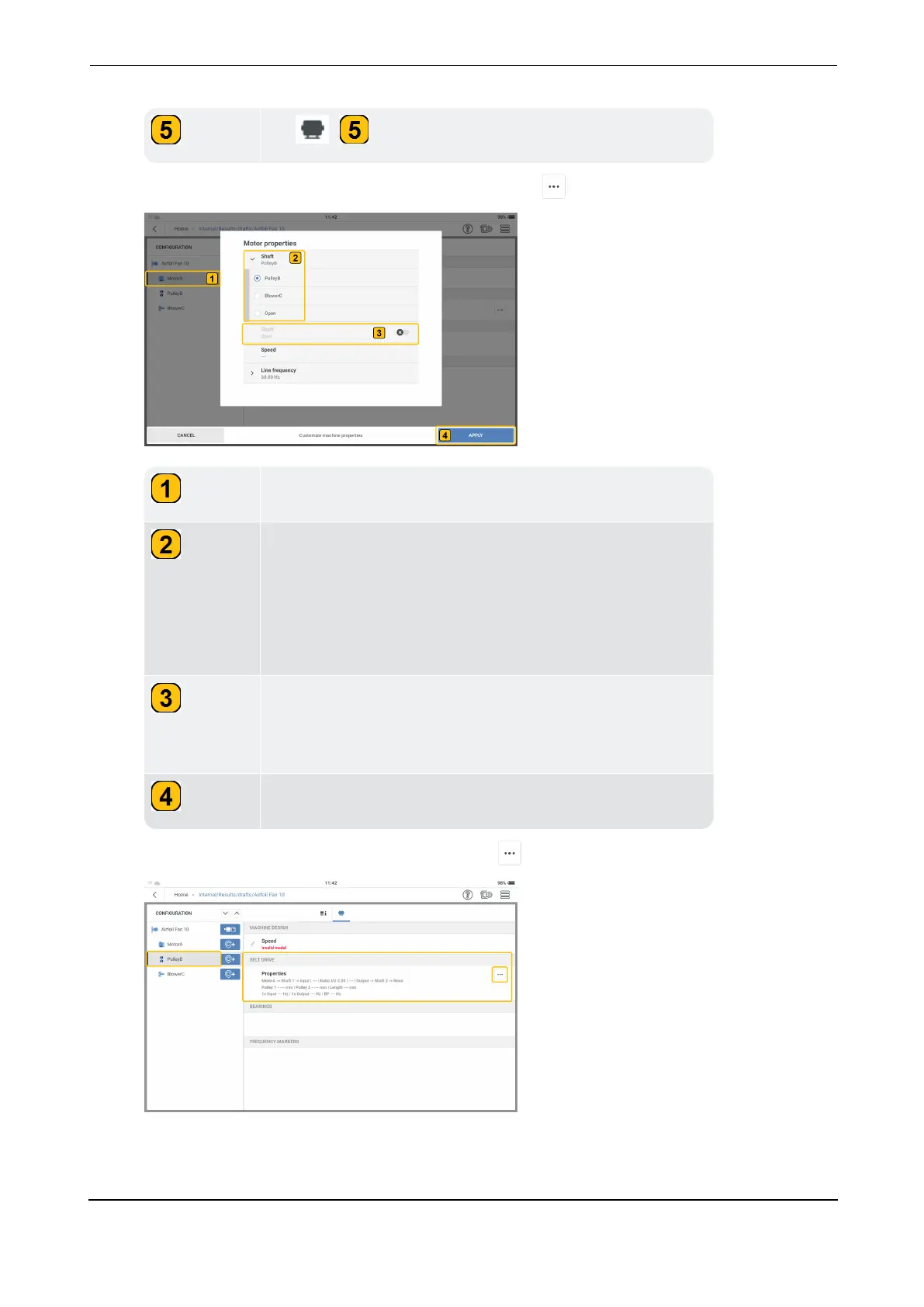
Shows selected machine; in this example, the motor.
Shows the shaft connections for the machine. Standard
machines like motors and blowers have a single shaft
connection. Belt drives have two shaft connections. In
this example, the motor shaft is connected to the belt
drive (PulleyB).
Shows a second shaft connection. In this example, their
is only one shaft connection. Thus, the second shaft con-
nection is set off.
Tap APPLY to confirm edited properties.



 To Next Page