l
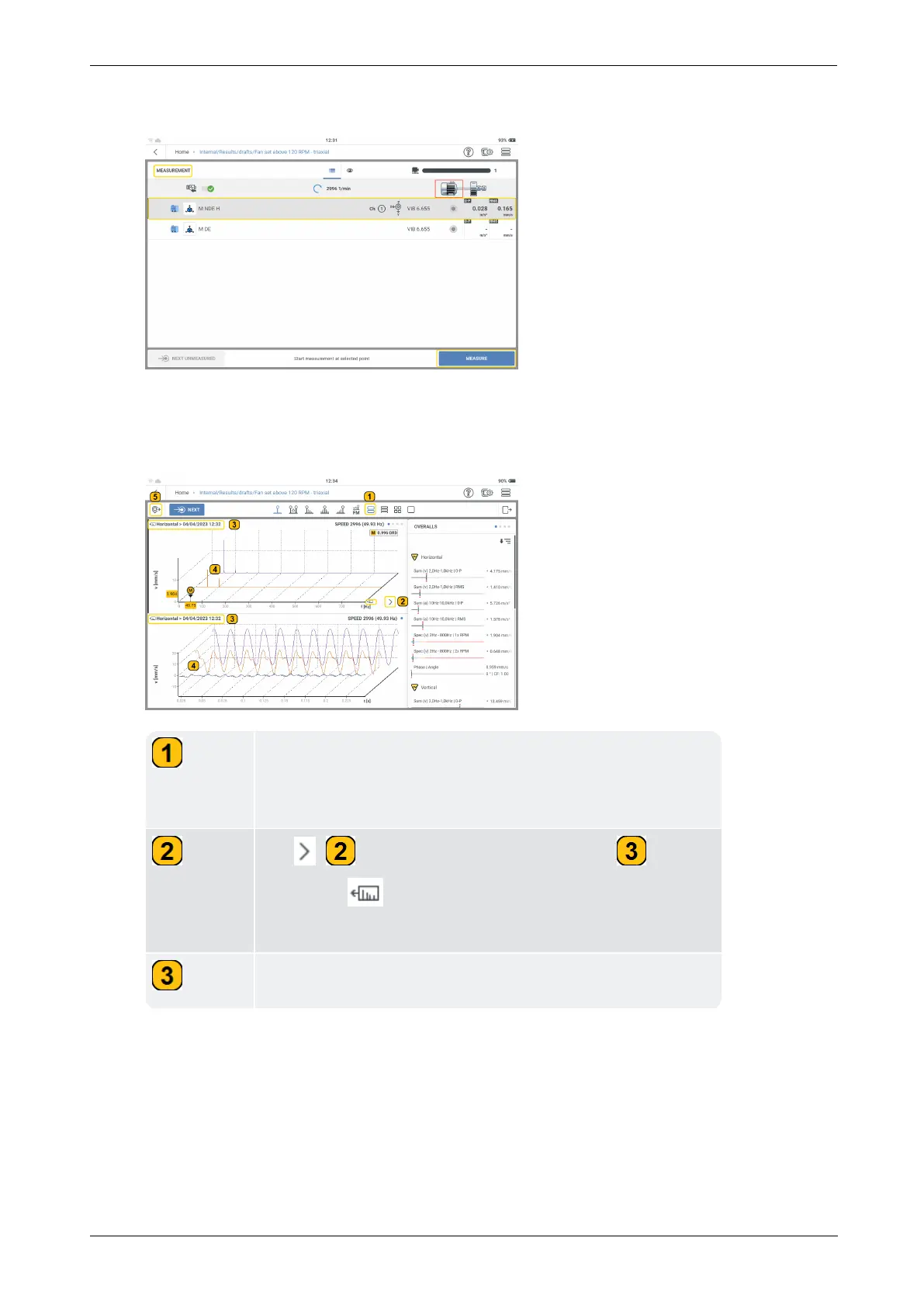
In the measurement screen, select the triaxial sensor measure location.
l
To measure, tap MEASURE. Alternatively, press either of the two yellow device
ENTER buttons.
l
After a location has been measured, results are shown.
In this example, the main screen has been split into two,
and shows the velocity spectrum and the time waveform.
Scroll the pages to see other spectra .
Tap ( ) to cycle through the three axes ( ). The
scale icon ( ) shows currently highlighted axis (hori-
zontal in this example).
Shows highlighted axis (horizontal in this example).
88 Version:1.0
On-board help



 To Next Page