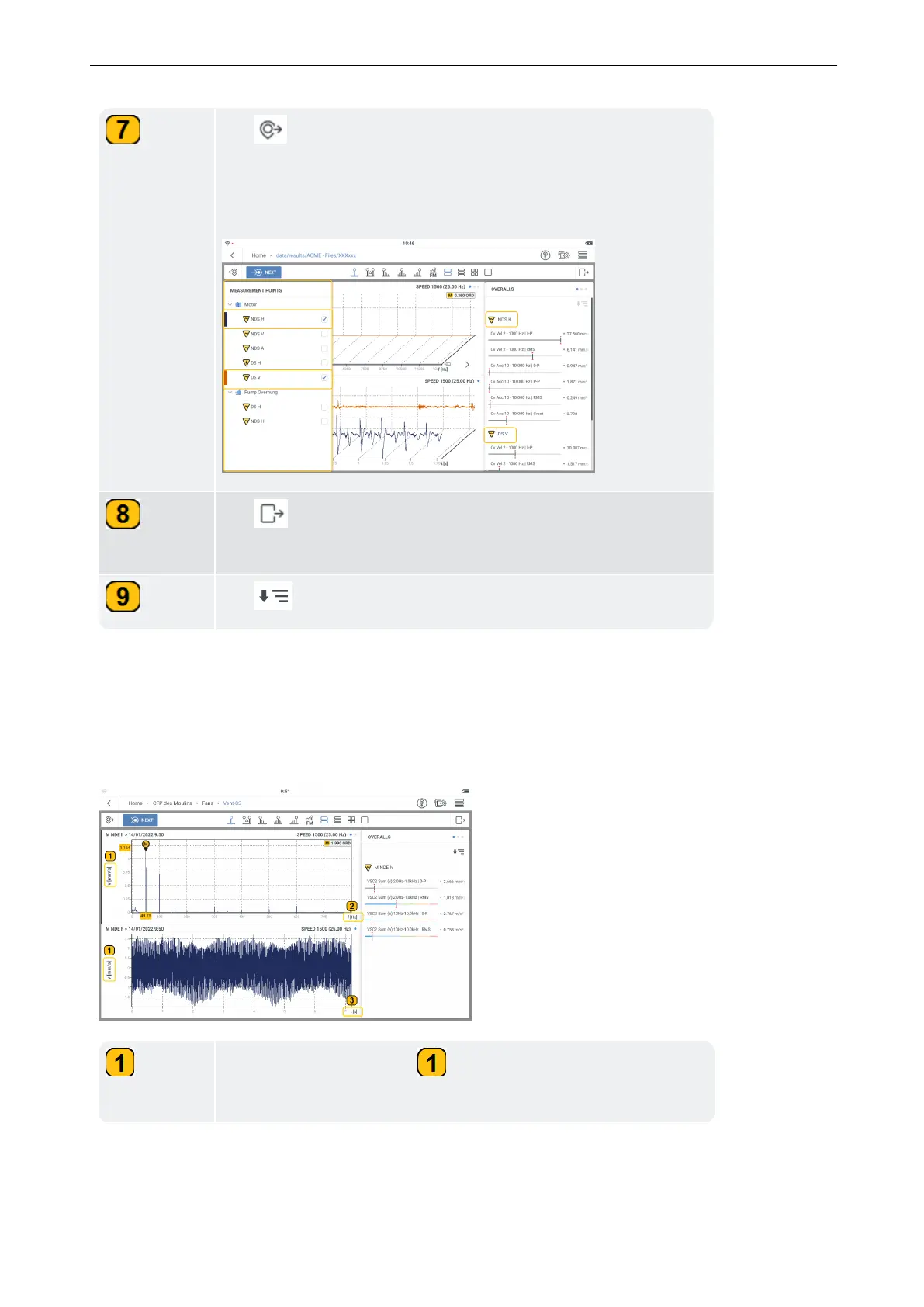
Tap to open the
Measurement Points
frame. The frame
shows all measure locations on the machine train. To show res-
ults of locations already measured for comparison, check the
related boxes.
Tap to close the
Overall/Max 10/Cursors/FM
frame.
This enlarges the main screen.
Tap to show more overall values.
The results shown in VIBXPERT 3 are based on a trending spectrum (refer to related topic).
In results, both x and y-axis parameters and/or quantities can be changed as necessary.
The y-axis can be made to toggle from a velocity vibration parameter to an acceleration vibra-
tion parameter and vice versa.
The x-axis can be made to change the x-axis quantity units.
Tap the parameter label ( ) to toggle the vibration spectrum
between velocity and acceleration.
92 Version:1.0
On-board help



 To Next Page