62 Chapter 2 Working with DaqLab
Measure two reference values
Before taking measurements you need to disable the temperature compensation both in DaqPRO
and in the calibrator.
To disable the temperature compensation in DaqPRO:
Click Logger on the menu bar, point to Thermocouple Compensation, and then click Disable.
Note: Don’t forget to enable the temperature compensation prior to normal operation of DaqPRO. One
way to enable the temperature compensation is to turn DaqPRO off and on again. Another way is via
DaqLab: Click Logger on the menu bar, point to Thermocouple Compensation, then click Enable.
To take two reference measurements
Measure two known reference values and record both the reference values and the values displayed by
DaqLab. Calculate the offset values.
The offset value is the difference between the value displayed by DaqPRO and the reference value. For
example, if the calibrator is set to 0 °C and DaqPRO reads 1 °C the offset value is +1, but if DaqPRO
reads −1 °C then the offset value is −1.
Enter the offset value
a. Connect DaqPRO to the PC.
b. Click Logger on the menu bar, then click Calibration > Calibrate Sensors.
c. Enter the calibration password, then click OK.
d. Choose a sensor from the Select sensor drop-down menu and click OK to open
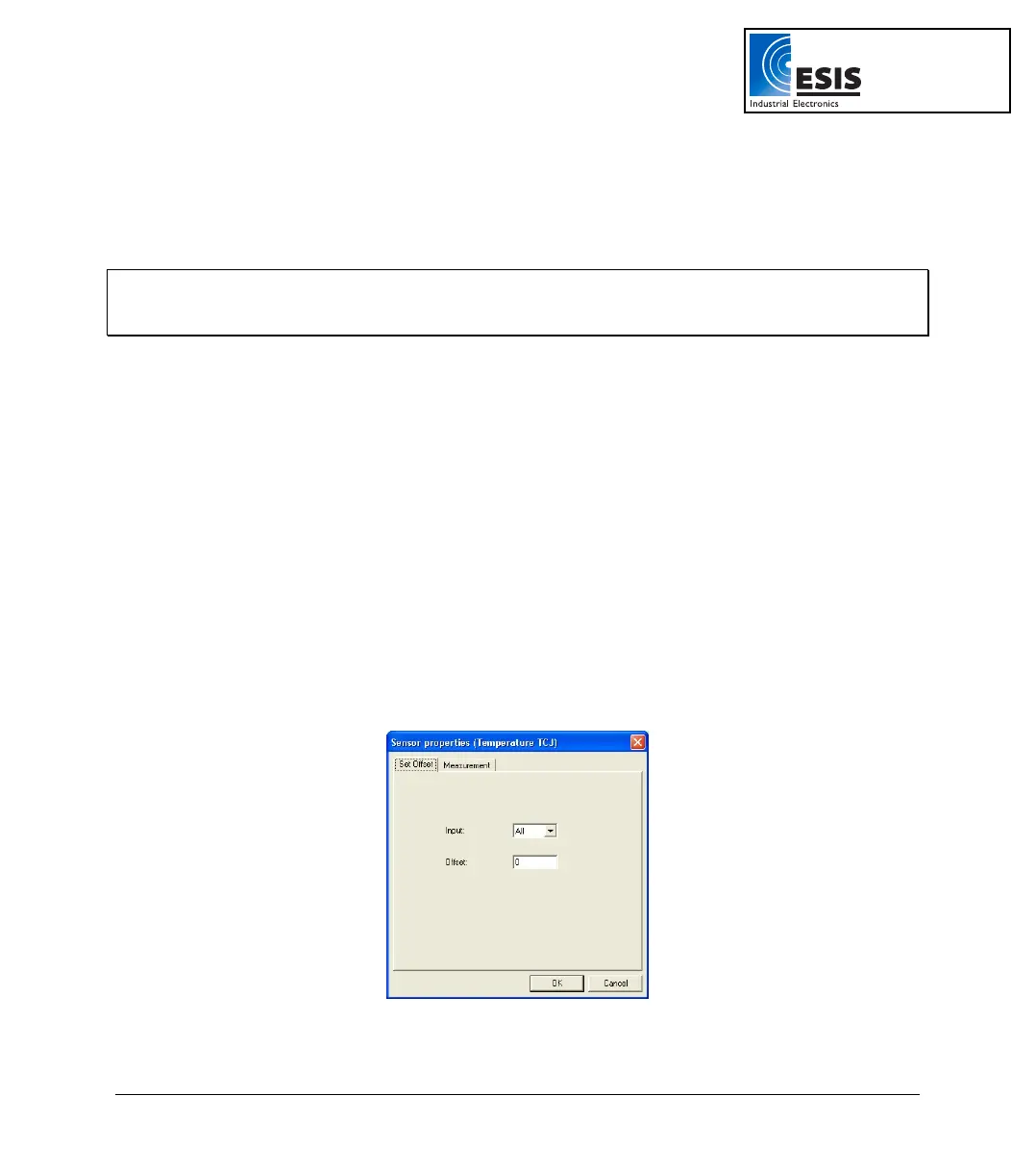
the Sensor calibration dialog box:
Figure 20: Offset calibration dialog box
www.esis.com.au
Ph 02 9481 7420
Fax 02 9481 7267
esis.enq@esis.com.au



 To Next Page