90
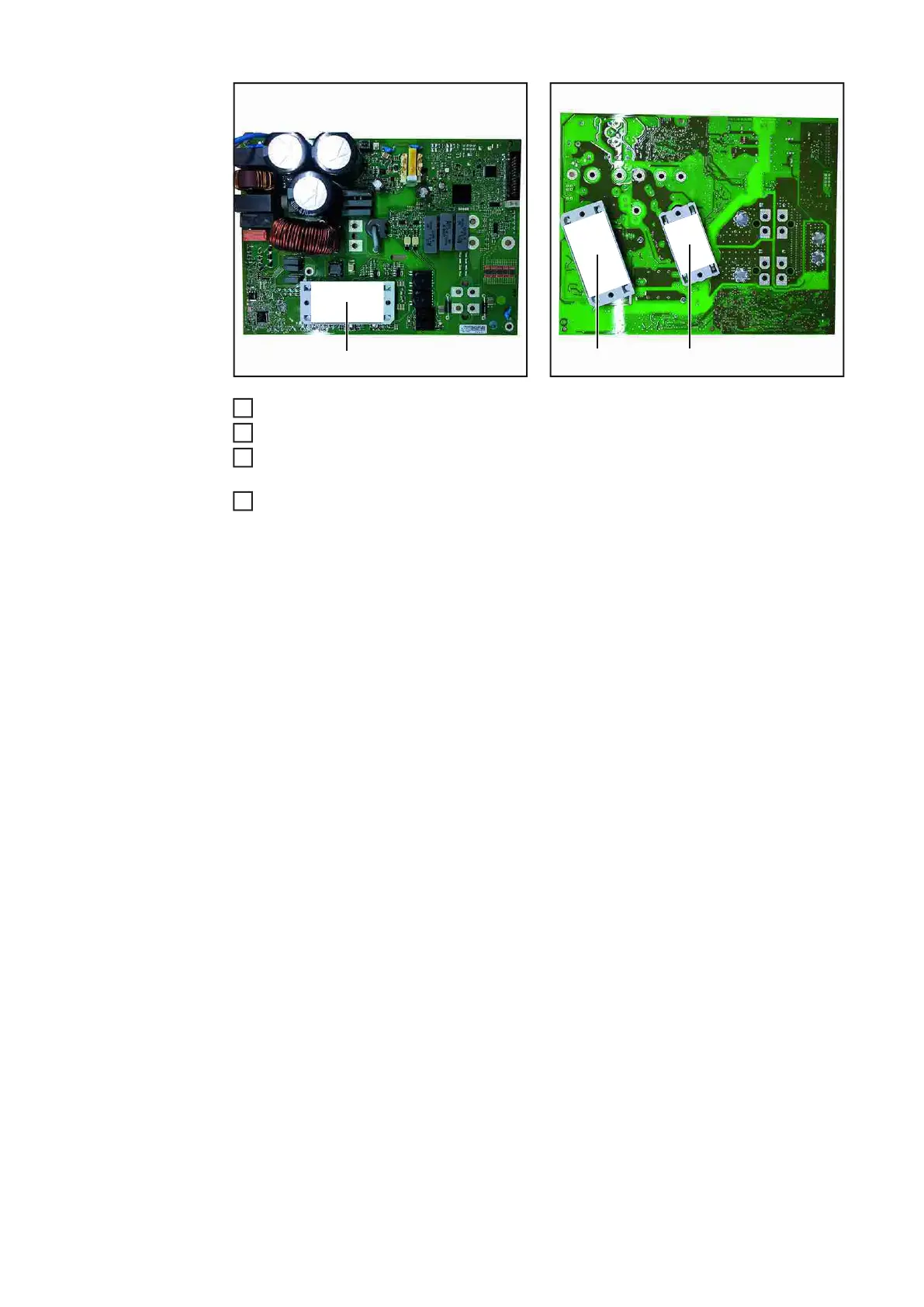
BPS1500 PC board PCM film 42,0200,0030 (4)
BPS1800 PC board PCM film 42,0200,0030 (4) + PCM film 42,0200,0031 (5)
Install the BPS1500 / BPS1800 PC board as described in the section "Installing the
BPS1500 PC board / Installing the BPS1800 PC board"
Close the housing as described in section "Closing the TP150 housing / Closing the
TP180 housing"
(4)
(4) (5)
7
8
9
10




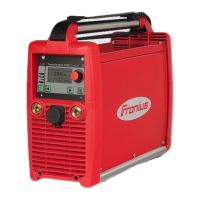

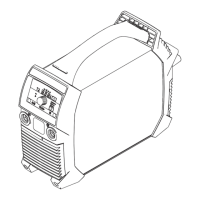
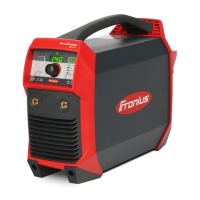


 To Next Page