USING SETUP MODE
5-24 User's Manual
Table 5.4 MENU1 and MENU2 Items and Options (Cont.)
NOTES:
• Underlined options are the factory defaults.
• Asterisks identify items and options that differ for the IBM XL24E
and Epson ESC/P2 emulations. The notes are defined at the end of
the table.
MENU1 and
MENU2 Items
Options Description
<PG LX10>
setting for
setting
number of
lines per
page
0 LINE, 10 LINE, 20 LINE, 30 LINE 40
LINE, 50 LINE, 60 LINE, 70 LINE 80 LINE,
90 LINE
• The LINE setting depends on the line
spacing setting 'LINE SP'.
• When 0 LINE is set, the line spacing
value is 11.0 IN (only when both 'PG
LX10' = '0 LINE' and 'PG LX1' = '0
LINE' are set).
<PG LX1>
Ones value
setting for
setting
number of
lines per
page
0 LINE, 1 LINE, 2 LINE, 3 LINE 4 LINE, 5
LINE, 6 LINE, 7 LINE 8 LINE, 9 LINE
• The LINE setting depends on the line
spacing setting 'LINE SP'.
• When 0 LINE is set, the line spacing
value is 11.0 IN (only when both 'PG
LX10' = '0 LINE' and 'PG LX1' = '0
LINE' are set).
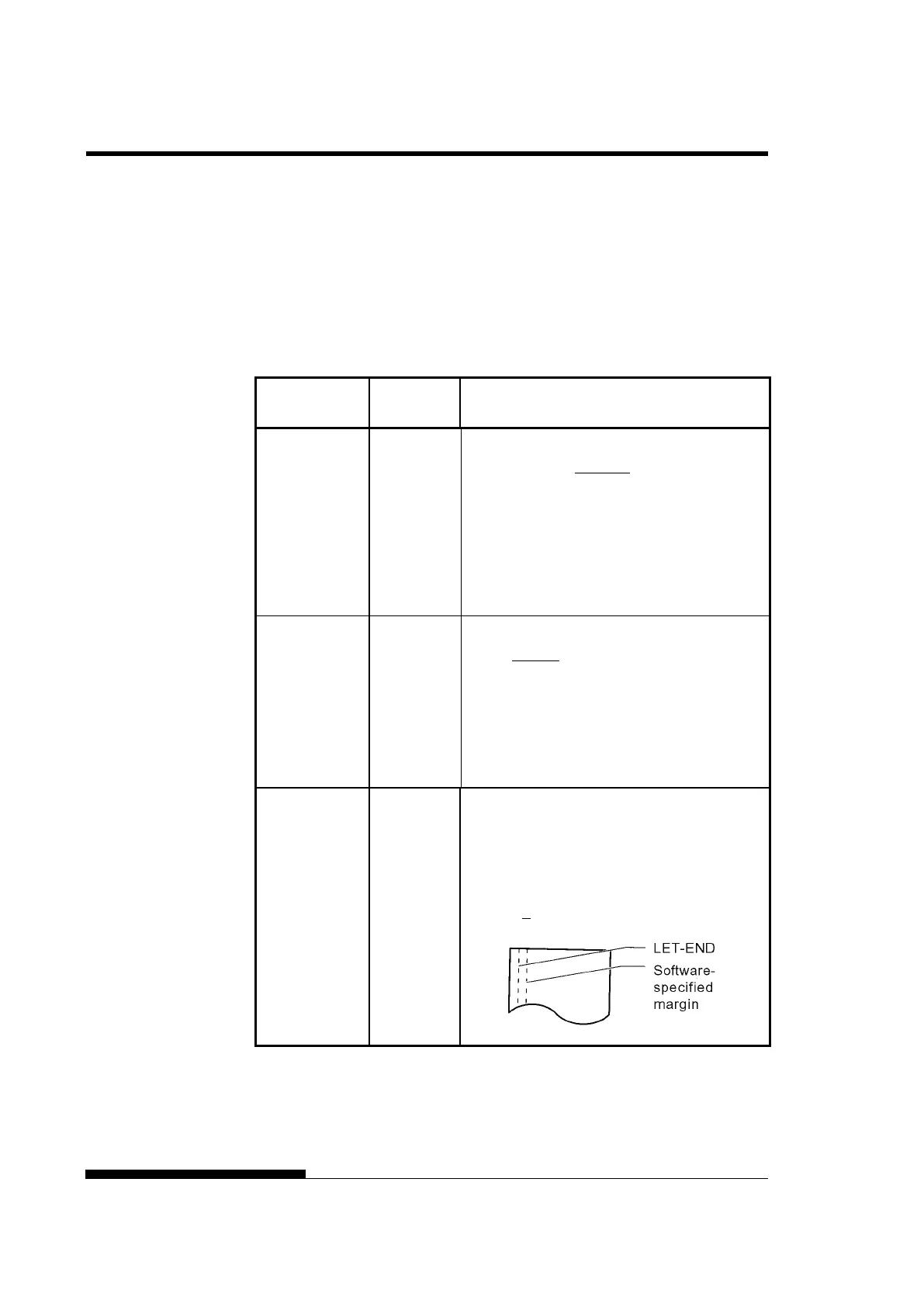
<LFT-END>
Specifies the print start column for changing
the left margin. Printing starts at the position
given by this column plus your software-
specified left margin.
## COLM Column 1, 2, 3, ..., 41



 To Next Page