PAPER HANDLING
3-8 User's Manual
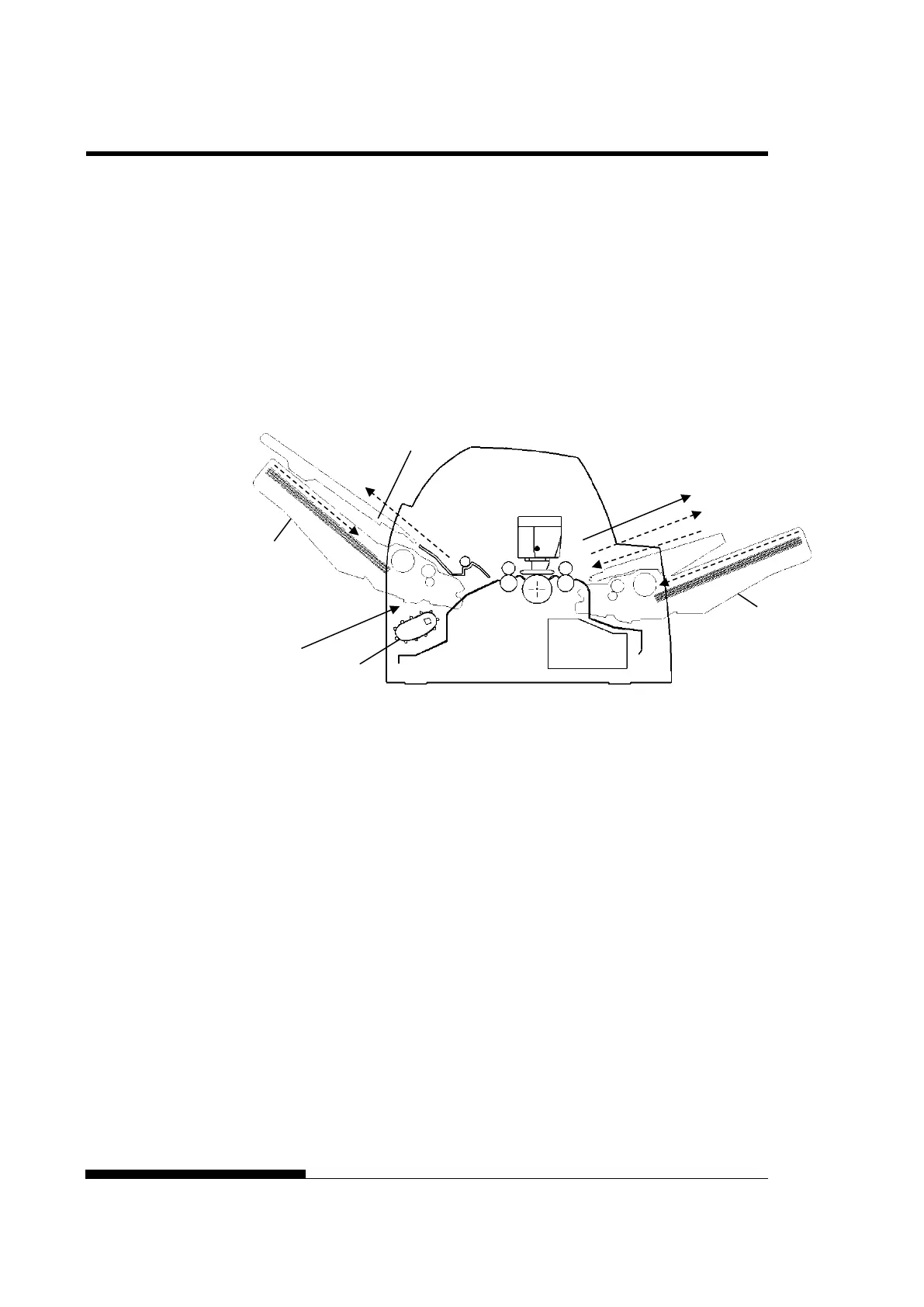
With rear tractor and front and rear optional cut sheet feeder
and large stacker.
In addition, the front and rear tractor (either is optional) can be mounted.
(2) Rear tractor → Print → Front eject
(3) Paper table → Print → Paper table
(4) Paper table → Print → Rear stacker
(5) Front cut sheet feeder → Print → Paper table
(6) Front cut sheet feeder → Print → Rear stacker
(7) Rear cut sheet feeder → Print → Paper table
(8) Rear cut sheet feeder → Print → Rear stacker
NOTES
When remaining the ejected cut sheet on the paper table, the
REMOVE PAPER indicator blinks and the printer stops printing.
Before restarting printing, be sure to remove the cut sheet.
You must remove cut sheets one by one immediately after ejection.
This is required because the printer may load an ejected sheet again
or an ejected sheet may push the previous sheets out of the printer.
When printing thin paper, multipart copy paper, or large size paper,
frequently remove the paper from the rear stacker or the paper table.
feeder



 To Next Page