136
How to operate the Sound Adjustment Mode
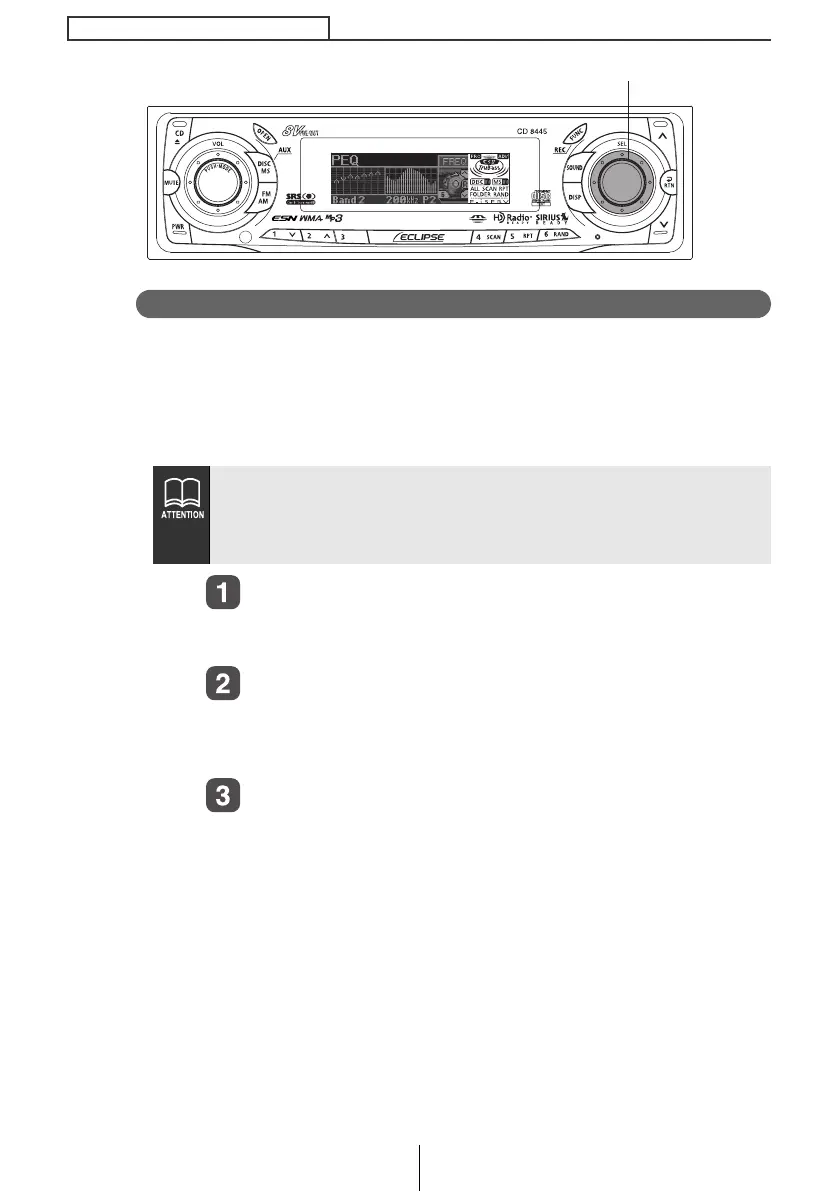
Measuring/display frequency characteristic
Frequency characteristics inside the vehicle can be measured and
displayed on the display. The measurement result can be referred
to when adjusting parametric equalizer. This result is also
necessary to automatically correct parametric equalizer setting
using E-iSERV sound effect customizations.
Connect the accessory microphone with a RCA
connector to the L-CH of the AUX jack of the deck.
The selection item will be highlighted.
Turn the [SEL] button to select the PEQ.
Align the microphone with the actual ear position and attach it
to the headrest or other appropriate fixture. (Attach the
microphone using tape or string.)
Press the [SEL] button.
The mode will be change to parametric equalizer adjustment
mode.
● Adjust time alignment (see page 139) and crossover (see page
145) before measuring frequency characteristics.
● When measuring frequency characteristics, CSII and Loudness
settings are automatically cancelled.
[SEL] button
CD8445.book 136 ページ 2004年12月13日 月曜日 午前11時30分



 To Next Page