147
How to operate the Sound Adjustment Mode
IX
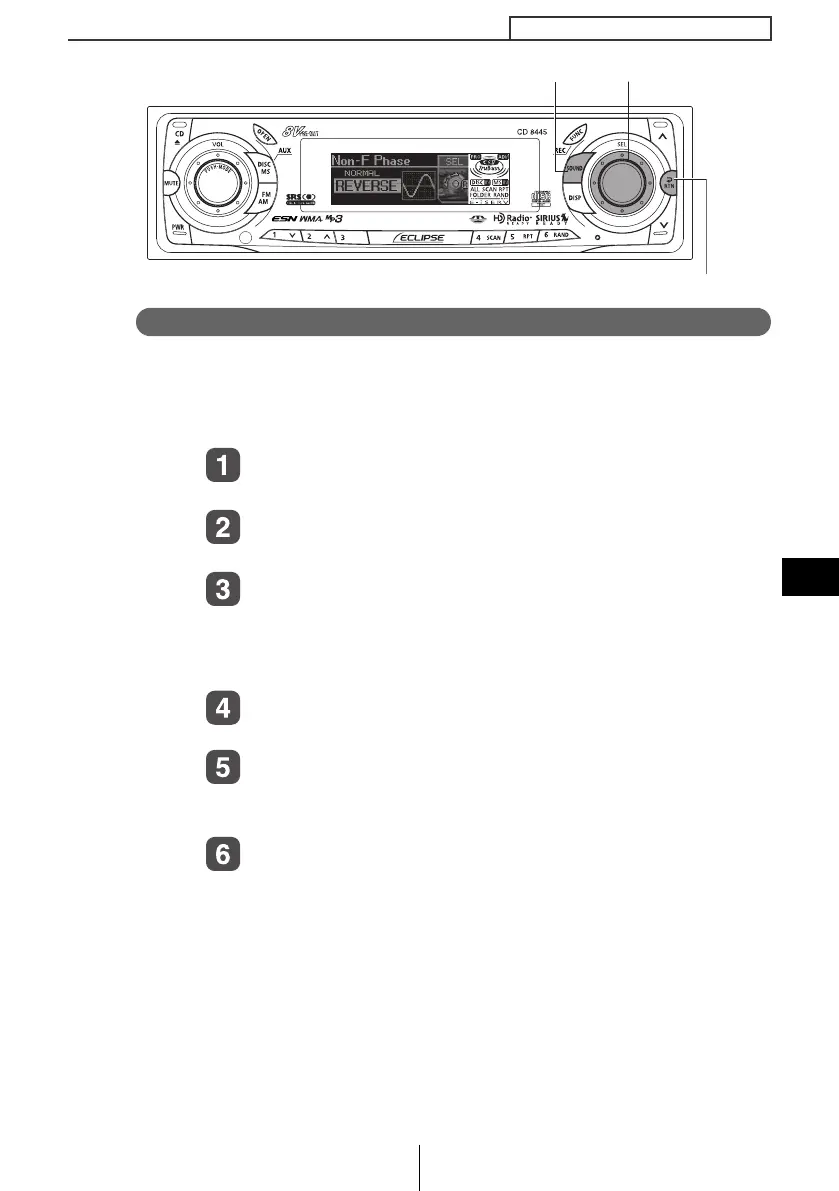
Non-fader phase selection (Non-F Phase)
The merging of sound between the front and rear speakers and the
woofer can be improved by selecting the phase.
Switch to a phase which lets the speakers combine without any
disharmony.
Turn the [SEL] button to select Non-F Phase.
The selected item will be highlighted.
Press the [SEL] button.
The mode will change to phase selection mode.
Turn the [SEL] button to select NORMAL or
REVERSE.
NORMAL:Normal phase
REVERSE:Reverse phase
Press the [SEL] button.
The selected settings will take effect.
Press the [RTN] button.
At this time, other adjustments can also be made in advance
mode.
Press the [SOUND] or [RTN] button to exit sound
adjustment mode.
[SOUND] button
[RTN] button
[
EL] button
CD8445.book 147 ページ 2004年12月13日 月曜日 午前11時30分



 To Next Page